


01
Aurora Engine for Cinematic Output
The Aurora engine behind Grok Imagine AI Video Generator specializes in rich color grading, dramatic lighting, and film quality composition. Every clip has a polished, theatrical feel.
Generate short video clips from text and images with Grok Imagine AI Video Generator. Powered by xAI's Aurora engine, create 6 to 15 second clips with smooth motion and cinematic quality.
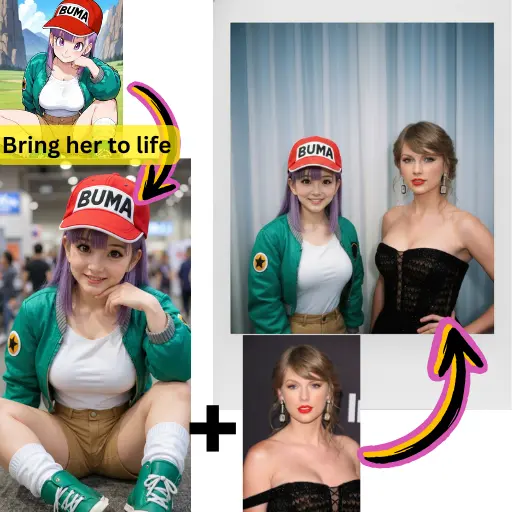
The Aurora engine behind Grok Imagine AI Video Generator specializes in rich color grading, dramatic lighting, and film quality composition. Every clip has a polished, theatrical feel.
Grok Imagine AI Video Generator produces clips between 6 and 15 seconds, giving you enough length for social media posts, product reveals, and short narrative sequences.
Start from a written description or upload a reference photo. Grok Imagine AI Video Generator handles both input types and translates them into fluid video with strong visual storytelling.
Grok Imagine AI Video Generator applies professional color grading and composition automatically. Your clips look like they went through a post production pipeline even though they were generated in seconds.
Built on xAI's language models, Grok Imagine AI Video Generator understands nuanced descriptions. Abstract concepts, emotional tones, and complex scene layouts translate accurately into visual output.
The 6 to 15 second range from Grok Imagine AI Video Generator fits perfectly into Instagram Reels, TikTok posts, YouTube Shorts, and ad placements without trimming or padding.
Describe the video you want in natural language or provide a reference photo. Grok Imagine AI Video Generator works best with prompts that include mood, lighting, and action details.
Choose Grok Imagine AI Video Generator in the model picker on AI Photo Editor. Set your preferred clip duration between 6 and 15 seconds.
Hit generate and watch the Aurora engine produce your clip. Refine the prompt if needed and download the final video in full quality.
Grok Imagine AI Video Generator is a video creation tool from xAI powered by the Aurora rendering engine. It generates 6 to 15 second video clips from text prompts and images with cinematic visual quality.
Yes. AI Photo Editor offers free credits for new users to try Grok Imagine AI Video Generator. Create your first clips without any payment or subscription.
Aurora is xAI's visual rendering engine that powers Grok Imagine AI Video Generator. It specializes in cinematic color grading, dramatic lighting, and film quality composition for every generated clip.
Grok Imagine AI Video Generator creates clips between 6 and 15 seconds. This range covers most social media formats and short form content needs.
Yes. Upload a reference photo and Grok Imagine AI Video Generator will use it as the visual foundation for your video clip, adding motion and cinematic treatment to the still image.
Grok Imagine AI Video Generator stands out for its cinematic visual style powered by the Aurora engine. It produces clips with distinctive color grading and composition that give footage a professional film quality.
Cinematic scenes, dramatic reveals, product showcases, and atmospheric content all play to the strengths of Grok Imagine AI Video Generator. The Aurora engine excels at moody lighting and rich visual depth.
Videos generated through AI Photo Editor can be used in commercial projects. Check the platform terms of service for specific licensing details related to Grok Imagine AI Video Generator output.