


01
Built In Reasoning Engine
GPT Image 2 Generator thinks through your prompt before drawing. It understands spatial relationships, object placement, and scene logic to deliver coherent results.
Generate high quality images with built in reasoning, 2K output, and accurate text rendering. GPT Image 2 delivers consistent multi image results from a single prompt.
Browse real examples made with GPT Image 2 Generator and find prompt ideas that match your creative goals.
Original Image

Change the clothes to sports
Generated Results








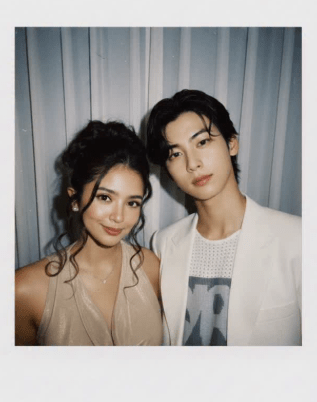
GPT Image 2 Generator thinks through your prompt before drawing. It understands spatial relationships, object placement, and scene logic to deliver coherent results.
Render readable text directly inside images. Signs, labels, logos, and captions appear clean and legible across English, Chinese, Japanese, Korean, and more.
Generate up to eight variations in a single request. Compare angles, styles, and compositions without running separate prompts each time.
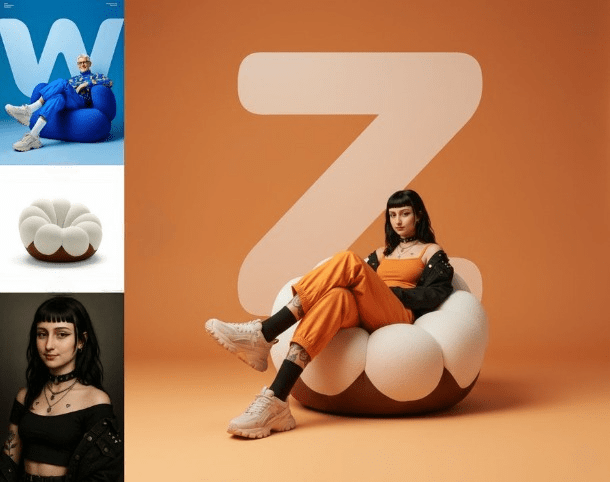
Every image from GPT Image 2 Generator comes in crisp 2K resolution, ready for print, social media, or client presentations without upscaling.
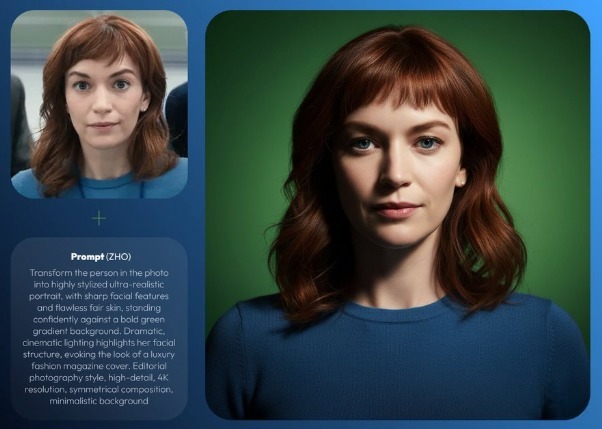
Keep characters, products, and brand elements looking the same across a series. GPT Image 2 Generator maintains visual continuity between outputs.
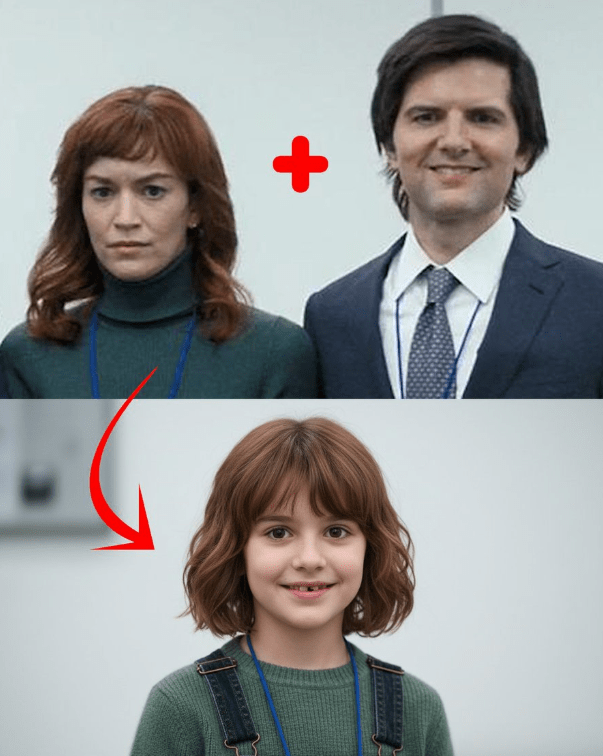
GPT Image 2 Generator can search the web for visual references before creating your image, grounding the output in real world context.
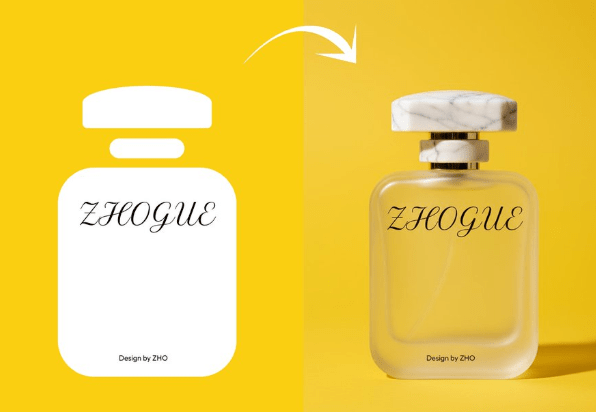
Describe the scene, subject, lighting, and style you want. GPT Image 2 Generator handles detailed multi part instructions well.
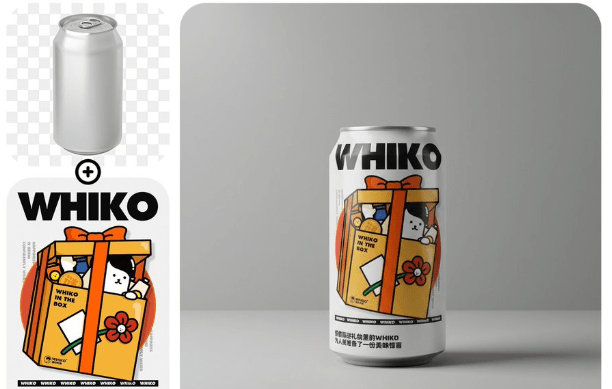
Pick GPT Image 2 from the model selector on AI Photo Editor. Adjust resolution and batch size if needed.
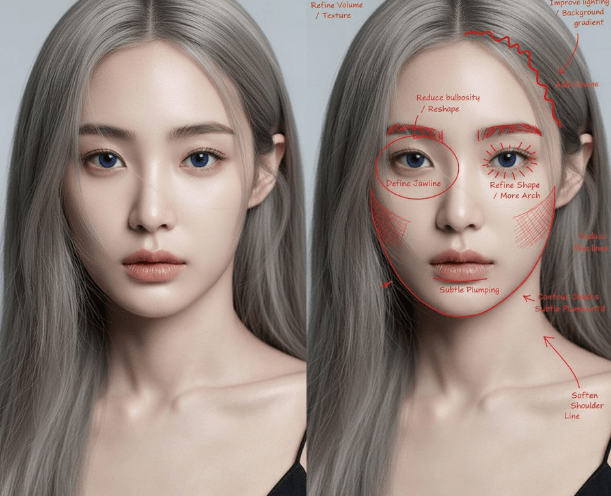
Review your results, refine the prompt if needed, and download the final images in full 2K quality.
GPT Image 2 Generator is OpenAI's latest image generation model, launched in April 2026. It uses built in reasoning to understand prompts deeply before producing images, resulting in more accurate and detailed visual output than previous models.
Yes. AI Photo Editor offers free credits for new users to try GPT Image 2 Generator without signing up. You can generate images immediately and upgrade to a paid plan when you need higher volume.
GPT Image 2 Generator renders readable text in over 12 languages directly within the image. Specify the exact words you want, and the model places them naturally on signs, labels, packaging, or any surface in the scene.
GPT Image 2 Generator outputs images at 2K resolution by default. This is sharp enough for social media posts, website banners, print materials, and product mockups without additional upscaling.
You can generate up to 8 images in a single batch request. This is useful for exploring different compositions, color palettes, or style directions from the same prompt.
GPT Image 2 Generator significantly improves on DALL-E 3 in prompt accuracy, text rendering, resolution, and multi image consistency. The built in reasoning engine gives it a deeper understanding of complex scene descriptions.
Yes. Upload a photo and describe the changes you want. GPT Image 2 Generator can modify backgrounds, swap objects, adjust lighting, and restyle images while preserving the parts you want to keep.
GPT Image 2 Generator handles photorealism, illustration, concept art, product photography, architectural visualization, and graphic design. It adapts to the style direction in your prompt without needing preset filters.