


01
From Description to Image in Seconds
Type what you see in your mind and Text to Image AI brings it to life. Detailed prompts produce detailed images. The generation process typically takes just a few seconds.
Create images from text prompts instantly. Free AI generator transforms descriptions into unique visuals using advanced models.
Browse images generated from text prompts using Text to Image AI. Find prompt techniques and creative ideas to improve your own generations.
Prompt
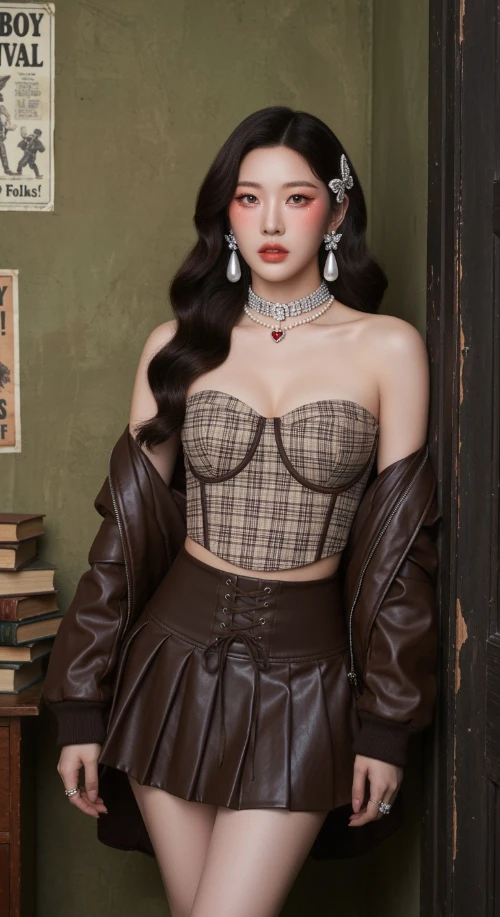
Vintage Western Pin-up with K-pop Model Aesthetic. Hyper-realistic editorial portrait photography. Subject: A striking, slender young Korean woman in her mid-20s. Long, dark brown Hollywood waves. Soft 'clean girl' makeup with peachy blush, subtle cat-eye, and nude-pink lips. Sultry, confident gaze directly at the viewer. Attire: Brown/beige plaid bustier crop top with a dark brown lace-up waist cincher. Matching dark brown pleated faux-leather mini skirt. Rich chocolate brown leather bomber jacket draped off the shoulders. Heavy rhinestone choker necklaces with a small red heart pendant. Large pearl drop earrings. Jeweled butterfly hair clips. Setting & Pose: Indoors, in a vintage American backroom. Leaning against a worn dark wooden door frame. Background: textured olive-green wall with faded vintage posters ('Cowboy Carnival', 'Factory Howdy Folks!'). A stack of aged books to the side. Medium full shot, cropped at upper thighs. Hands not visible, focus on face and torso. Photography Style: Ultra-detailed photo-realism, cinematic soft lighting, subtle analog film grain. Soft, cool, high-key lighting with minimal shadows. Shallow depth of field (bokeh). Shot on a professional camera (Sony A1/Canon R5) with an 85mm f/1.4 portrait lens at f/2.2. 8K resolution, hyper-detailed skin and fabric textures.
Generated Results
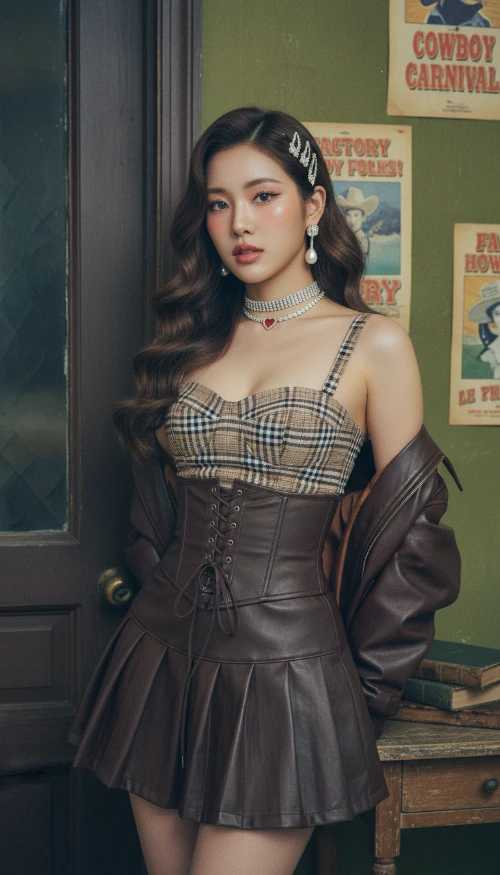
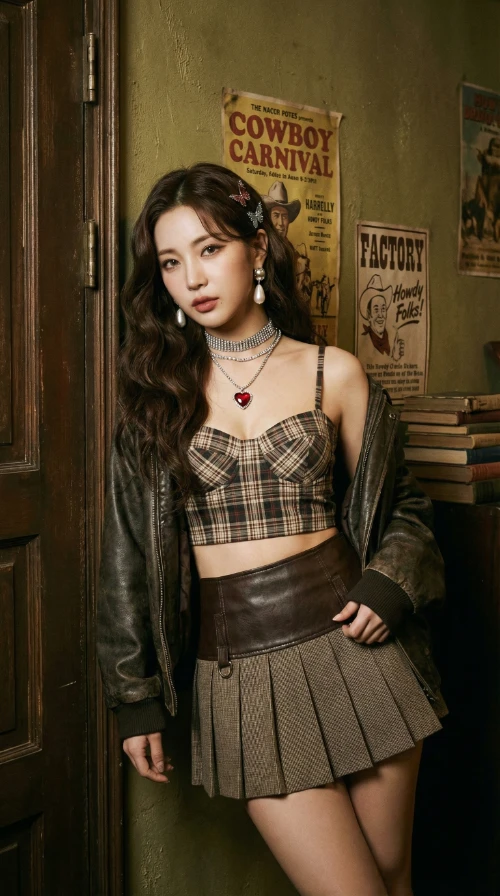
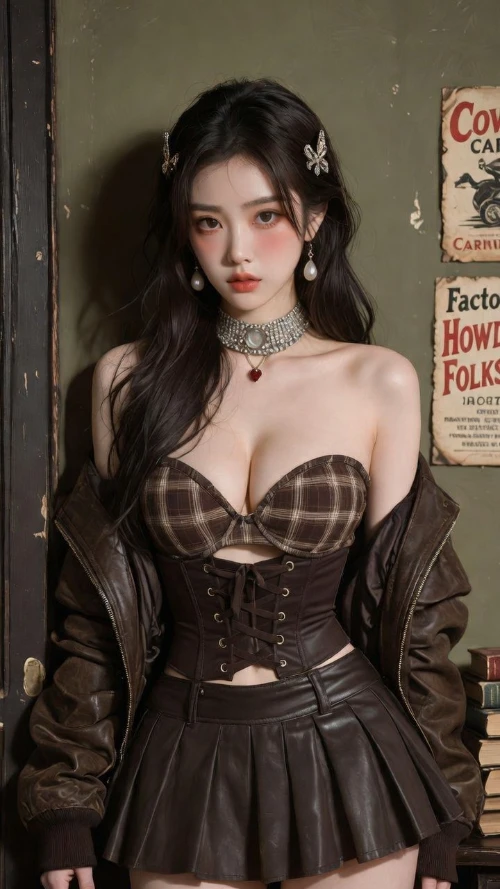
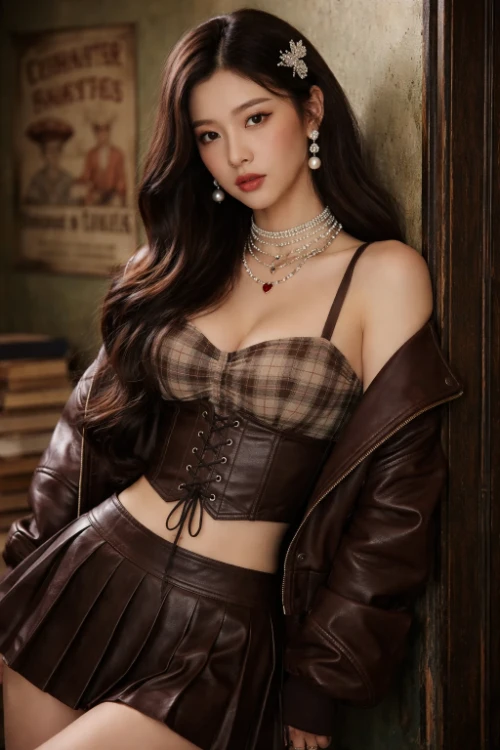
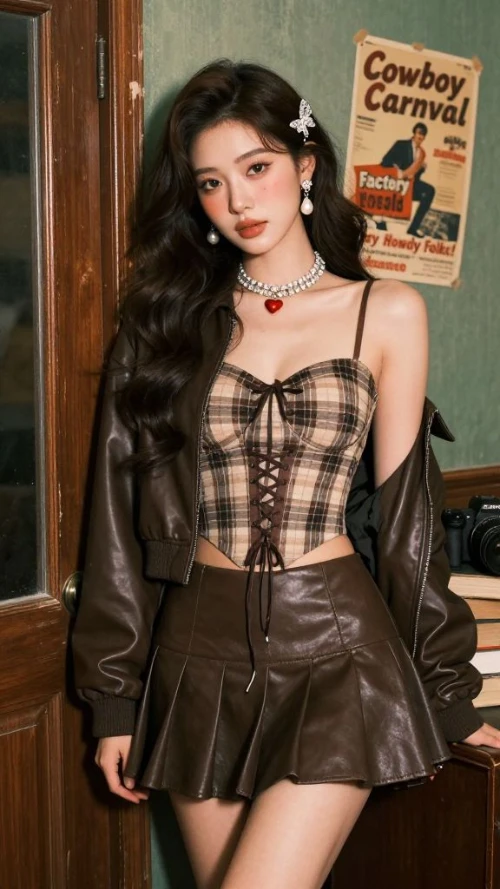
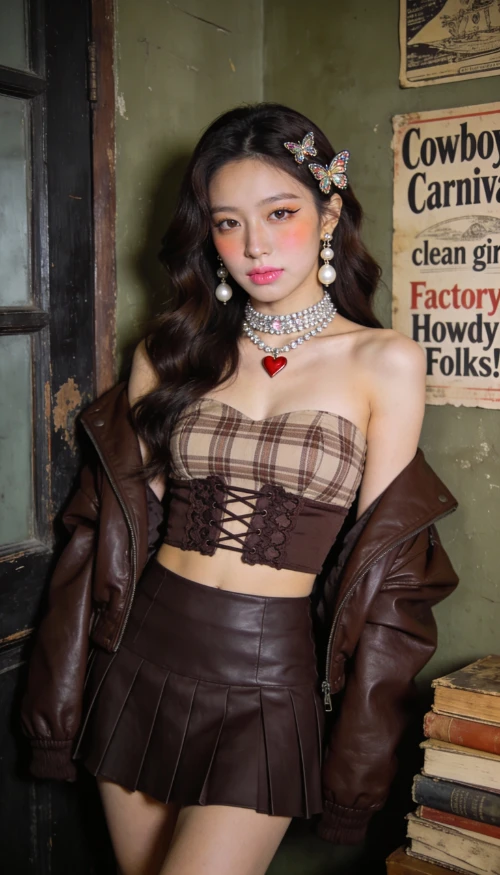
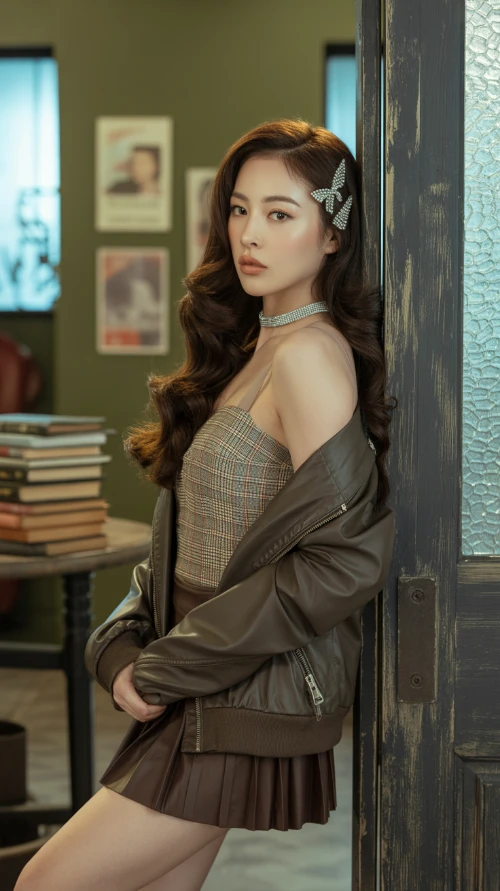
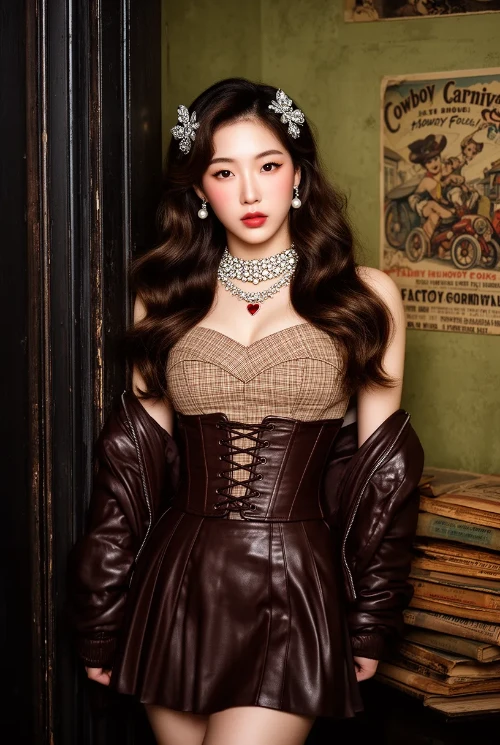
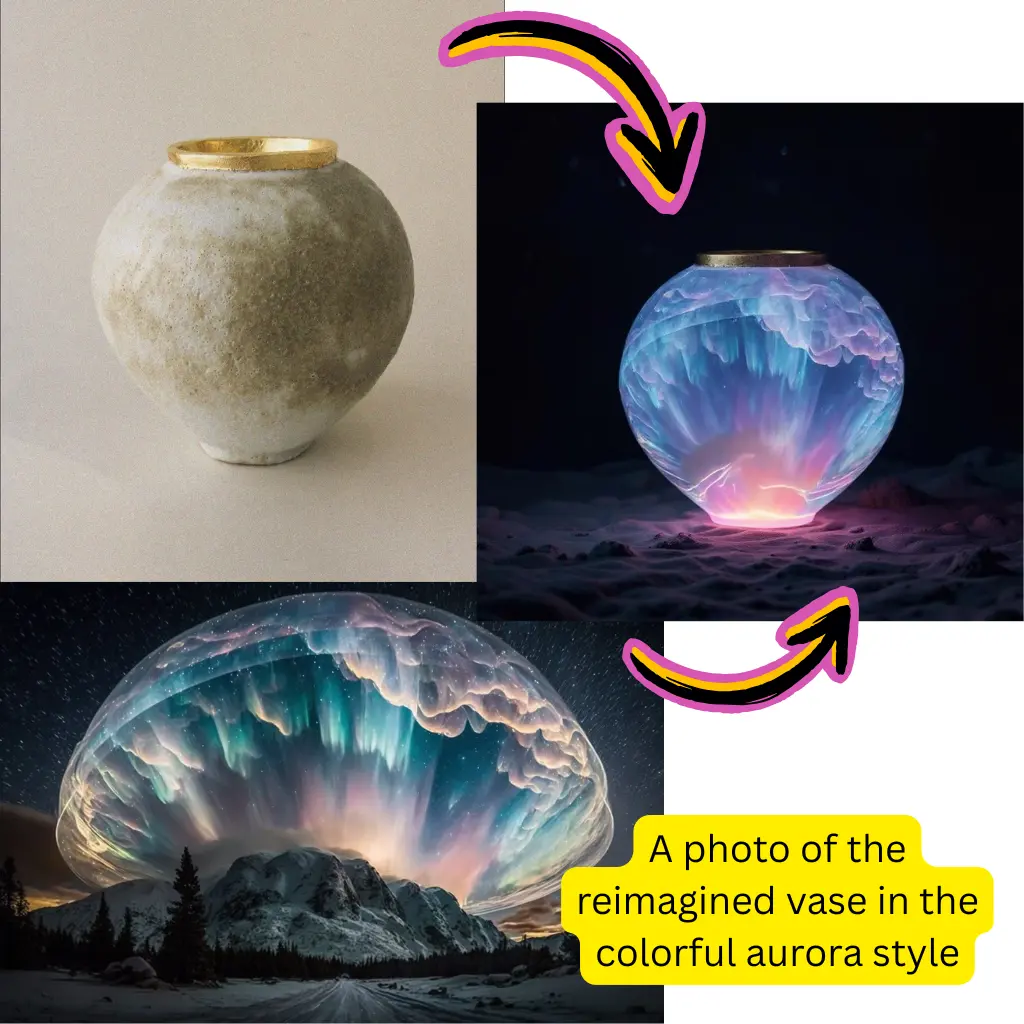
Type what you see in your mind and Text to Image AI brings it to life. Detailed prompts produce detailed images. The generation process typically takes just a few seconds.
Text to Image AI gives you access to Flux, Nano Banana, Qwen, and Seedream models. Each model has its own visual personality, so you can pick the one that best matches your creative direction.
Photorealism, digital art, watercolor, anime, oil painting, 3D rendering, and more. Text to Image AI adapts to whatever artistic style you specify in your prompt.
You do not need to know Photoshop, Illustrator, or any design tool. Text to Image AI only requires you to describe what you want. If you can write a sentence, you can create an image.
Test dozens of visual concepts in minutes. Text to Image AI lets you iterate on ideas rapidly, tweaking prompts until the output matches your vision perfectly.
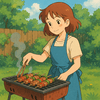
Blog headers, social media posts, presentation slides, marketing banners, and product mockups. Text to Image AI generates images sized and styled for wherever you need them.

Describe the image you want in detail. Include the subject, setting, lighting, colors, and artistic style. The more specific your prompt, the closer Text to Image AI gets to your vision.
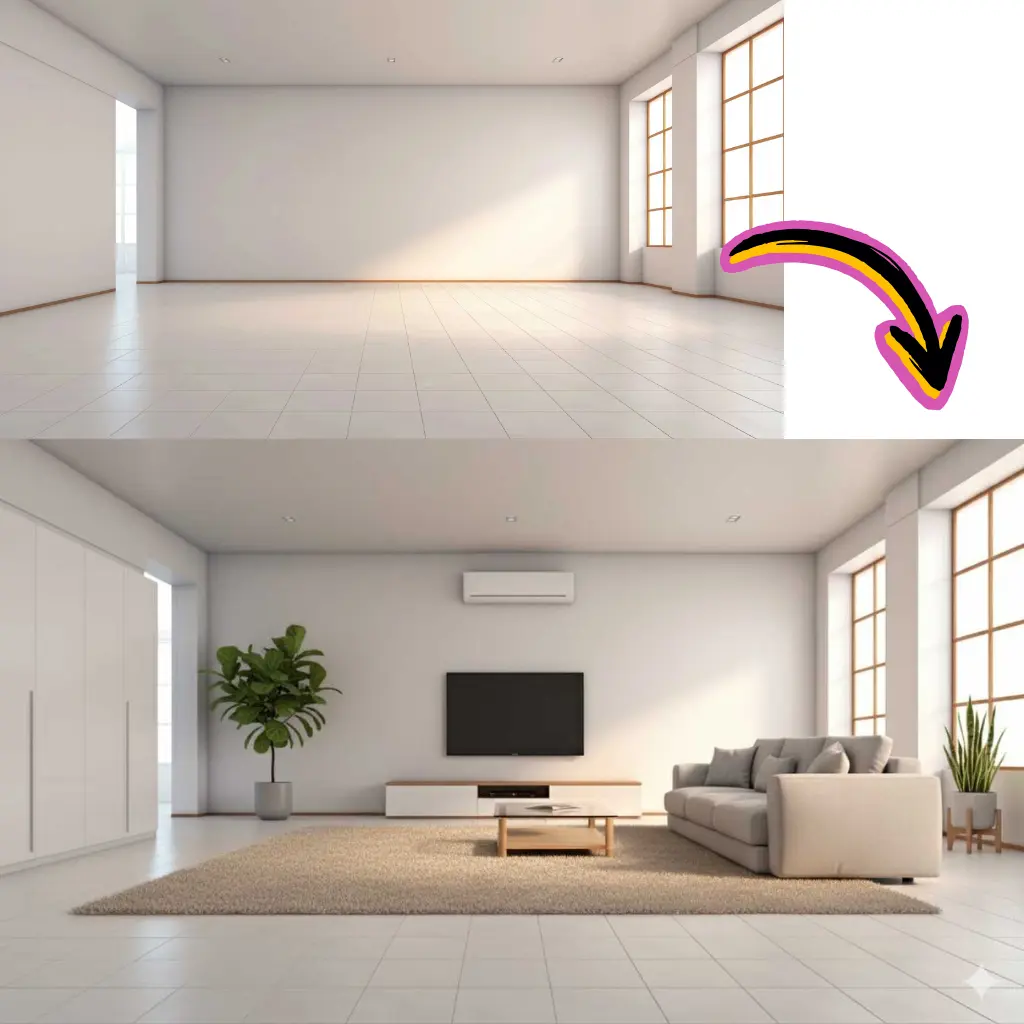
Select from Flux, Nano Banana, Qwen, or Seedream. Adjust the aspect ratio and quality settings to match your intended use. Each model interprets prompts with its own visual style.
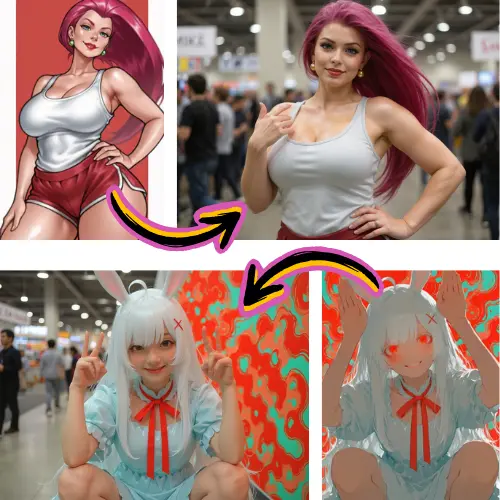
Review the generated image, refine your prompt if needed, and download the result in full resolution. Text to Image AI lets you regenerate as many times as you want.
Text to Image AI is a tool that generates original images from written descriptions. You type a prompt describing what you want to see, and the AI model creates a matching image from scratch. No source photo is needed.
Text to Image AI offers Flux, Nano Banana, Qwen, and Seedream models. Each model produces different visual results, so you can experiment to find which one best suits your creative style.
Be specific about the subject, environment, lighting, colors, and art style. For example, instead of a cat, try a fluffy orange tabby cat sitting on a windowsill at golden hour, soft focus background, photorealistic. Detail drives quality in Text to Image AI.
Yes. When you specify photorealistic or photography in your prompt, Text to Image AI generates images with natural lighting, accurate shadows, and realistic textures that closely resemble real photographs.
Yes. Images you generate with Text to Image AI are yours to use for personal and commercial projects including websites, marketing materials, social media, and print.
New users get free credits to try Text to Image AI. You can generate multiple images across different models before deciding whether to upgrade for higher volume usage.
Text to Image AI creates images entirely from your text description with no source photo needed. Image to Image AI transforms an existing photo based on your instructions. Use Text to Image AI when starting from scratch and Image to Image AI when you have a reference photo.