
01
Photorealistic Output Quality
The AI Photo Generator renders images with natural skin textures, accurate lighting, and realistic depth of field. Results look like professional photography, not digital art.
Create professional photos with AI. Choose backgrounds, adjust lighting, generate up to 13 variations instantly. Perfect for headshots and portraits.
Browse photos created with the AI Photo Generator. Get prompt inspiration for portraits, headshots, lifestyle shots, and creative compositions.
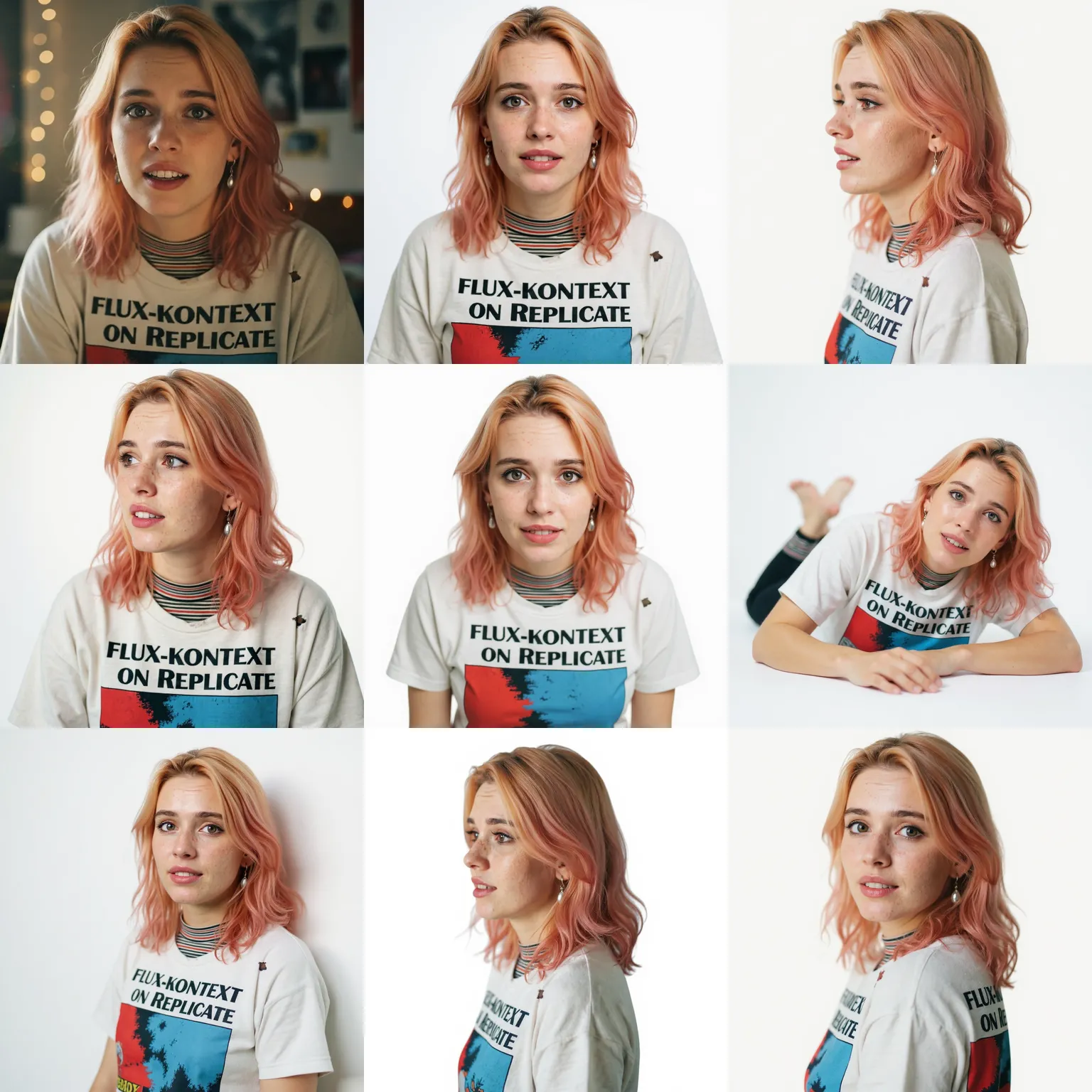
The AI Photo Generator renders images with natural skin textures, accurate lighting, and realistic depth of field. Results look like professional photography, not digital art.
Specify backgrounds, lighting conditions, camera angles, and subject details. The AI Photo Generator follows your description to produce exactly what you envision.
Generate up to 13 different versions from a single description. The AI Photo Generator gives you options to choose from without rewriting your prompt.
The AI Photo Generator creates original images tailored to your exact needs. No stock photo watermarks, no licensing headaches, no scheduling a photographer.
Need a business portrait? The AI Photo Generator creates studio quality headshots with proper lighting and professional backgrounds in seconds.
Test visual concepts before committing to a full production shoot. The AI Photo Generator lets you iterate on ideas quickly and share realistic mockups with clients.
Write a prompt describing the subject, setting, lighting, and mood. The more specific you are, the closer the AI Photo Generator gets to your vision.
Choose the number of variations, aspect ratio, and quality level. The AI Photo Generator offers controls to fine tune your output.
Review the generated photos, pick your favorites, and download them in high resolution. Refine your prompt and regenerate if you want different results.
The AI Photo Generator handles portraits, headshots, lifestyle scenes, product concepts, landscapes, and abstract compositions. If you can describe it, the generator can create it.
Yes. Images you generate with the AI Photo Generator are yours to use for personal and commercial projects without additional licensing fees.
The AI Photo Generator produces images with natural lighting, accurate shadows, and realistic textures. Most outputs are indistinguishable from real photographs at first glance.
Yes. Describe the background, lighting style, and attire you want. The AI Photo Generator creates polished headshots suitable for LinkedIn, resumes, and corporate websites.
You can generate up to 13 variations from a single prompt. This lets you compare different interpretations and pick the one that fits best.
New users receive free credits to test the AI Photo Generator. You can create several photos before deciding whether a subscription makes sense for your workflow.
Include details about the subject, background, lighting direction, time of day, and camera perspective. Specific prompts produce more accurate results than vague descriptions.
Yes. Generated images can be used in marketing materials, websites, social media, presentations, and print. There are no usage restrictions on images you create.