




01
40+ AI Models in One Place
Access GPT Image 2, Flux, Nano Banana, Grok Imagine, Ideogram, and many more models without switching platforms.

from 25000+ happy users
Free AI photo editor powered by GPT Image 2, Flux, Nano Banana & 40+ cutting-edge AI models. Edit, enhance, remove backgrounds, and generate stunning images online.
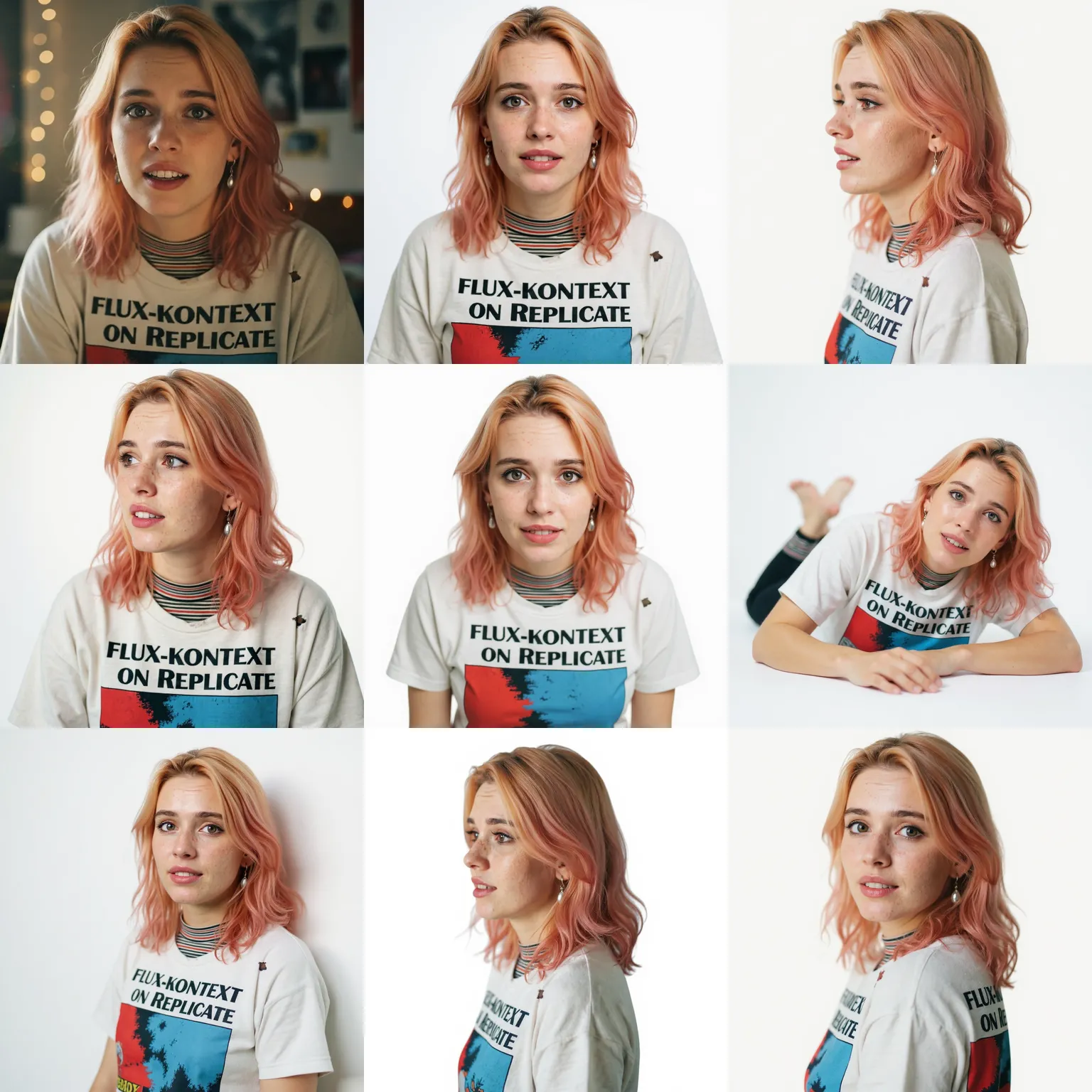
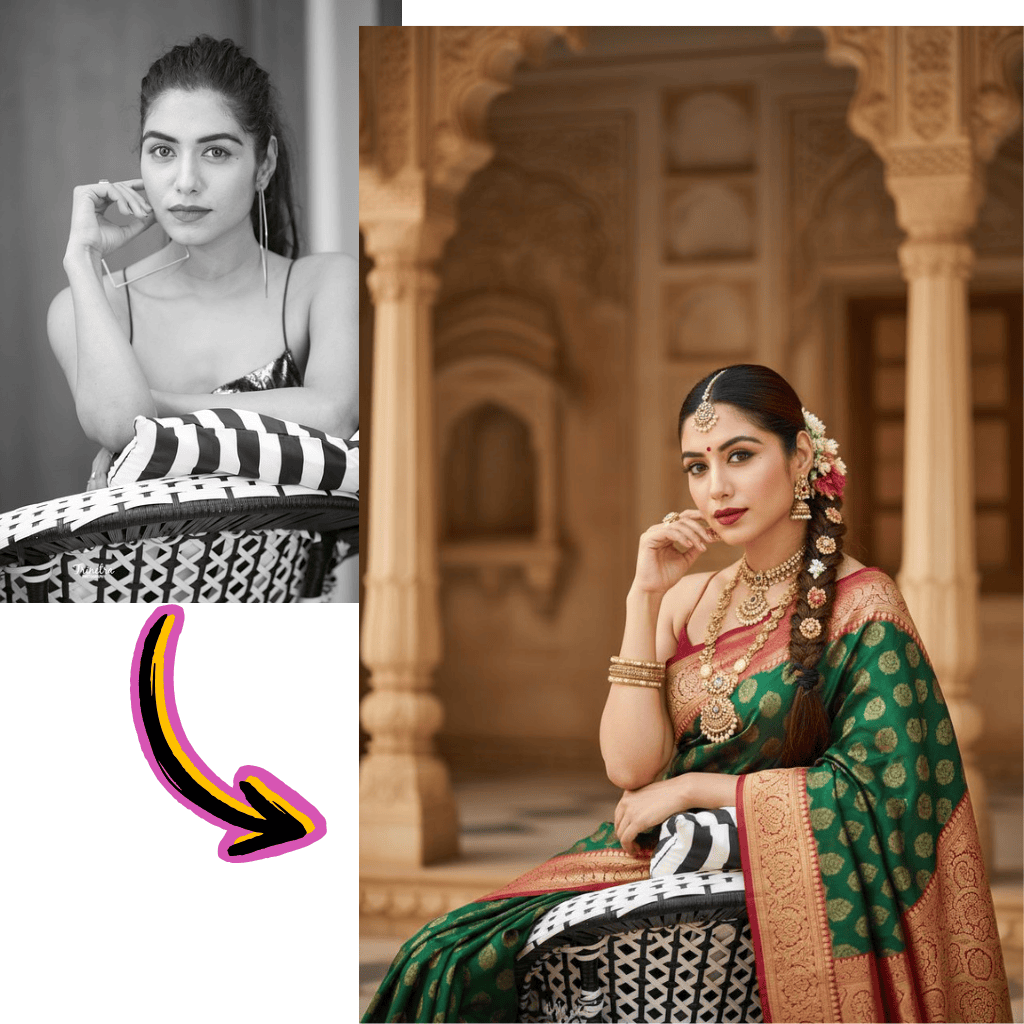
Explore what's possible with AI Photo Editor. Click on any item to view AI image prompts and recreate them.
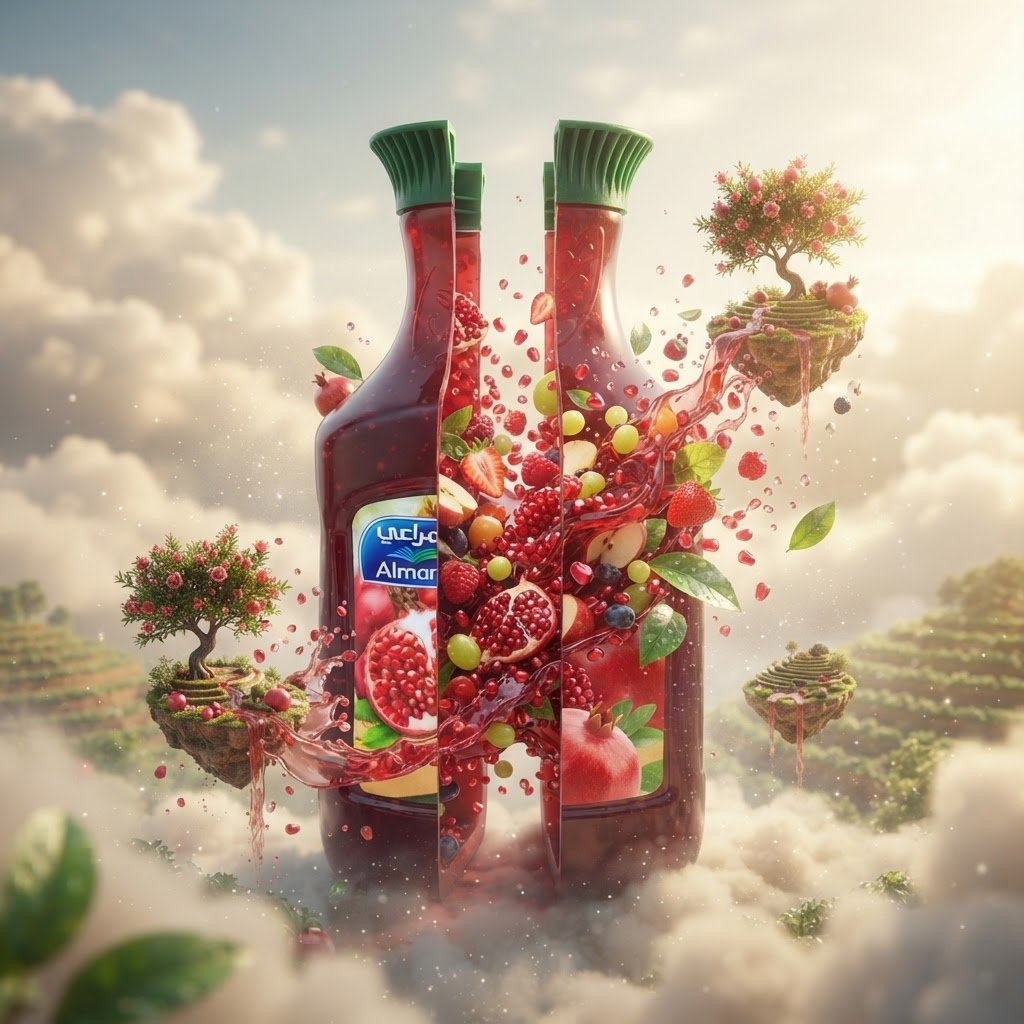
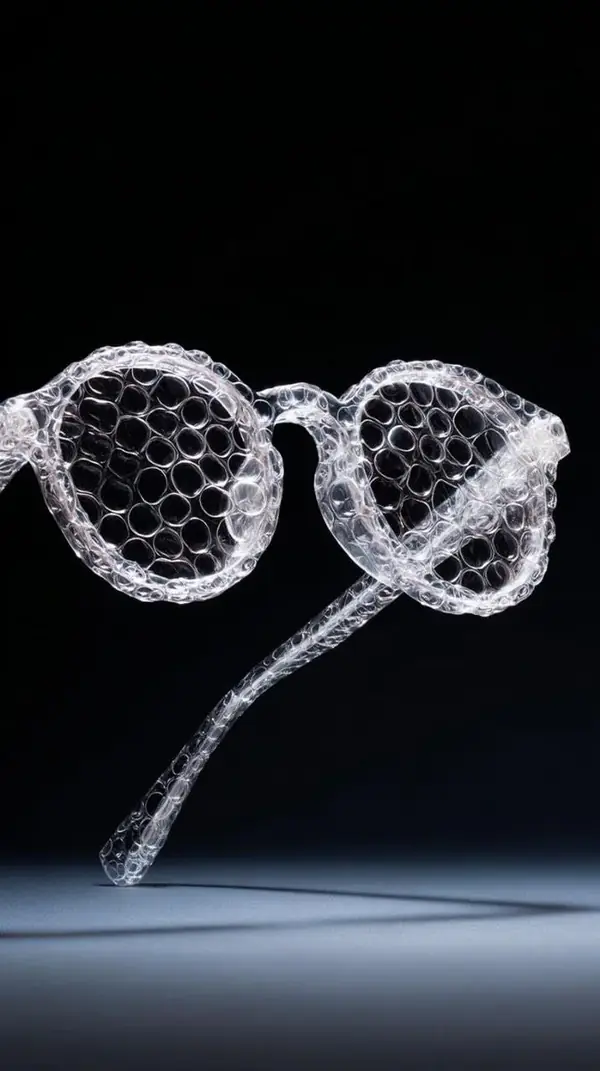
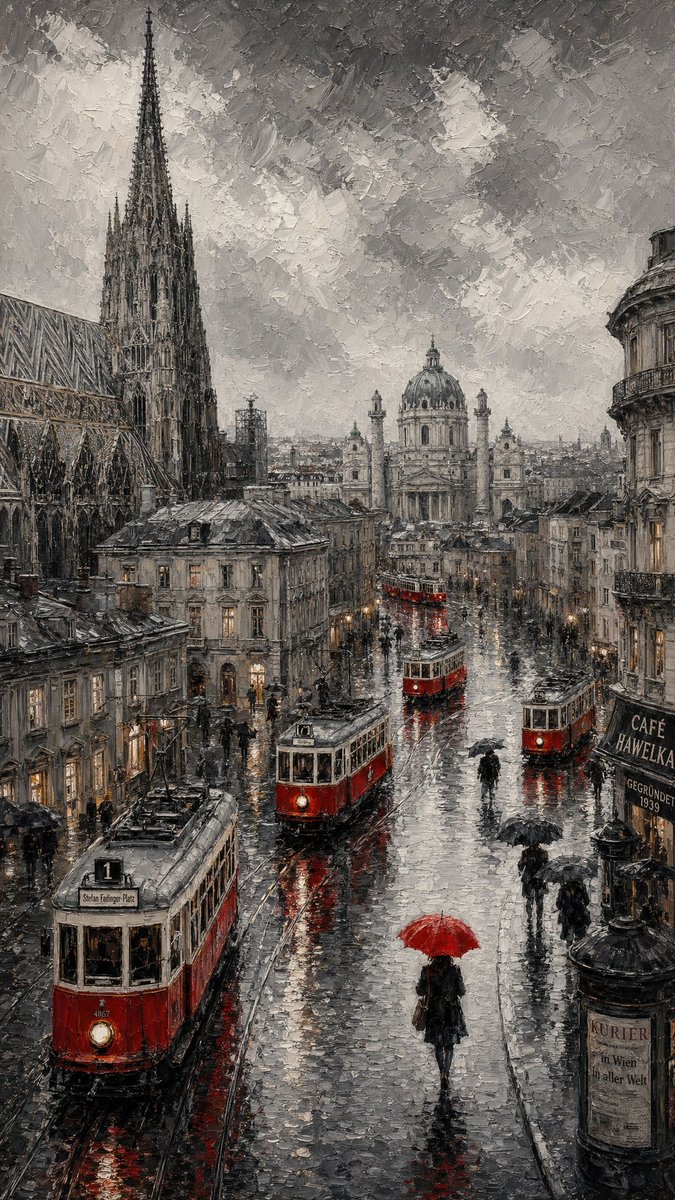
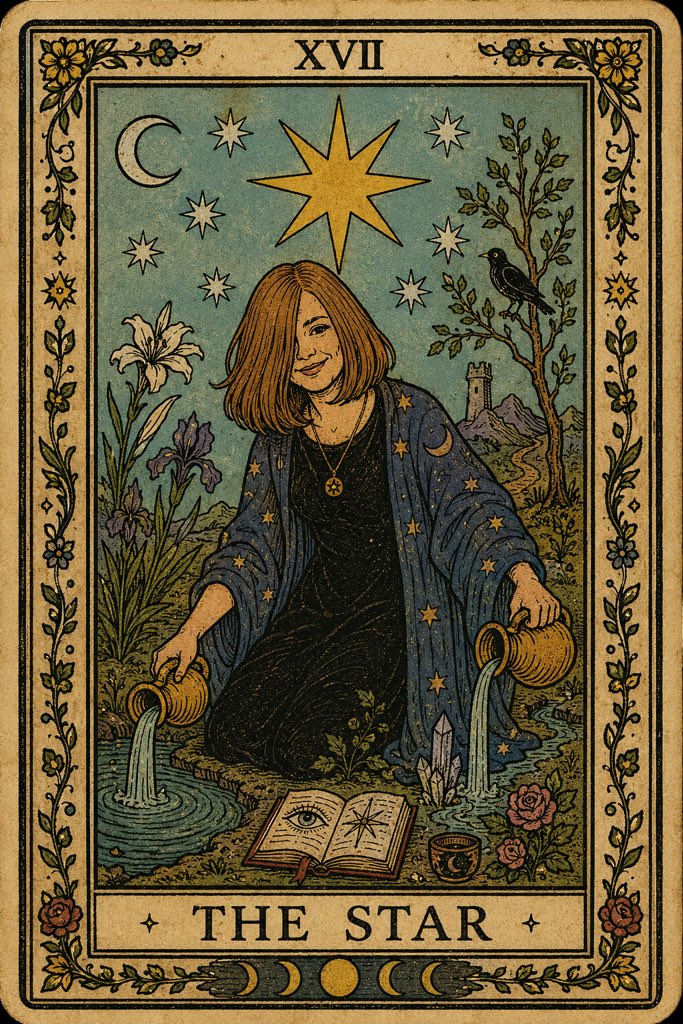
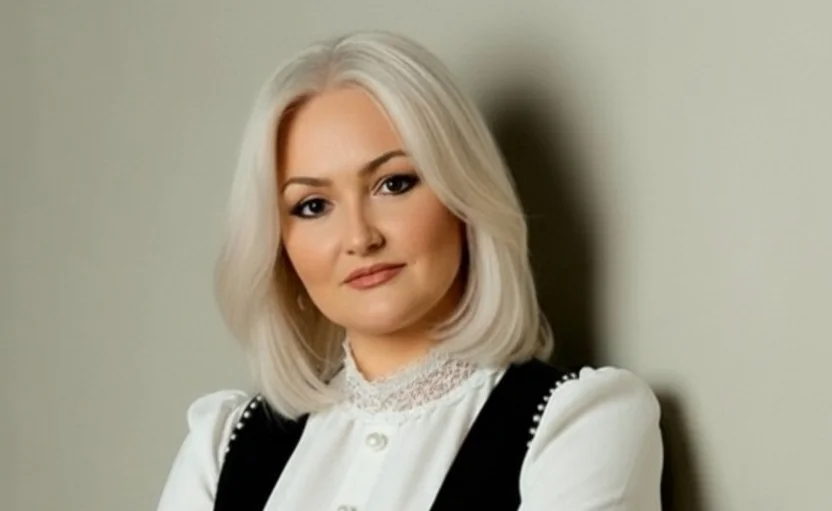
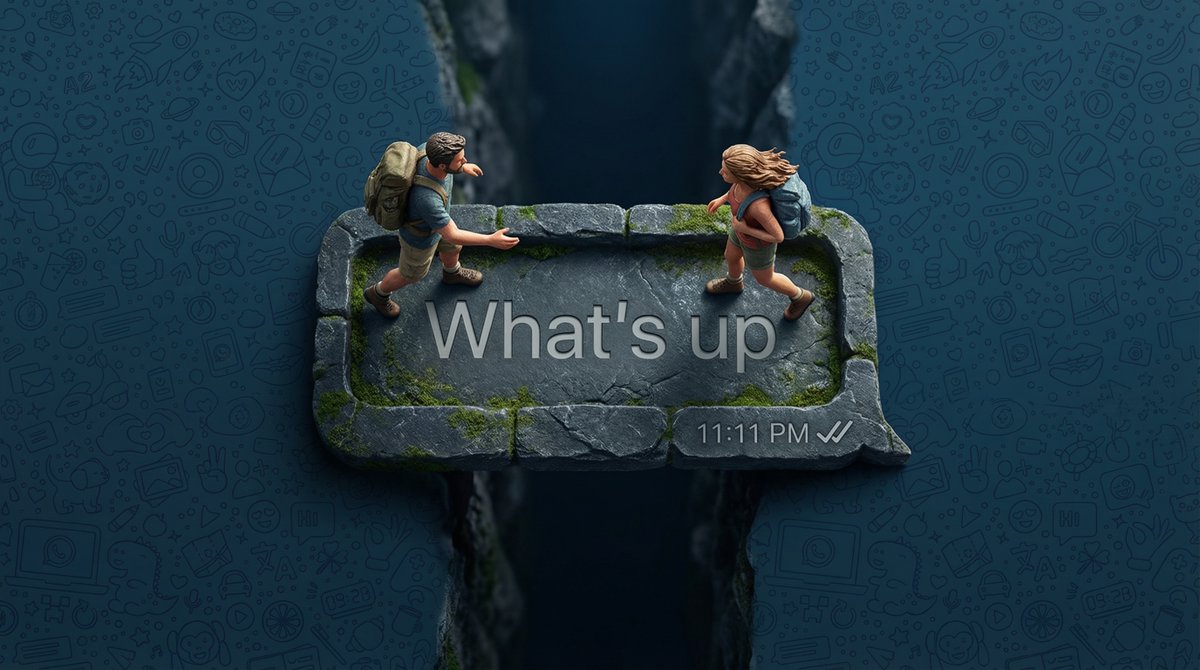
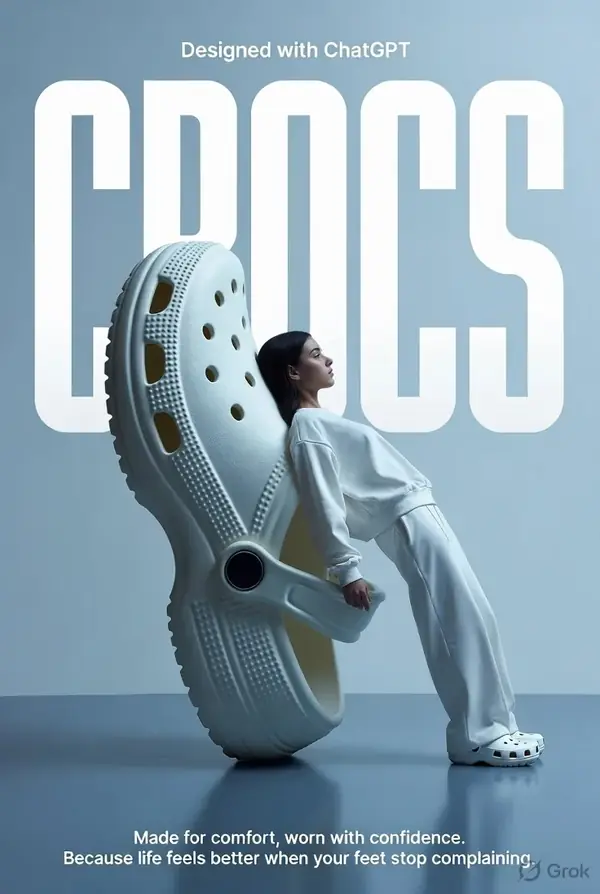
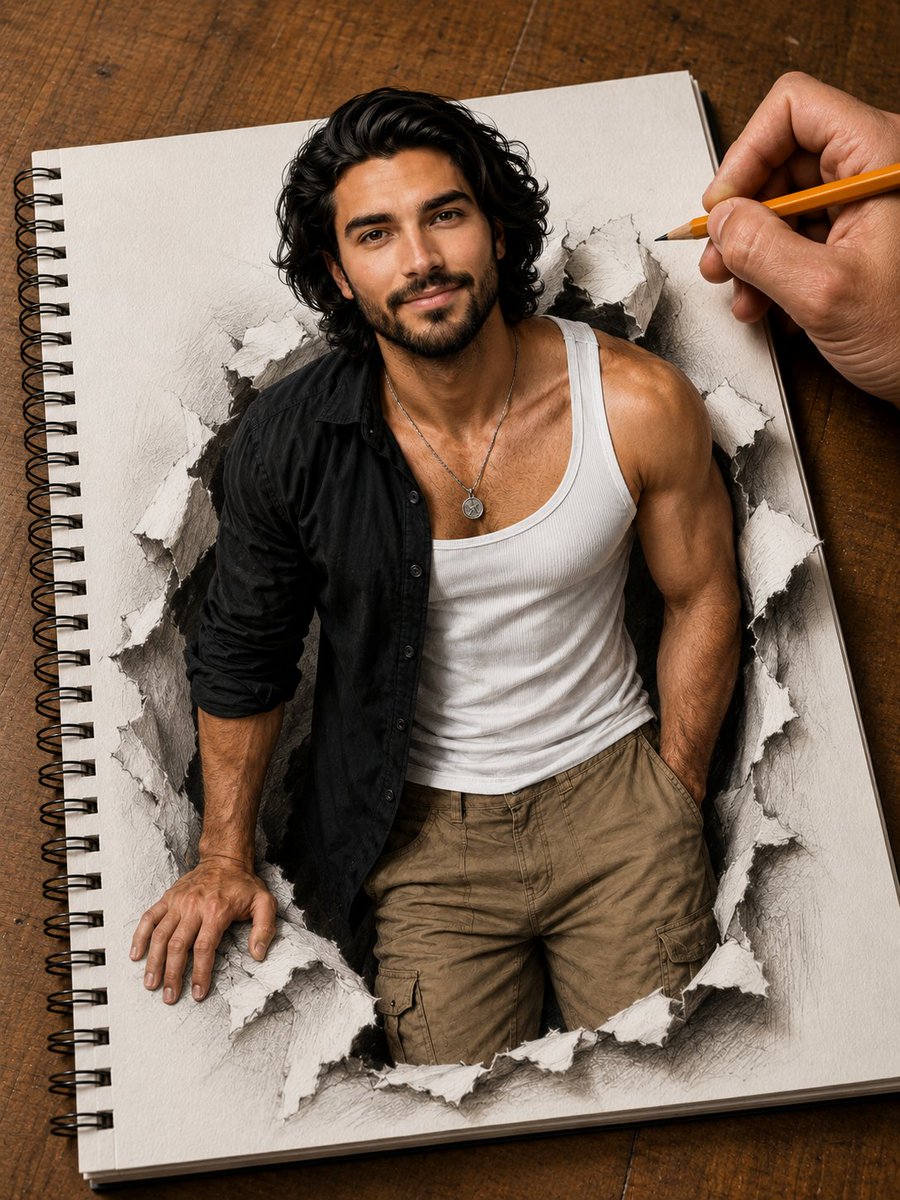
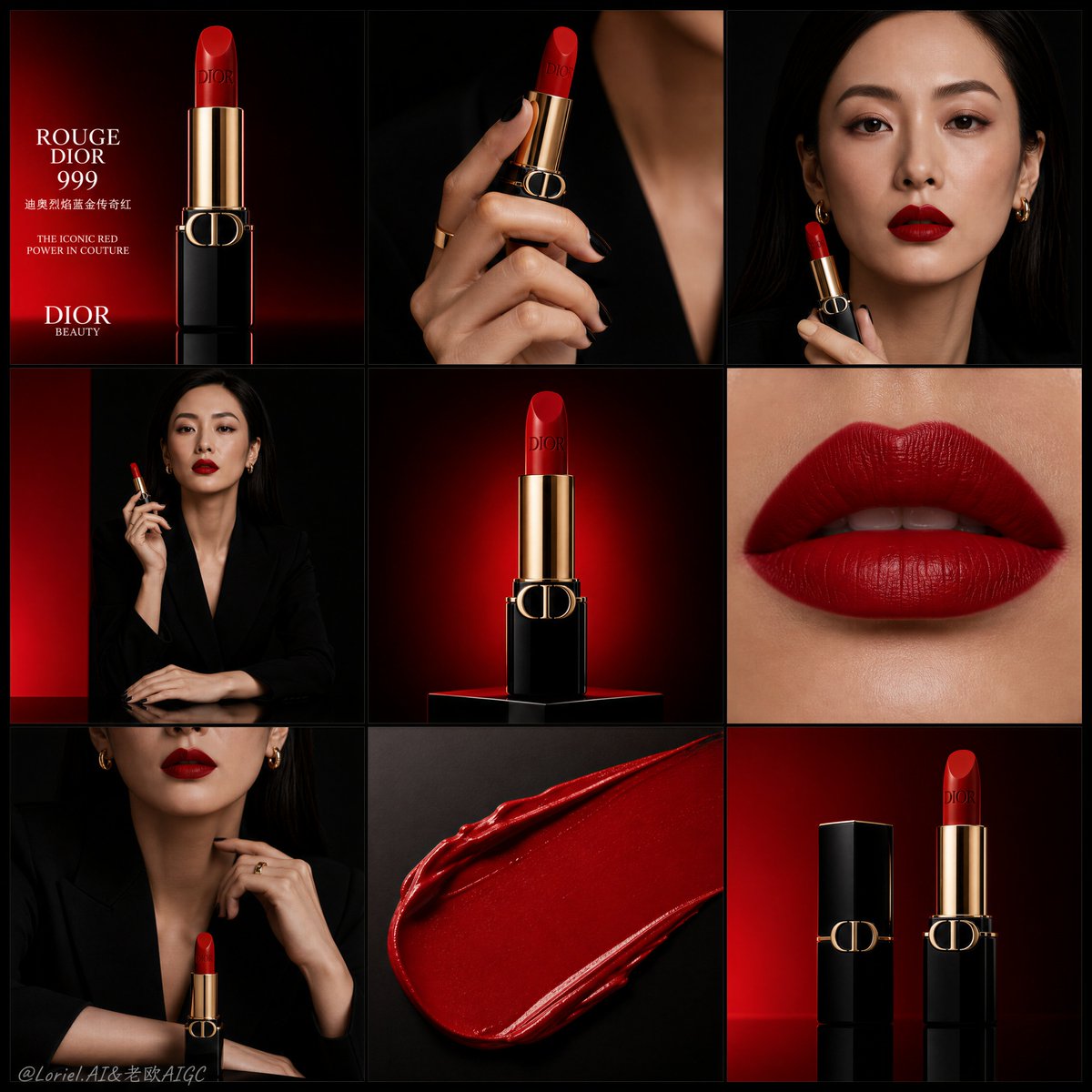

Preview how each Best AI Photo Editor model transforms the same prompt so you can choose the one that best matches your creative direction.
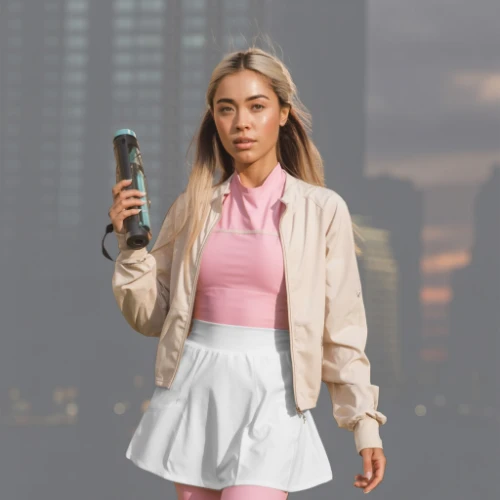
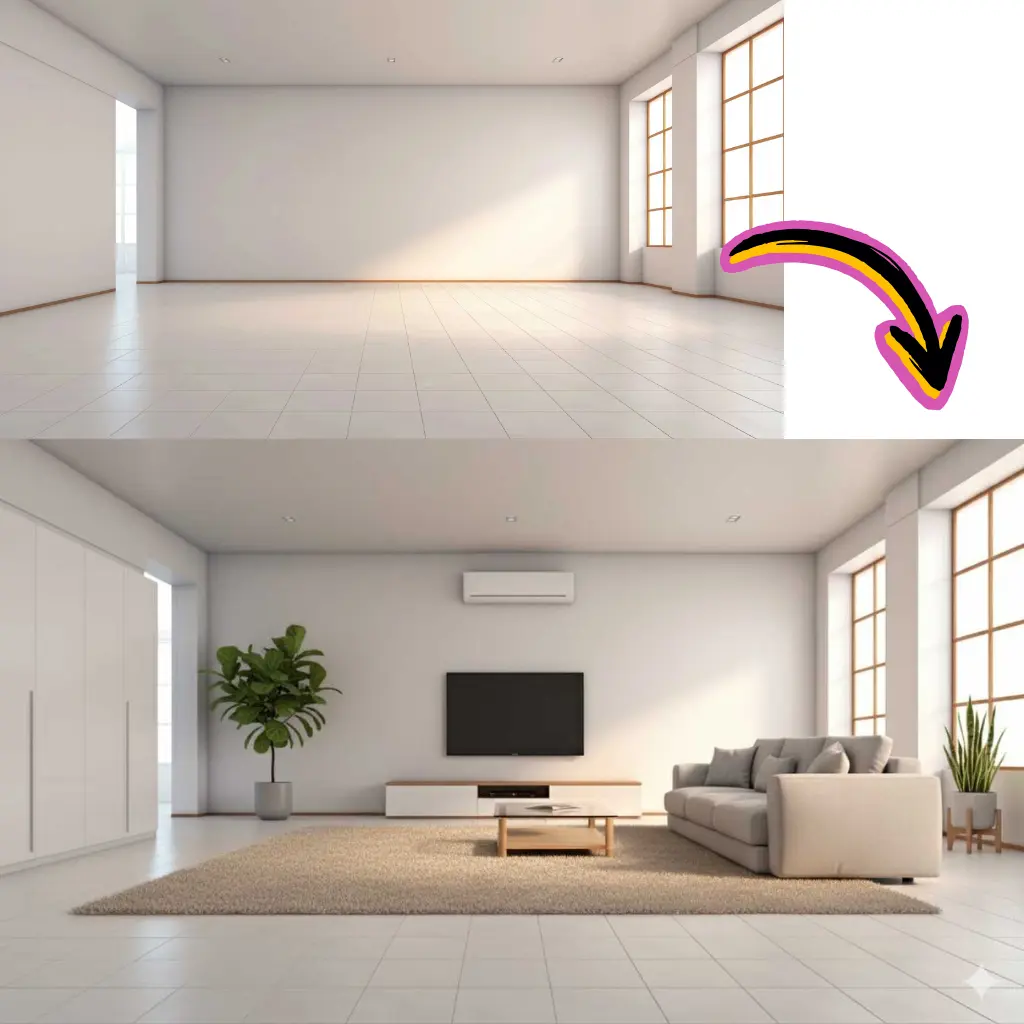
Original Image
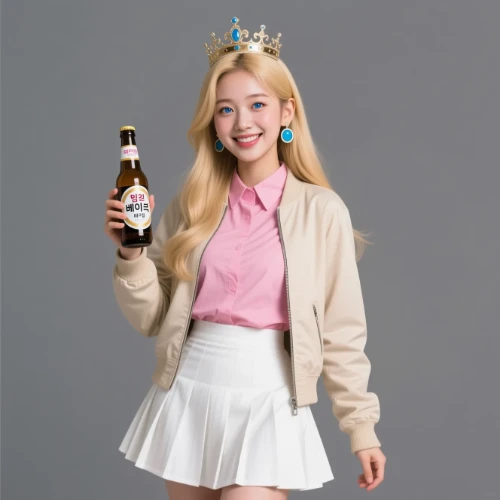
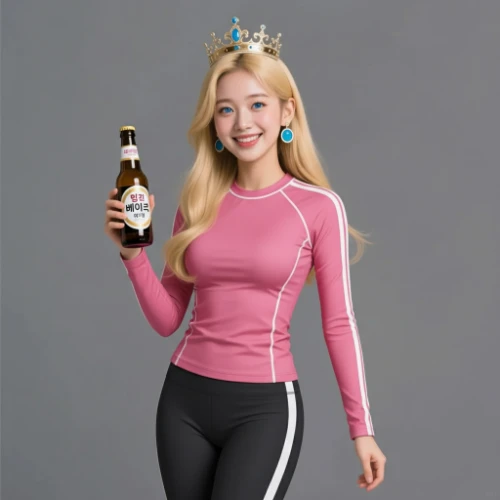
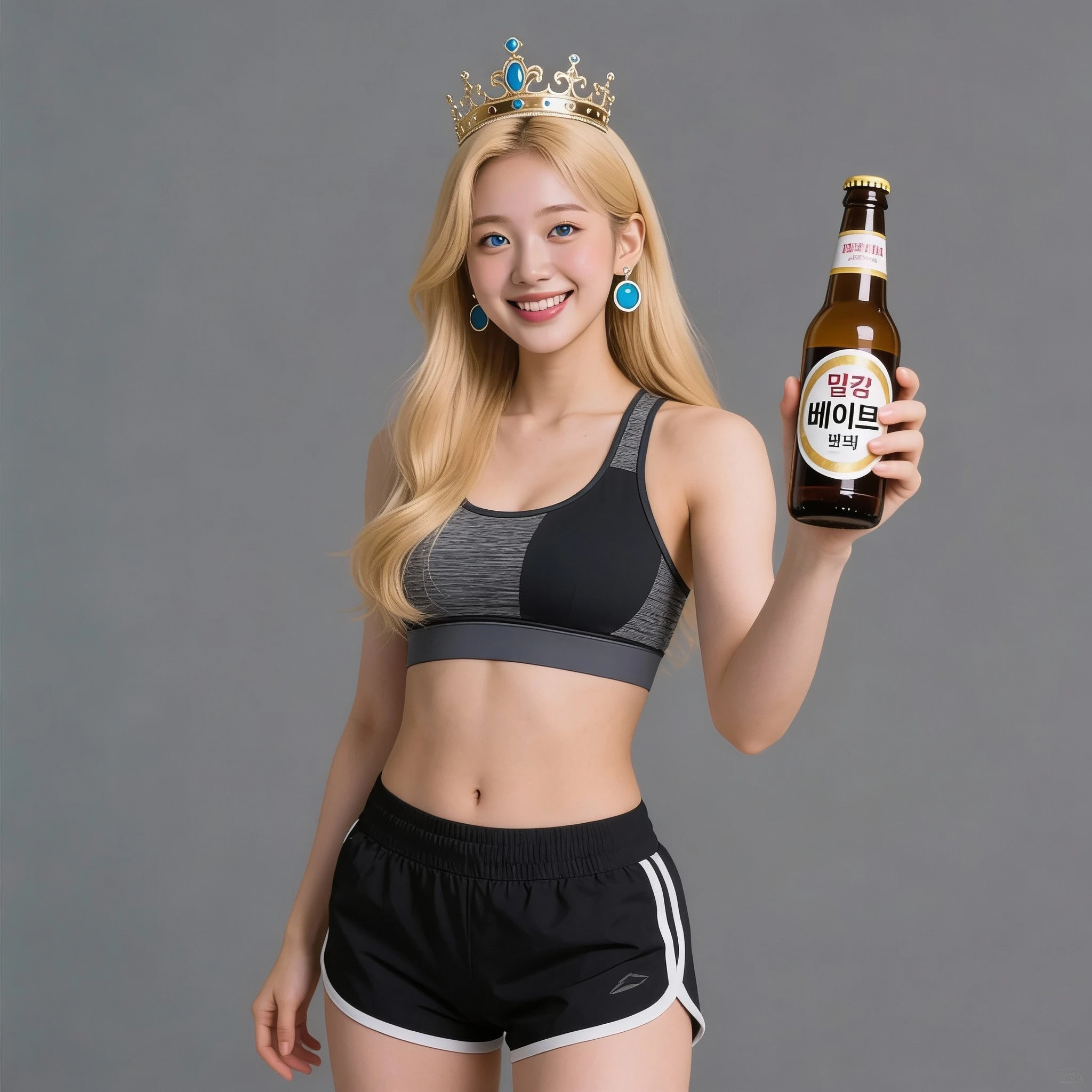
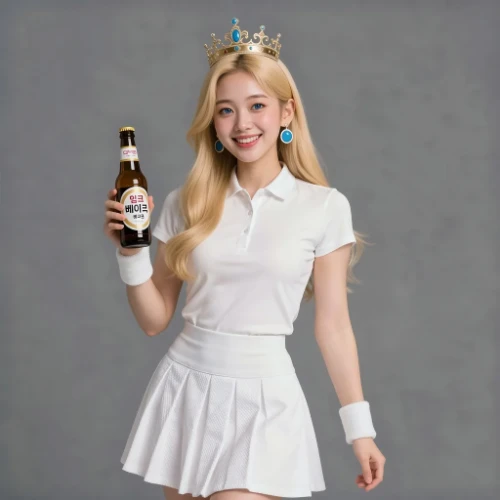
Change the clothes to sports
Generated Results
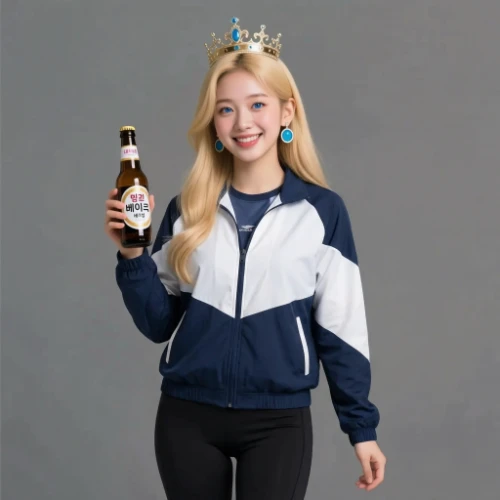
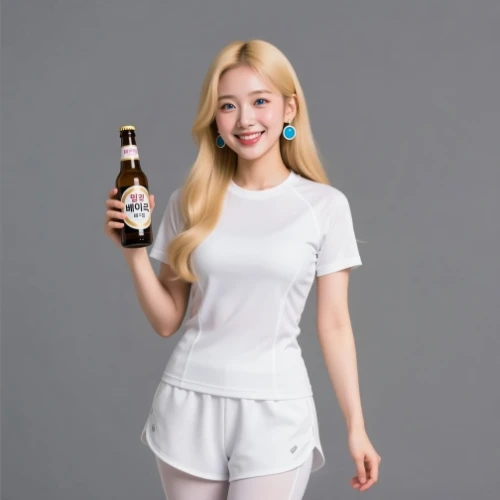
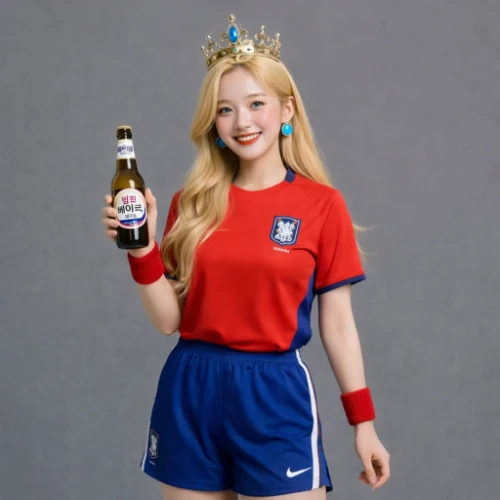
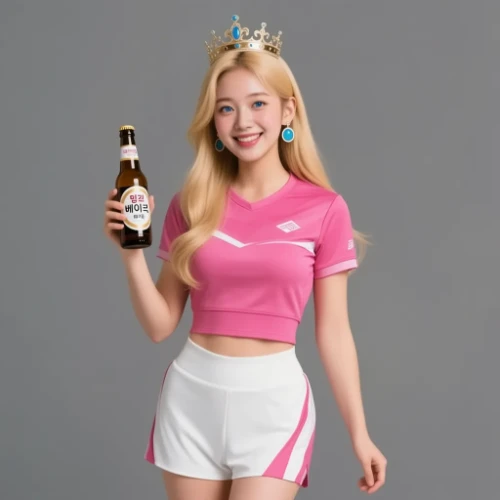
Prompt
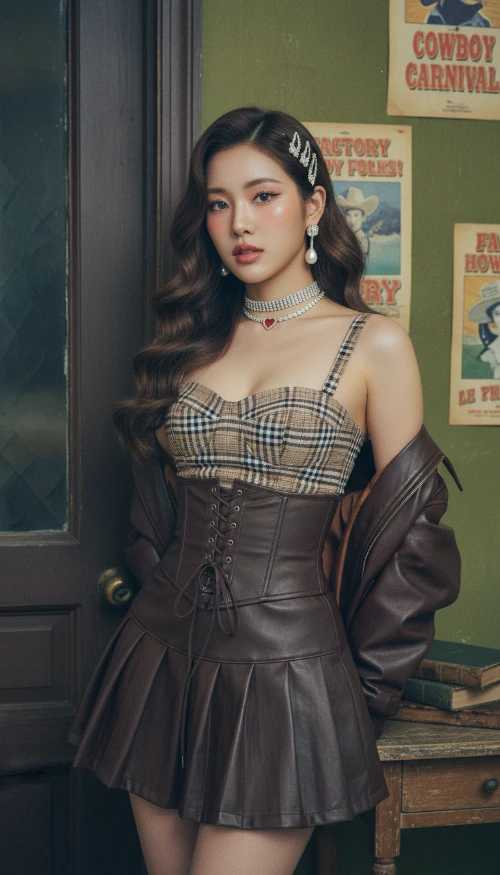
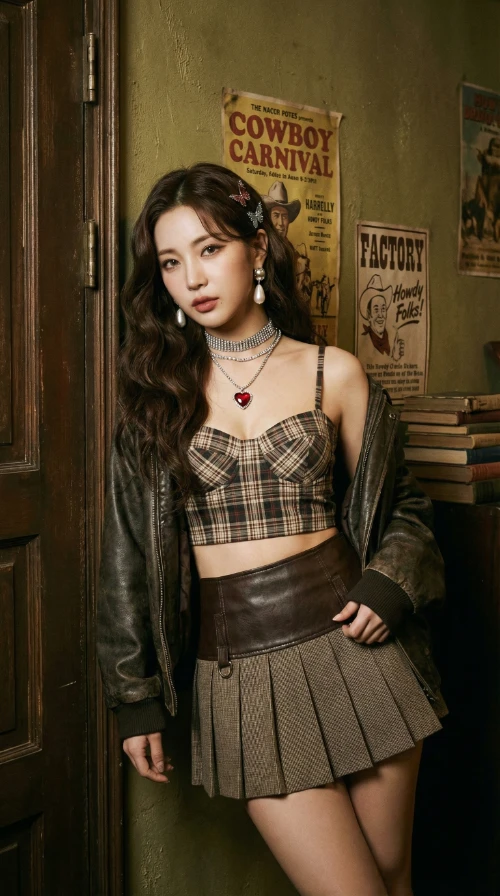
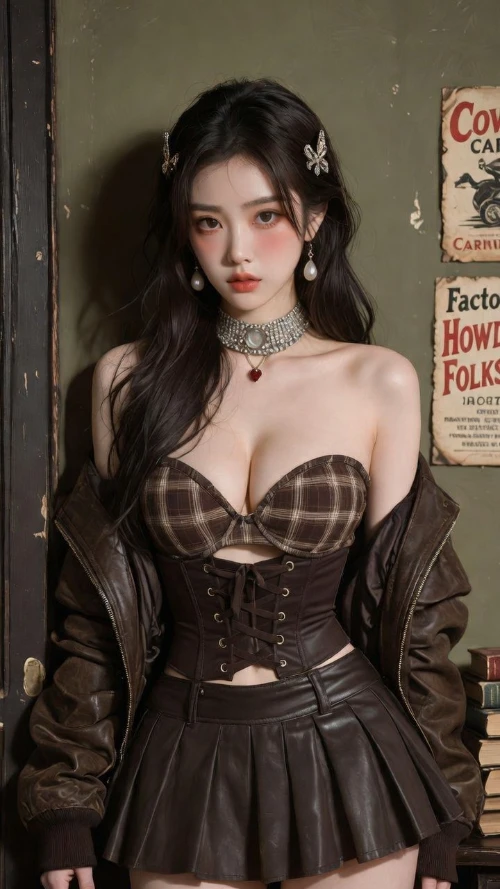
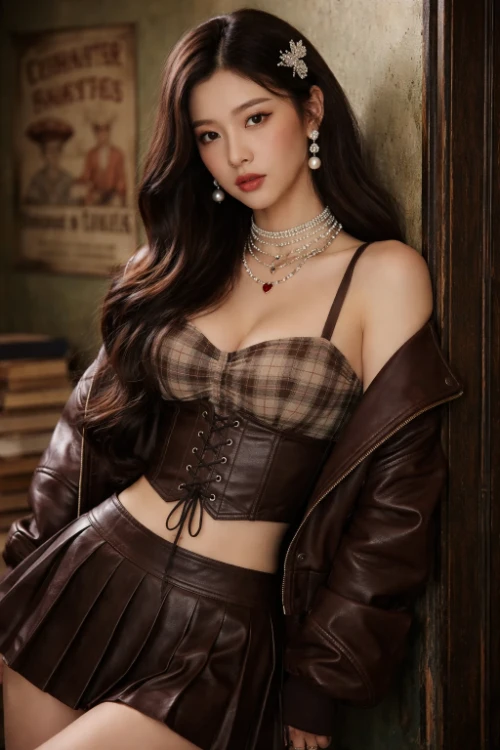
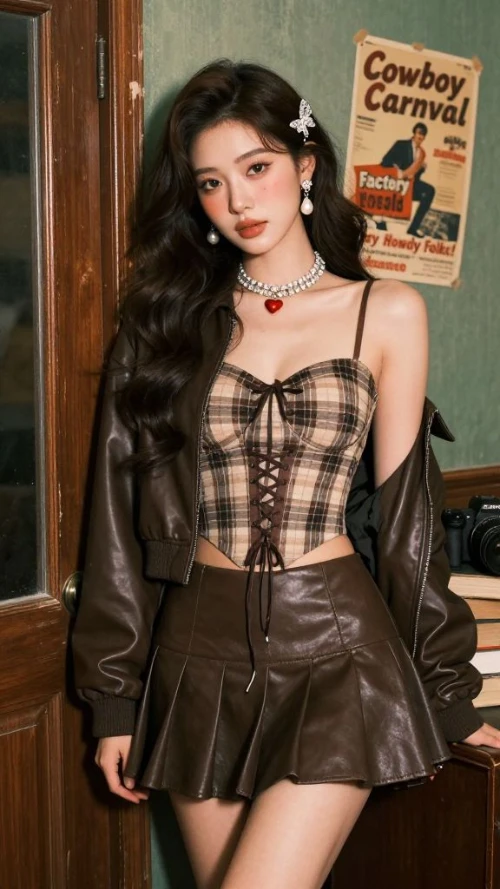
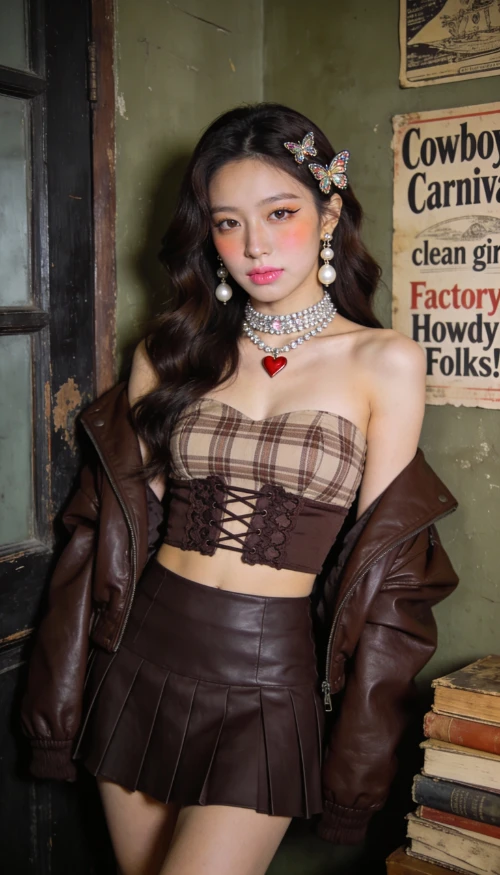
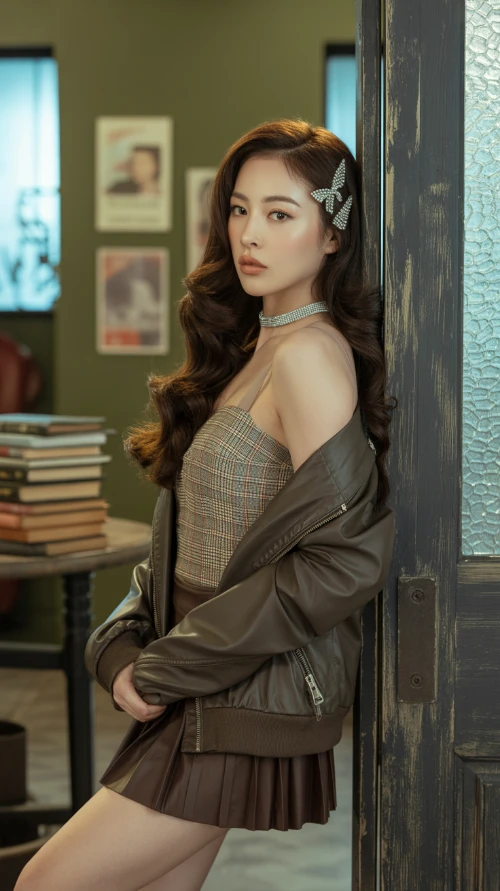
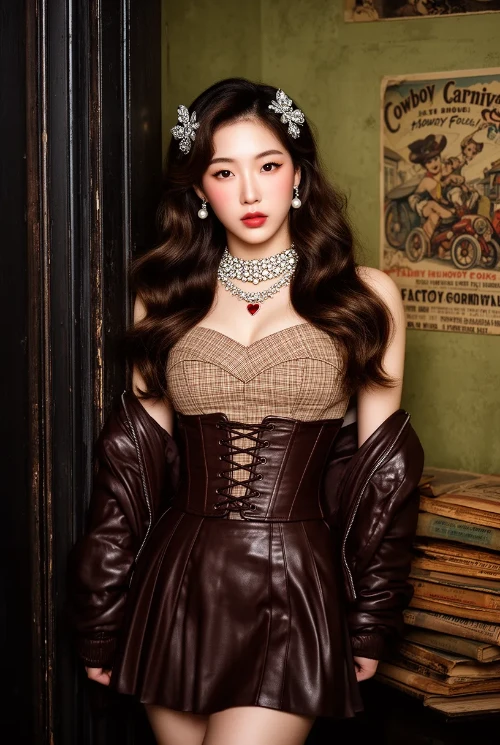
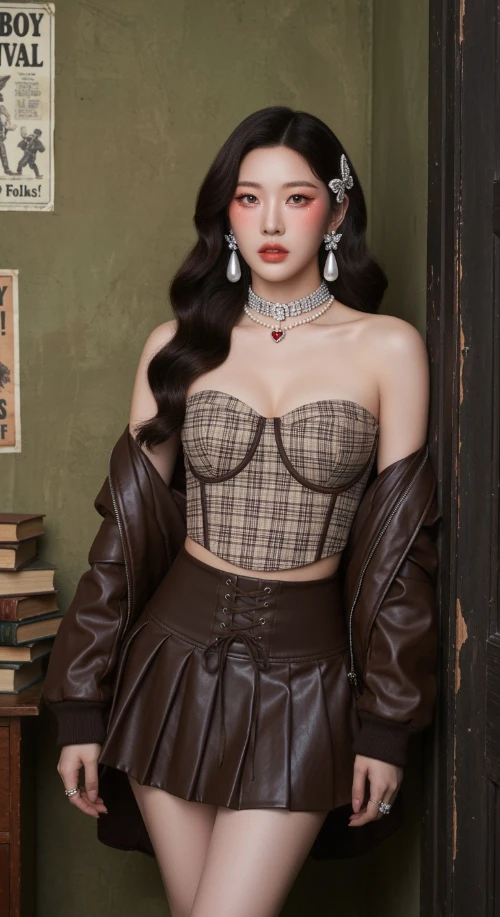
Vintage Western Pin-up with K-pop Model Aesthetic. Hyper-realistic editorial portrait photography. Subject: A striking, slender young Korean woman in her mid-20s. Long, dark brown Hollywood waves. Soft 'clean girl' makeup with peachy blush, subtle cat-eye, and nude-pink lips. Sultry, confident gaze directly at the viewer. Attire: Brown/beige plaid bustier crop top with a dark brown lace-up waist cincher. Matching dark brown pleated faux-leather mini skirt. Rich chocolate brown leather bomber jacket draped off the shoulders. Heavy rhinestone choker necklaces with a small red heart pendant. Large pearl drop earrings. Jeweled butterfly hair clips. Setting & Pose: Indoors, in a vintage American backroom. Leaning against a worn dark wooden door frame. Background: textured olive-green wall with faded vintage posters ('Cowboy Carnival', 'Factory Howdy Folks!'). A stack of aged books to the side. Medium full shot, cropped at upper thighs. Hands not visible, focus on face and torso. Photography Style: Ultra-detailed photo-realism, cinematic soft lighting, subtle analog film grain. Soft, cool, high-key lighting with minimal shadows. Shallow depth of field (bokeh). Shot on a professional camera (Sony A1/Canon R5) with an 85mm f/1.4 portrait lens at f/2.2. 8K resolution, hyper-detailed skin and fabric textures.
Generated Results
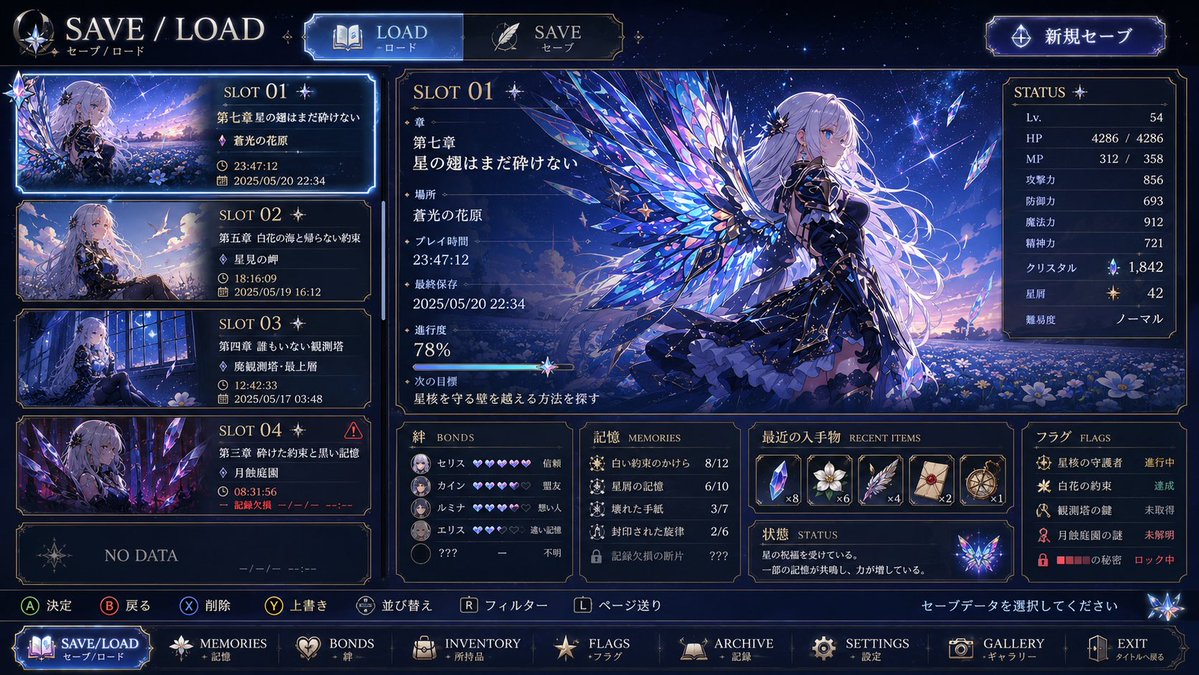
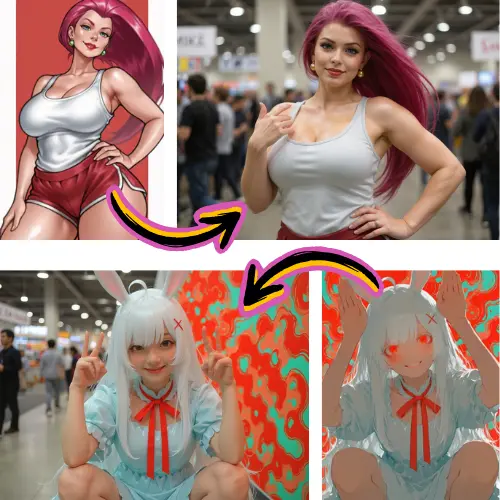
Original Image
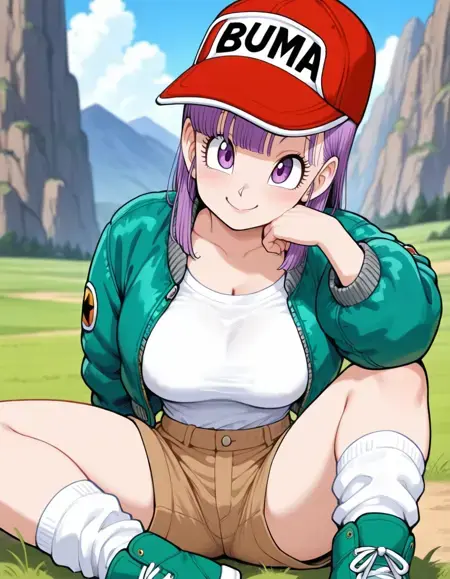
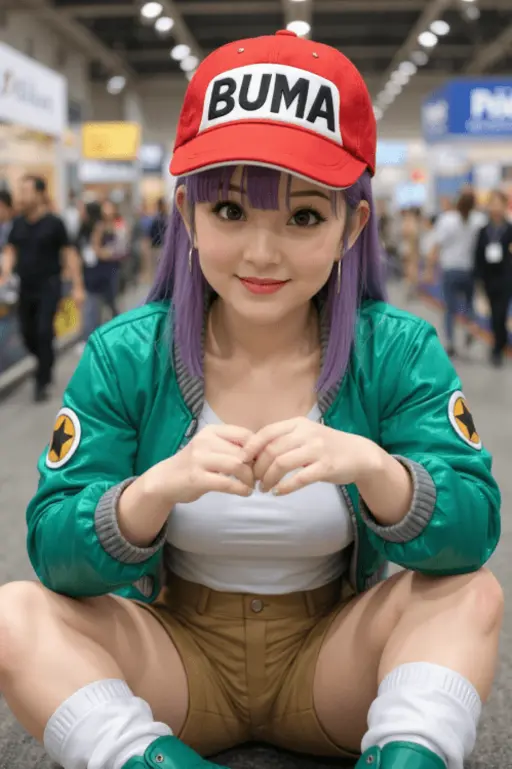
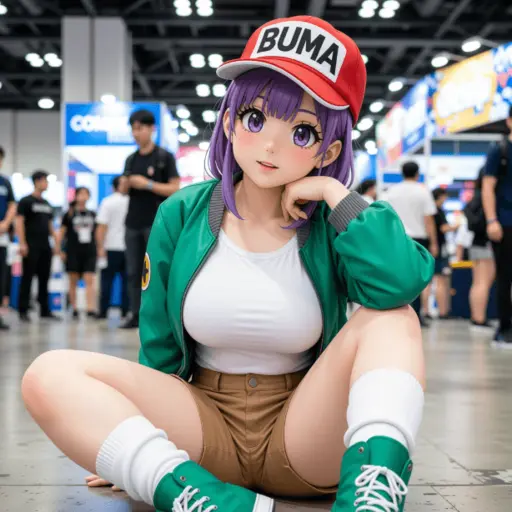
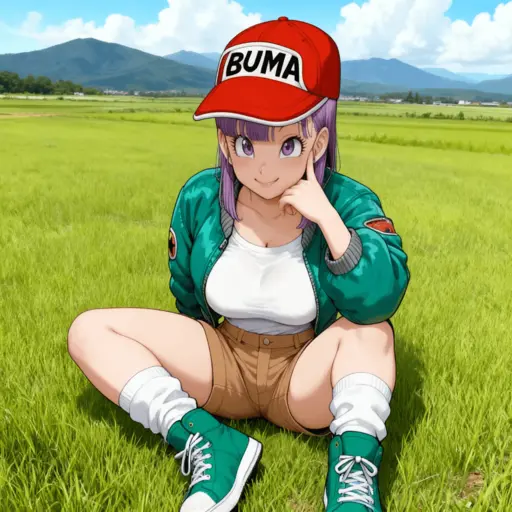
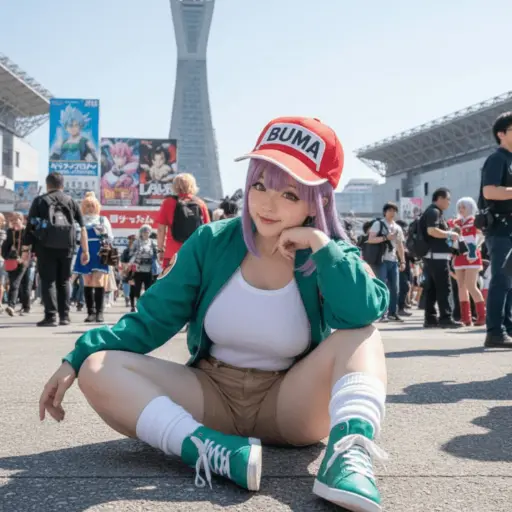
Generate a highly detailed photo of a girl cosplaying this illustration, at Comiket. Exactly replicate the same pose, body posture, hand gestures, facial expression, and camera framing as in the original illustration. Keep the same angle, perspective, and composition, without any deviation.
Generated Results
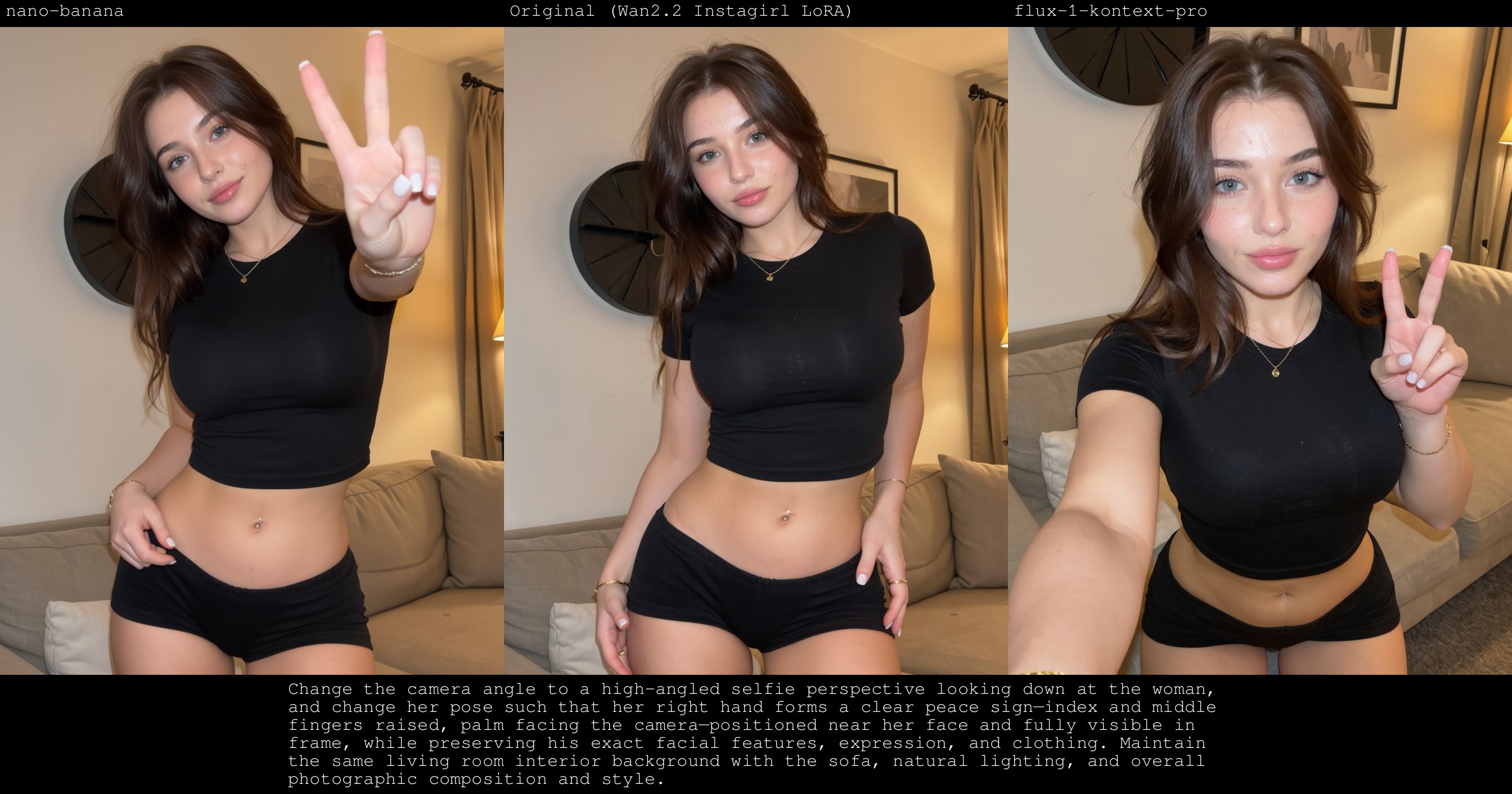
Original Image
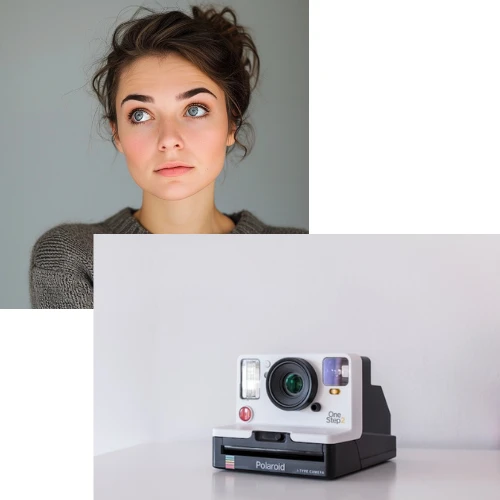
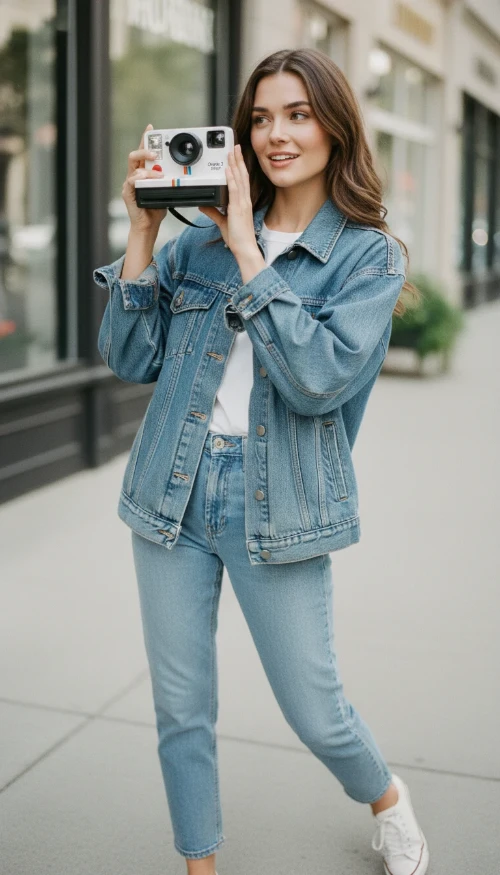
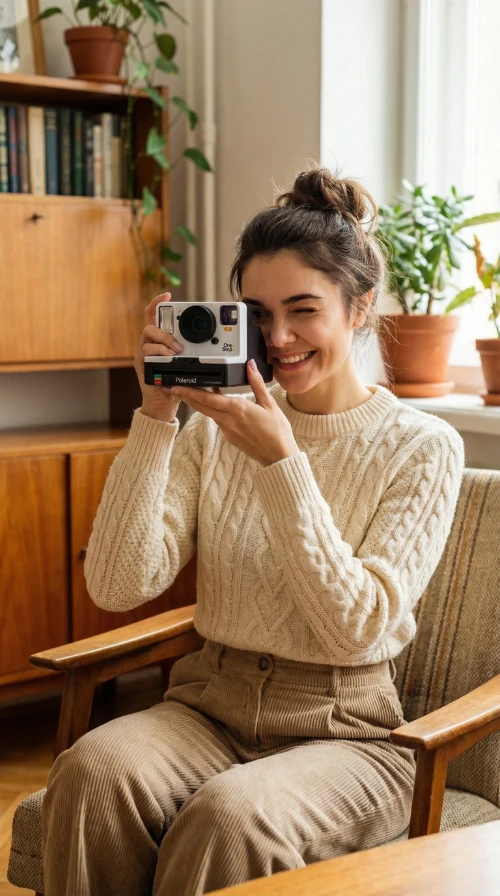
Make her hold the camera and adjust her pose and outfit to match the camera's vibe
Generated Results
Prompt
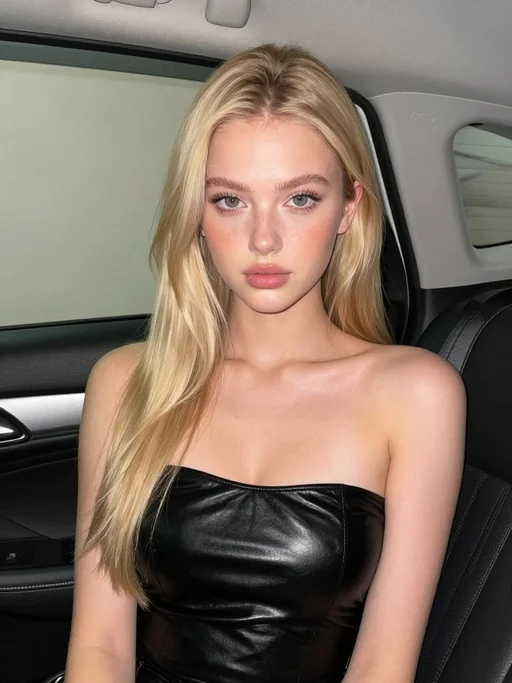
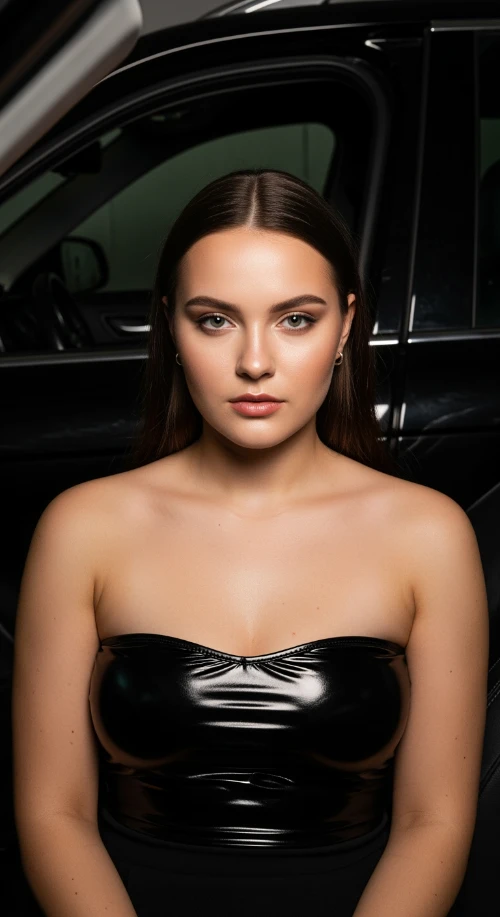
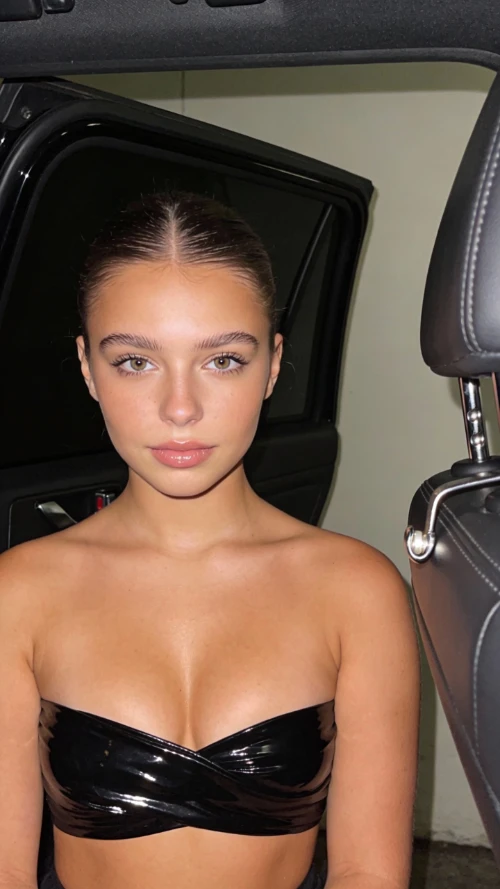
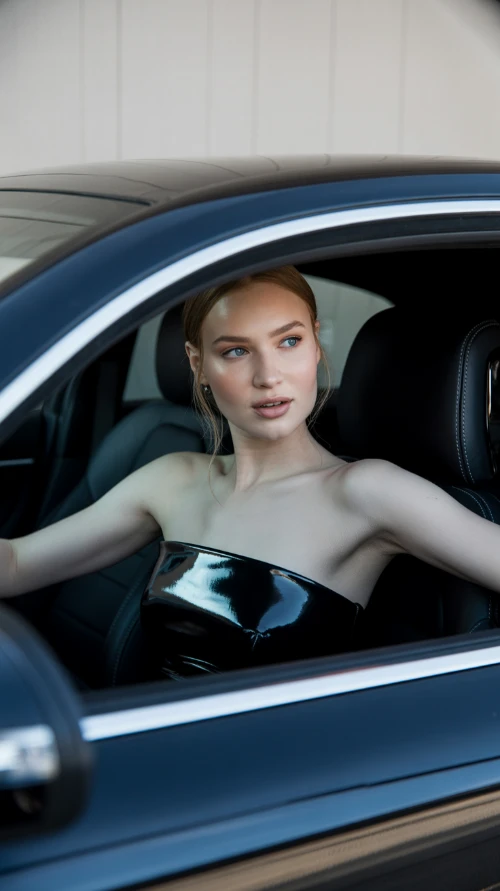
Stunning beautiful European 22 years old girl, fuller chest, seated inside a car interior at night. A black open car door is visible behind her. Soft flash lighting creates sharp highlights and shadows. She wears a glossy black strapless top wrapping tightly across the chest. Smooth matte skin glows from the flash. Clean background with light wall tones. The right side of the frame shows dark leather seat and chrome door latch. Camera angle is straight on at chest and face height. Tight close-up framing, centered composition. 4K resolution.
Generated Results


Access GPT Image 2, Flux, Nano Banana, Grok Imagine, Ideogram, and many more models without switching platforms.
Remove backgrounds, enhance quality, change hairstyles, and edit text in images with professional-grade AI tools.
Get 55 free credits to try every feature. No credit card required. Start editing immediately.
Upload a photo to edit or type a text prompt to generate a new image.
Select from background removal, image edit, enhancement, or 40+ AI generation models.
Download your edited or generated images in high quality. Use them anywhere.
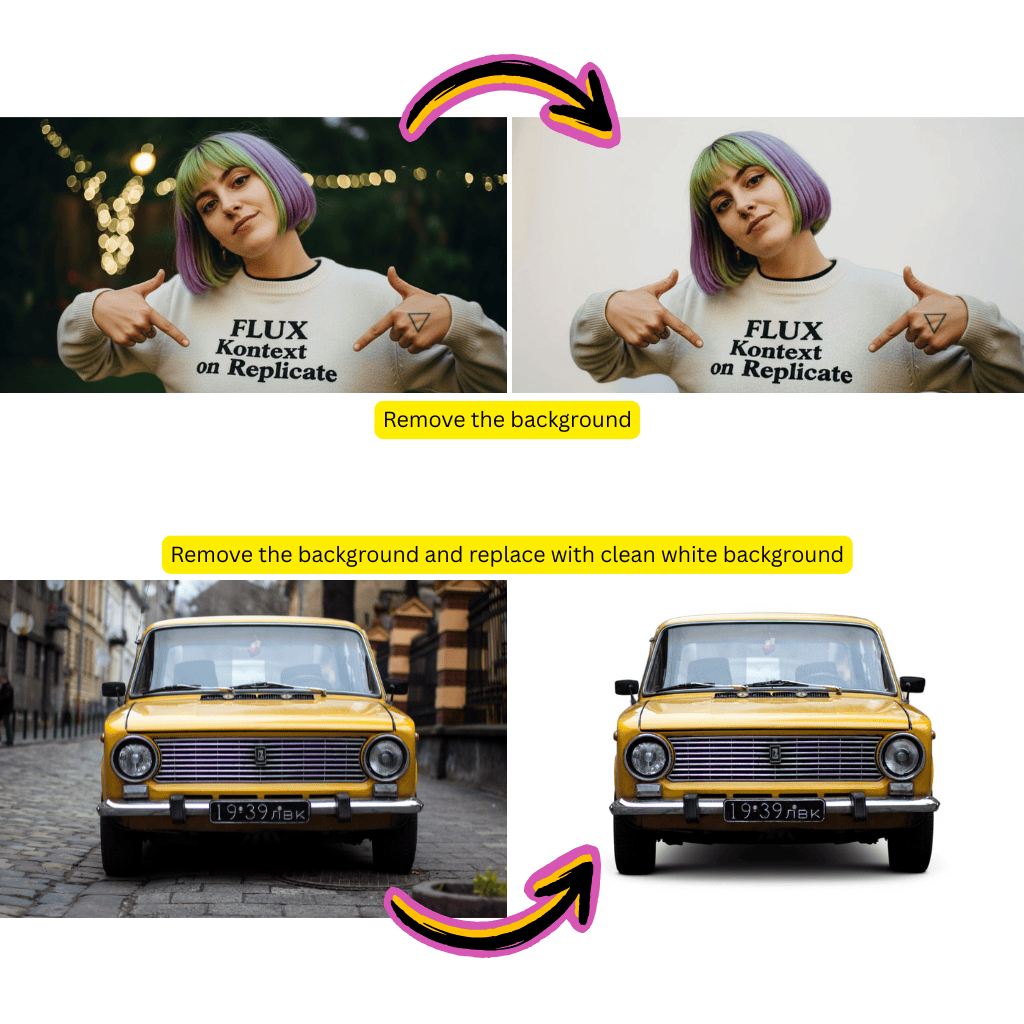
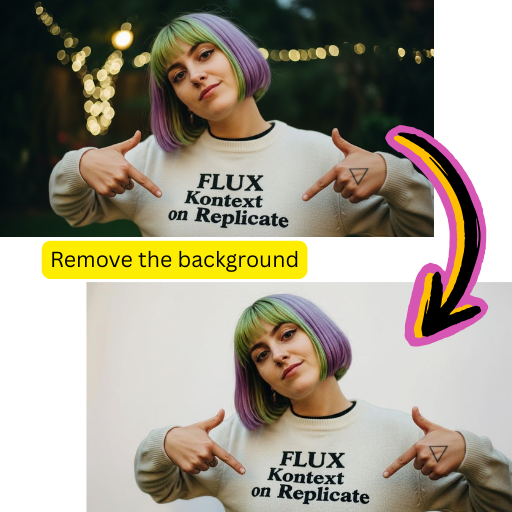
Remove backgrounds instantly with AI precision. Perfect for product photography and portrait editing.
Automatically improve image quality, resolution, lighting, and colors with intelligent AI algorithms.
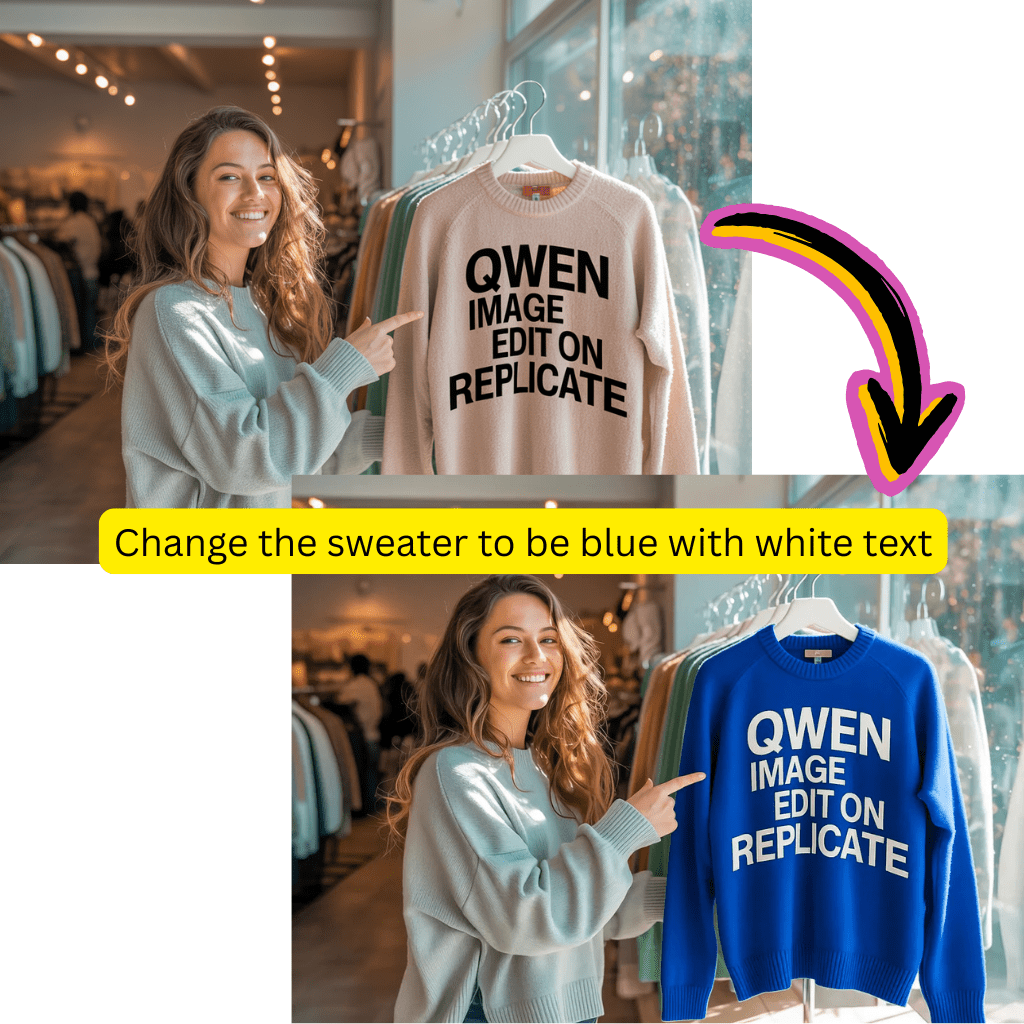
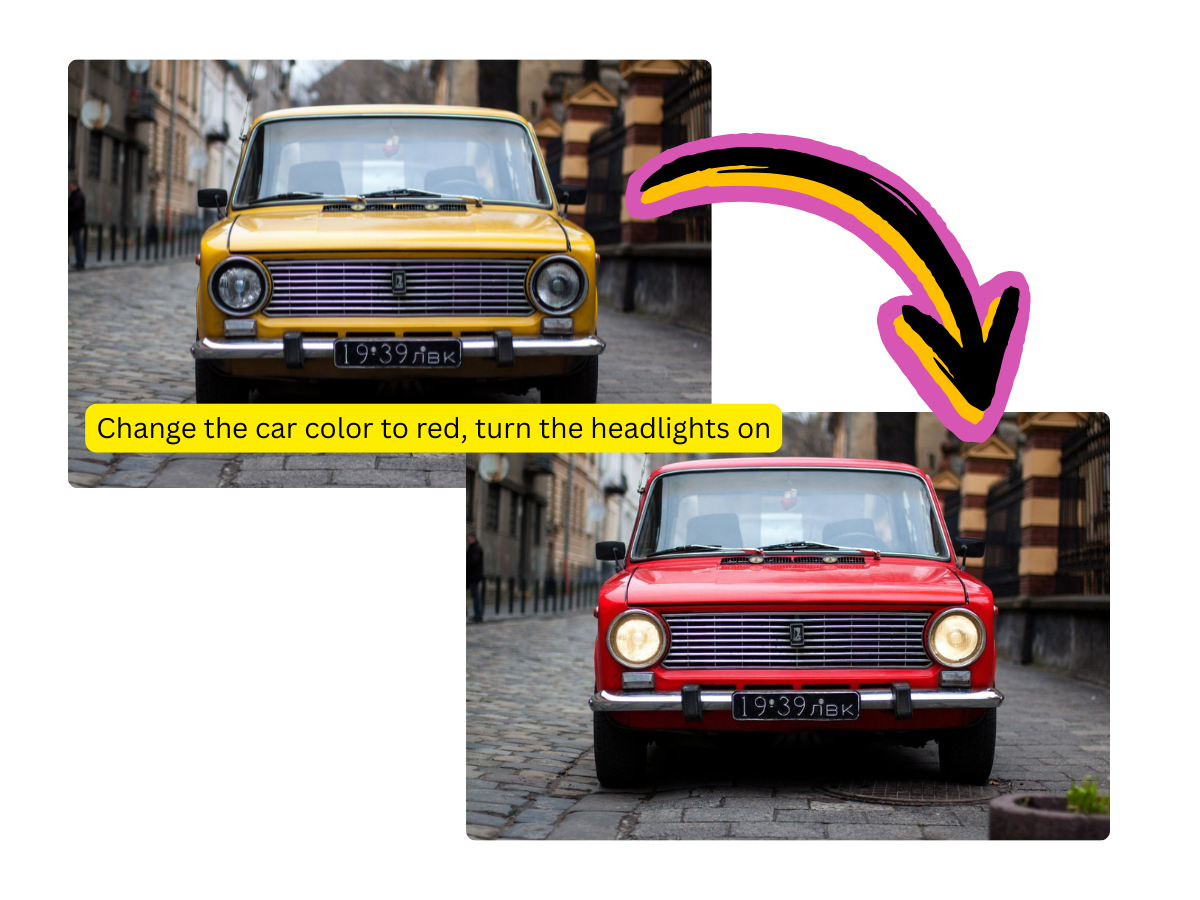
Edit any part of a photo with a text instruction while keeping the rest of the image intact.
OpenAI's latest and most powerful image generation model with exceptional quality and prompt understanding.
Create stunning videos from text or images using Kling, Veo, Seedance, and other top video AI models.
Switch between 40+ AI models including Flux, Nano Banana, Grok Imagine, Ideogram, and more.
1.5M+
Images edited and generated
25K+
Happy users worldwide
40+
AI models available
24/7
Always available online
Sarah Johnson
Professional Photographer
AI Photo Editor has revolutionized my workflow. The background removal is flawless, and having 40+ models in one place saves me so much time.
Michael Chen
Digital Artist
The variety of editing tools is unmatched. I use it for background changes, image edits, and image enhancement daily. It's like having an entire AI studio.
Emily Rodriguez
Marketing Manager
Perfect for creating marketing materials at scale. The AI editing tools let me produce consistent, high-quality visuals for every campaign.
David Kim
E-commerce Entrepreneur
The product photography and background removal tools are incredible. I create professional product photos in seconds.
New users get 55 free credits to try every feature, including photo editing, image generation, and video creation. After that, paid plans start at $9.98/month. There are no watermarks on any output.
The platform provides access to 40+ AI models including GPT Image 2, Flux Kontext, Nano Banana, Grok Imagine, Ideogram, Imagen 4, Seedream, and more for image editing and generation. For video, you can use Sora 2, Kling, Veo, Seedance, Pixverse, Minimax Hailuo, and Wan.
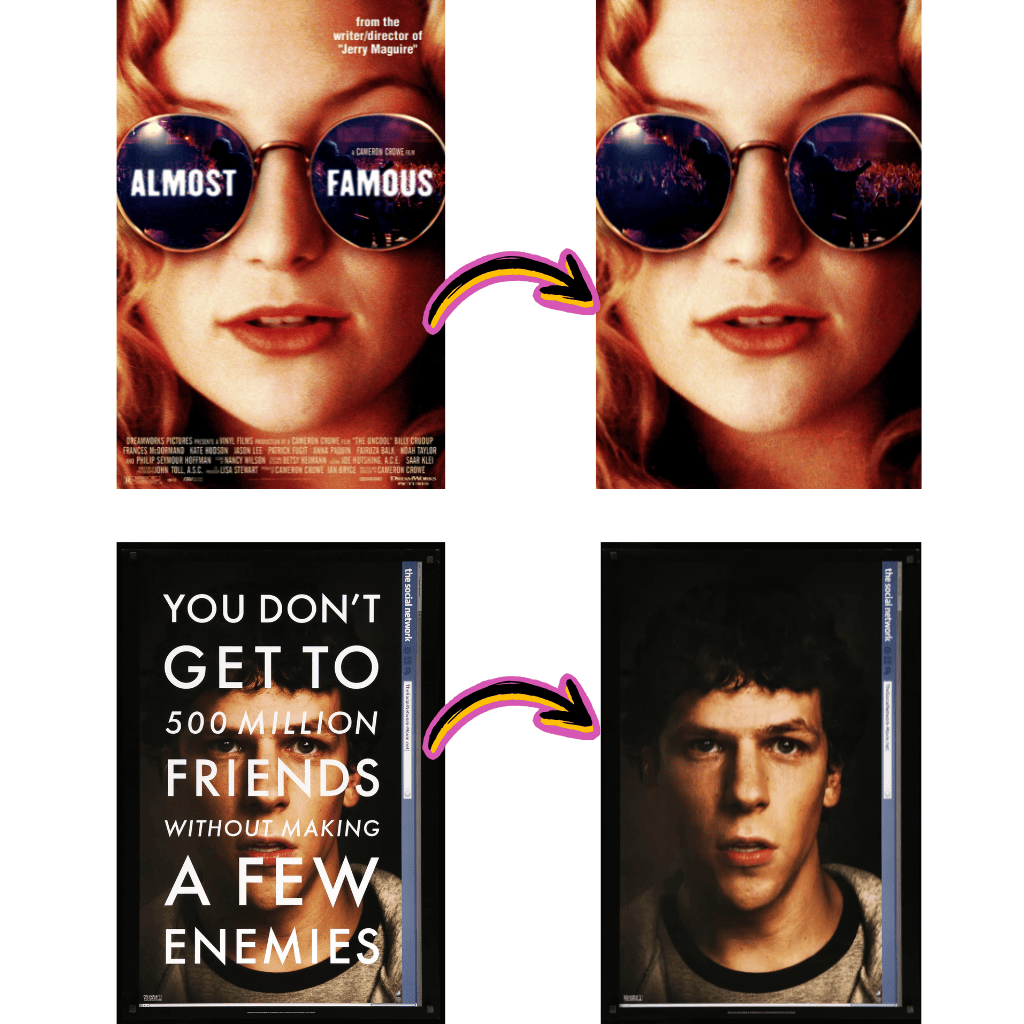
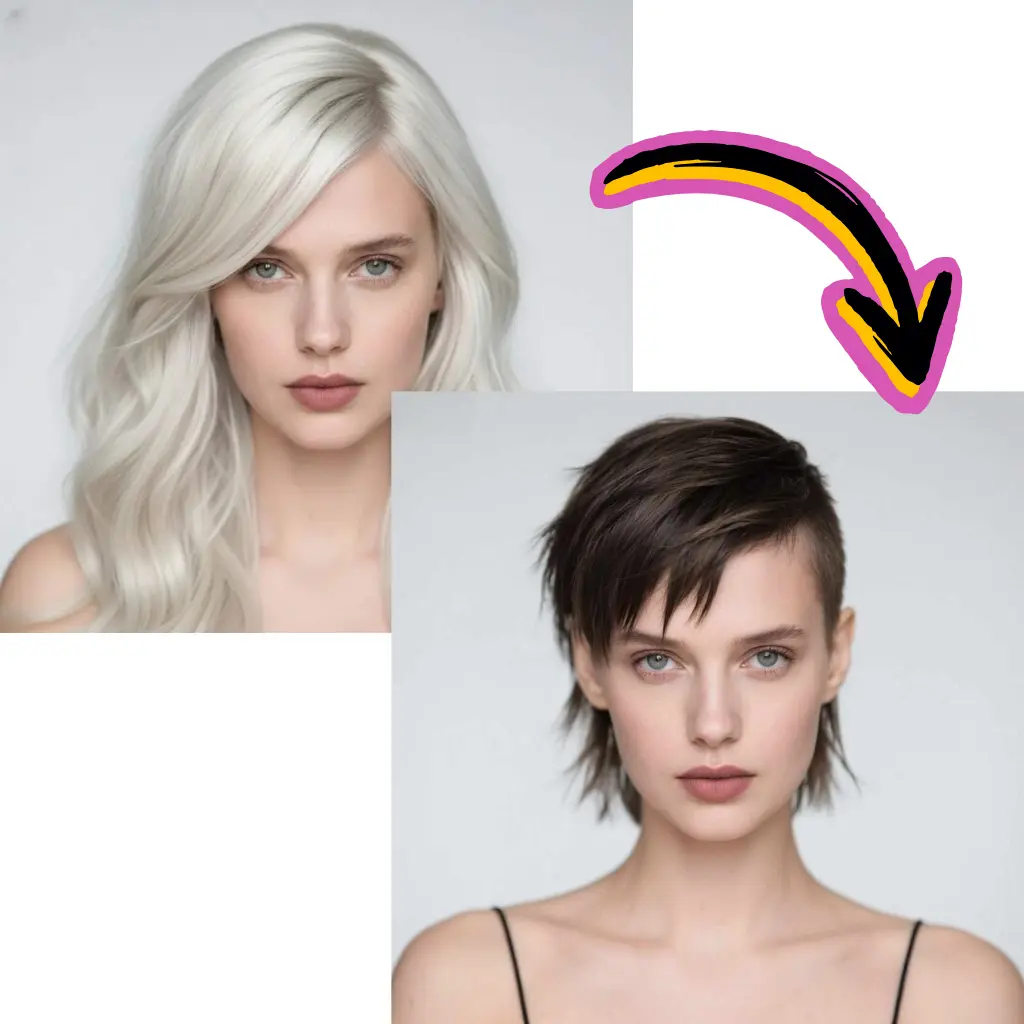
You can remove backgrounds, change hairstyles, remove text from images, enhance image quality and resolution, change backgrounds, create product photography, generate professional headshots, and much more.
Most photo editing operations take 5-30 seconds. Video generation takes 1-5 minutes for a short clip. You can close the browser and come back later - your results will be waiting.
You can upload JPG, PNG, and WEBP images. Generated images can go up to 4K resolution depending on the model. Videos are exported in MP4 format.
Yes. All paid plans include commercial usage rights. You own the images and videos you create. This applies to marketing materials, social media content, product photos, and any other commercial purpose.
Each action costs a certain number of credits. Simple image edits cost around 5 credits, while video generation costs 30-50 credits depending on length and model. Credits never expire on yearly plans.
Uploaded images are processed on secure cloud infrastructure and are not used to train AI models. You can delete your generated content at any time.