
01
Automatic Resolution Upscaling
The AI Image Enhancer increases your photo resolution without introducing blur or artifacts. Small images become print ready without losing detail.
Transform blurry photos into sharp, high-quality images with AI. Enhance faces, improve backgrounds, and upscale resolution instantly.
Click or drag to upload image
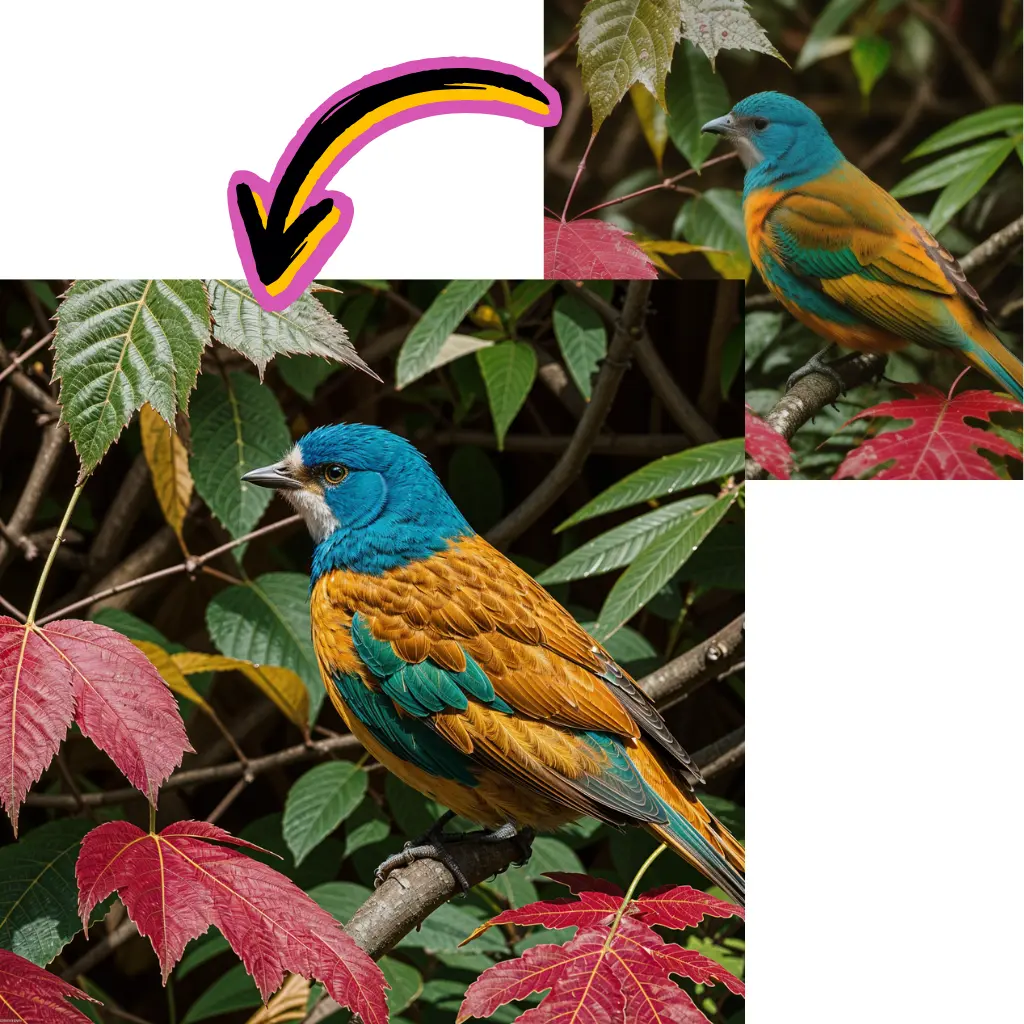
See the difference the AI Image Enhancer makes. Compare original and enhanced versions of real photos across different categories.
The AI Image Enhancer increases your photo resolution without introducing blur or artifacts. Small images become print ready without losing detail.
Faces get special treatment. The AI Image Enhancer restores facial details, smooths noise, and sharpens features while keeping the person looking natural.
Underexposed or washed out photos are automatically balanced. The AI Image Enhancer adjusts brightness, contrast, and color temperature to bring out the best in every shot.
Scanned family photos, vintage prints, and faded snapshots get new life. The AI Image Enhancer restores clarity and color that time has taken away.
Low light phone shots and compressed social media downloads become sharp enough for printing. The AI Image Enhancer fills in the detail that small sensors miss.
Skip the learning curve. The AI Image Enhancer applies the same corrections a professional retoucher would, but does it automatically in a few seconds.
Drop your image into the AI Image Enhancer. It accepts JPG, PNG, and WebP files of any size.
Toggle face enhancement and background enhancement on or off. The AI Image Enhancer lets you control which areas get the most attention.
Review the improved photo and download it at full resolution. The AI Image Enhancer preserves your original file while delivering the enhanced version.
The AI Image Enhancer typically produces a noticeable improvement in sharpness, detail, and color accuracy. Results depend on the original image quality, but even heavily compressed photos see significant gains.
Yes. The AI Image Enhancer reduces motion blur and out of focus softness by reconstructing missing detail. Slightly blurry photos see the most dramatic improvement.
It does. The AI Image Enhancer can increase resolution while adding realistic detail, making small images suitable for larger prints or higher resolution displays.
Face enhancement sharpens and restores facial features without altering how the person looks. The AI Image Enhancer preserves identity while improving clarity.
Absolutely. Old scans, faded prints, and vintage photos respond well to the AI Image Enhancer. It restores color vibrancy and sharpens details that scanning may have softened.
New users receive free credits to try the AI Image Enhancer. You can enhance several photos before deciding whether a paid plan fits your needs.
The AI Image Enhancer accepts JPG, PNG, and WebP uploads. Enhanced images are delivered in the same format at full resolution.