


01
Higher Visual Quality Across the Board
Wan 2.6 AI Video Generator produces sharper textures, more accurate colors, and better lighting than previous Wan releases. Every frame looks more polished and professional.
Generate professional videos with Wan 2.6 AI Video Generator. Alibaba's updated model delivers improved visual quality, better motion coherence, and support for longer video clips.
Wan 2.6 AI Video Generator produces sharper textures, more accurate colors, and better lighting than previous Wan releases. Every frame looks more polished and professional.
Generate longer video clips in a single pass. Wan 2.6 AI Video Generator supports extended durations, giving you more usable footage without needing to chain multiple generations.
Camera movements and object trajectories stay smooth and predictable. Wan 2.6 AI Video Generator reduces the jitter and drift that appeared in earlier versions.
With extended clip support, Wan 2.6 AI Video Generator gives you more continuous footage per generation. Spend less time stitching short clips together in post production.
Wan 2.6 AI Video Generator handles color grading and light direction with noticeable accuracy. Indoor scenes, golden hour shots, and neon lit environments all render convincingly.
Describe the camera movement you want and Wan 2.6 AI Video Generator executes it cleanly. Pans, dollies, and tracking shots feel intentional rather than random.
Write a description of the video you want or upload a reference image. Wan 2.6 AI Video Generator responds well to prompts that specify mood, movement, and visual style.
Pick Wan 2.6 from the available models on AI Photo Editor. Configure your preferred clip length and aspect ratio before generating.
Run the generation, preview the output, and download your video. Iterate on the prompt if you want to adjust any details.
Wan 2.6 AI Video Generator is an updated video generation model from Alibaba. It builds on the original Wan architecture with improved visual quality, longer clip support, and better motion handling.
Yes. AI Photo Editor provides free credits so you can try Wan 2.6 AI Video Generator without any upfront cost. Start generating immediately and upgrade when you need more.
Wan 2.6 AI Video Generator offers higher visual fidelity, longer maximum clip duration, and smoother motion compared to the original Wan model. The prompt understanding is also more accurate.
Wan 2.6 AI Video Generator supports extended clip durations beyond what earlier Wan versions offered. You can also use the extend feature to add more seconds to any generated clip.
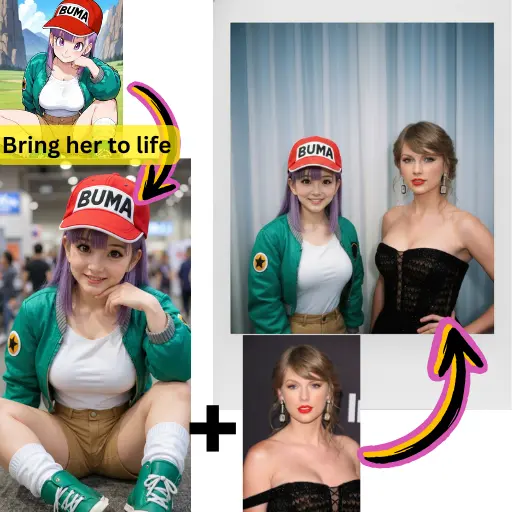
Yes. Upload any image and Wan 2.6 AI Video Generator will bring it to life with natural motion. The model preserves the original composition while adding movement and camera dynamics.
Wan 2.6 AI Video Generator executes camera pans, zooms, and tracking shots smoothly when described in the prompt. The motion feels deliberate and cinematic rather than random.
Wan 2.6 AI Video Generator performs well across photorealistic, cinematic, animated, and artistic styles. It adapts to the visual direction specified in your prompt without needing separate model variants.