
01
Film-Quality Color Grading in Seconds
The AI Cinematic Photo Editor understands color science. Teal and orange for modern blockbusters, desaturated cool tones for thrillers, warm golden hues for romantic scenes. Just name the style.
Transform your photos with cinematic color grading, dramatic lighting, and film-quality atmosphere. Describe the mood you want and AI handles the rest.
Browse cinematic photos created with our AI editor. See film noir, golden hour, teal-orange, and other movie-inspired styles. Click any image to copy the prompt.

The AI Cinematic Photo Editor understands color science. Teal and orange for modern blockbusters, desaturated cool tones for thrillers, warm golden hues for romantic scenes. Just name the style.
Side lighting, rim lighting, Rembrandt triangles, chiaroscuro shadows. The AI Cinematic Photo Editor simulates professional lighting setups on any photo you upload.
Add realistic film grain, subtle vignetting, and the shallow depth of field that defines cinematic photography. The result feels shot on 35mm, not filtered on a phone.

Color grading in Lightroom or DaVinci Resolve takes months to learn properly. The AI Cinematic Photo Editor delivers comparable results from a text description in under 10 seconds.
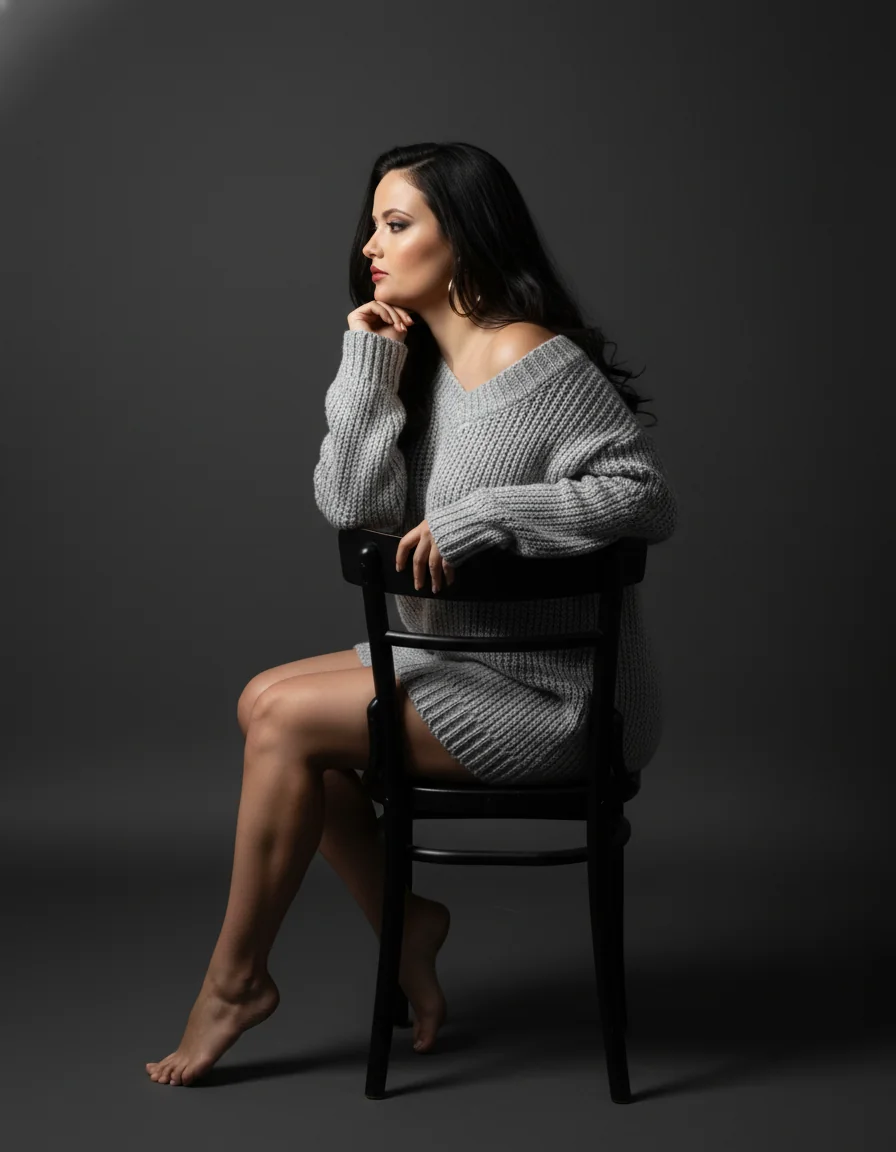
Editing a batch of photos with the same cinematic feel is tedious by hand. The AI Cinematic Photo Editor applies your chosen style uniformly across every image.

Phone filters apply flat overlays. The AI Cinematic Photo Editor adjusts highlights, shadows, midtones, and color channels independently for a result that looks graded, not filtered.
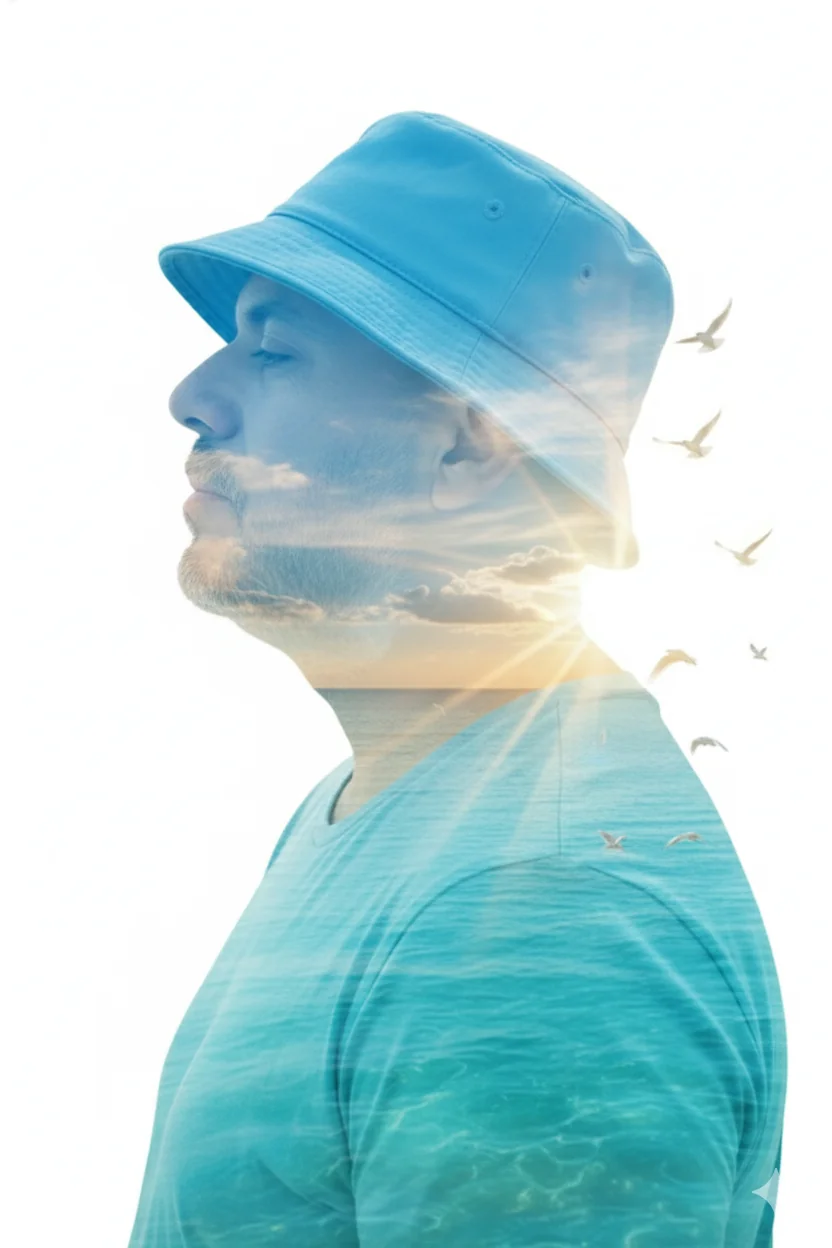
Portraits, landscapes, street scenes, product shots. The AI Cinematic Photo Editor works with any subject. Higher resolution inputs produce sharper cinematic results.

Write what you want: 'film noir with high contrast shadows', 'golden hour warm tones', 'teal and orange blockbuster grade', or 'Wes Anderson pastel symmetry'. Be specific about the mood.
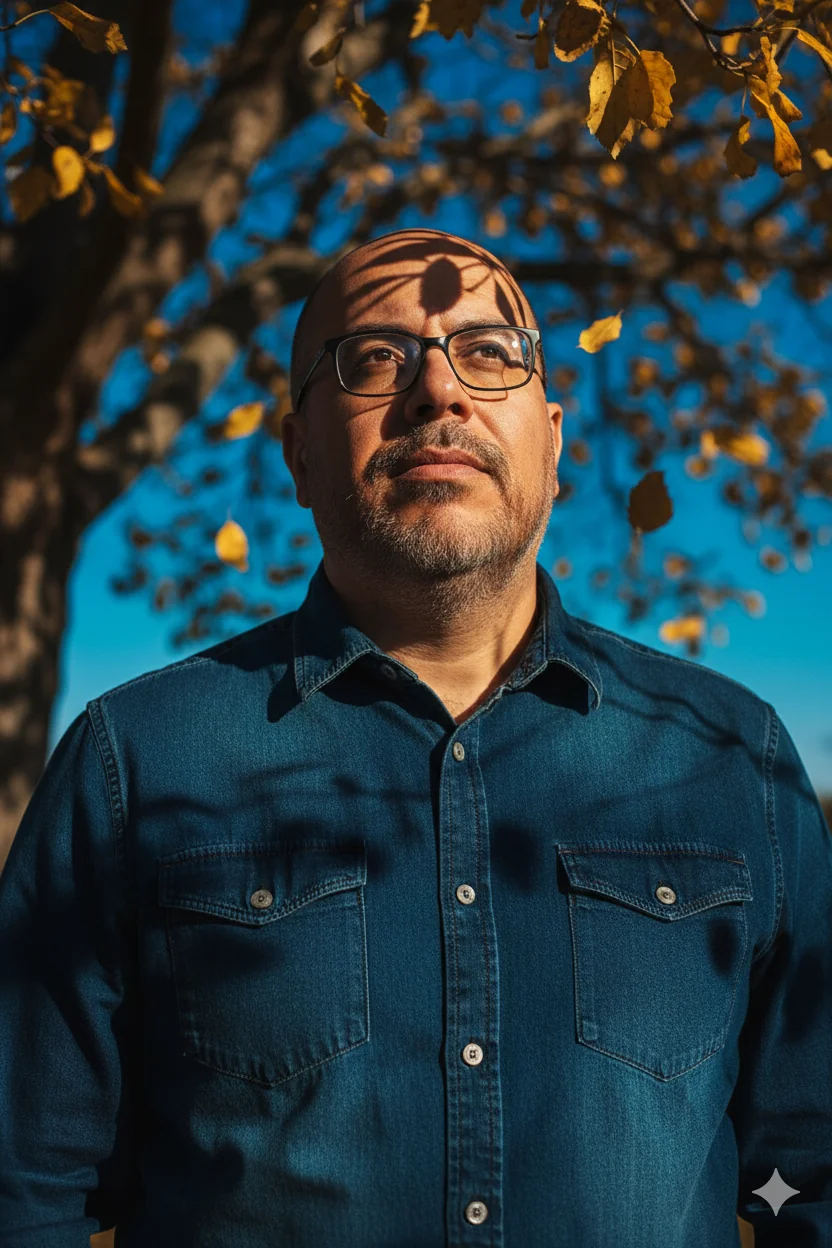
Review the result, adjust your prompt if needed, and download in full resolution. Ready for social media, portfolios, or print.
The editor handles a wide range of film looks including teal and orange blockbuster grading, film noir high contrast, golden hour warmth, desaturated thriller tones, vintage 70s film stock, Wes Anderson pastels, and moody low-key dramatic lighting. Describe any movie aesthetic and the AI interprets it.
Not at all. You can write 'make it look like a movie scene at sunset' and the AI understands. Technical terms like Rembrandt lighting or teal-orange split toning work too, but plain language descriptions are equally effective.
Yes. The AI adds dramatic lighting, adjusts color grading, simulates shallow depth of field, and applies film texture to any input photo. Phone selfies become cinematic portraits in seconds.
Lightroom presets apply fixed adjustments that often need manual tweaking per photo. The AI Cinematic Photo Editor analyzes each image individually and adapts the grading to the specific content, lighting, and colors present. Results are more consistent across different photos.
Yes. Use the same prompt description for each photo and the AI Cinematic Photo Editor maintains a consistent cinematic style across your entire series. This is ideal for social media feeds or photo essays.
It can. Include 'film grain' or '35mm film texture' in your prompt and the AI adds realistic grain that matches the cinematic style. You can also request clean cinematic looks without grain.
New users receive free credits to try the cinematic editor. You can create several cinematic photos before deciding whether to upgrade for higher volume.
The editor preserves your input resolution and outputs high quality results suitable for social media, web use, and print. Premium plans support higher resolution outputs.