
01
Business Ready Headshots in Minutes
LinkedIn profiles, company directories, conference badges, and email signatures all need a solid headshot. The AI man photo editor produces corporate-grade portraits from casual phone photos.
Upload a selfie and get a polished male portrait with professional lighting, clean background, and natural retouching. The AI man photo editor handles everything from corporate headshots to creative portraits.
Browse professional male portraits created with our AI man photo editor. See corporate headshots, creative portraits, outdoor shots, and lifestyle photography. Click any image to copy the prompt.
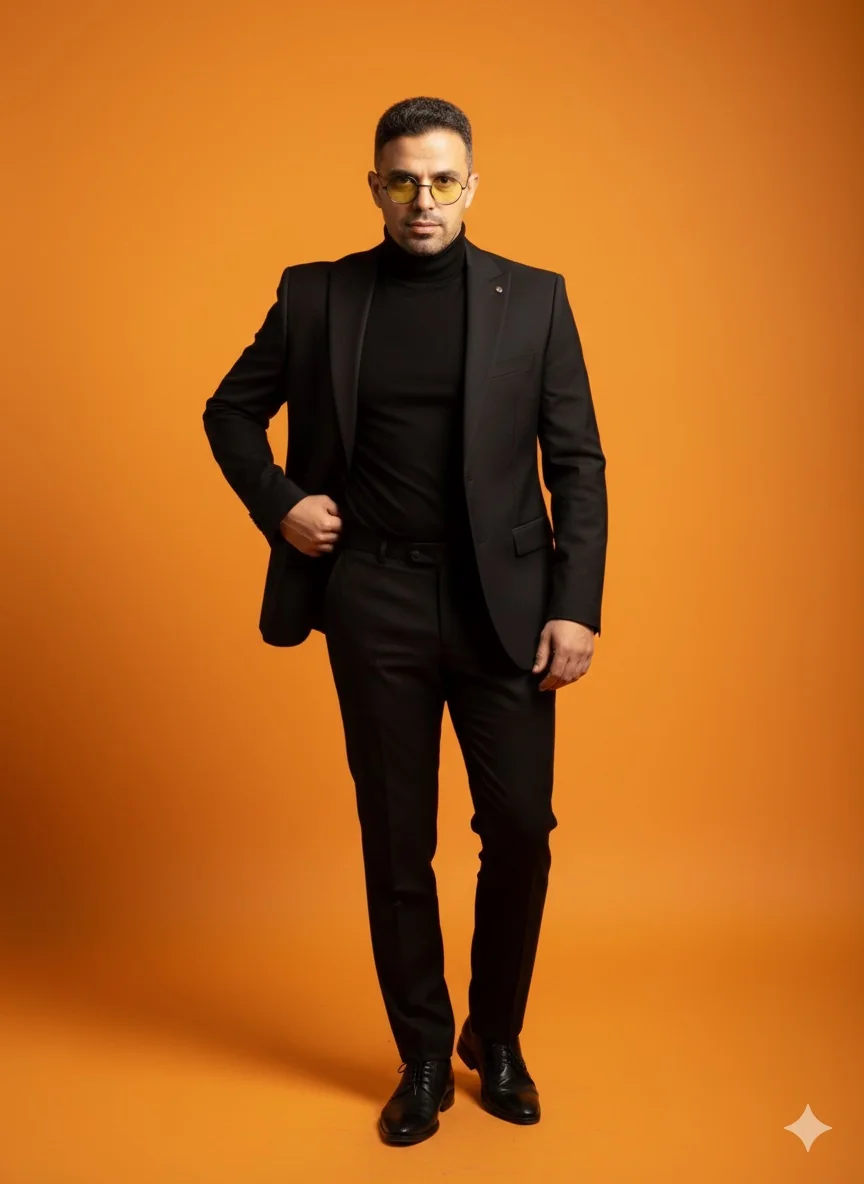
LinkedIn profiles, company directories, conference badges, and email signatures all need a solid headshot. The AI man photo editor produces corporate-grade portraits from casual phone photos.
Men typically want subtle improvements rather than heavy retouching. The AI man photo editor sharpens details, evens skin tone, and optimizes lighting while keeping the result unmistakably real.
Corporate formal with suit and tie, smart casual for creative industries, outdoor environmental portraits, or dramatic black and white. The AI man photo editor adapts to any professional context.
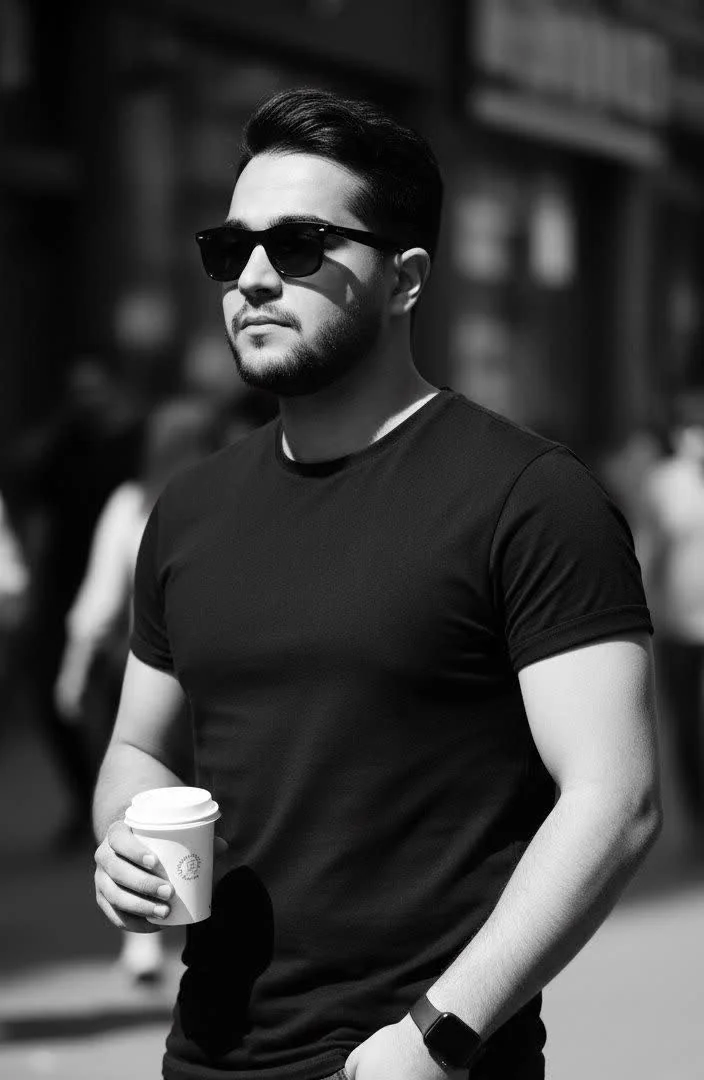
Profiles with professional headshots receive significantly more views and connection requests. The AI man photo editor creates LinkedIn-optimized portraits that project competence and approachability.
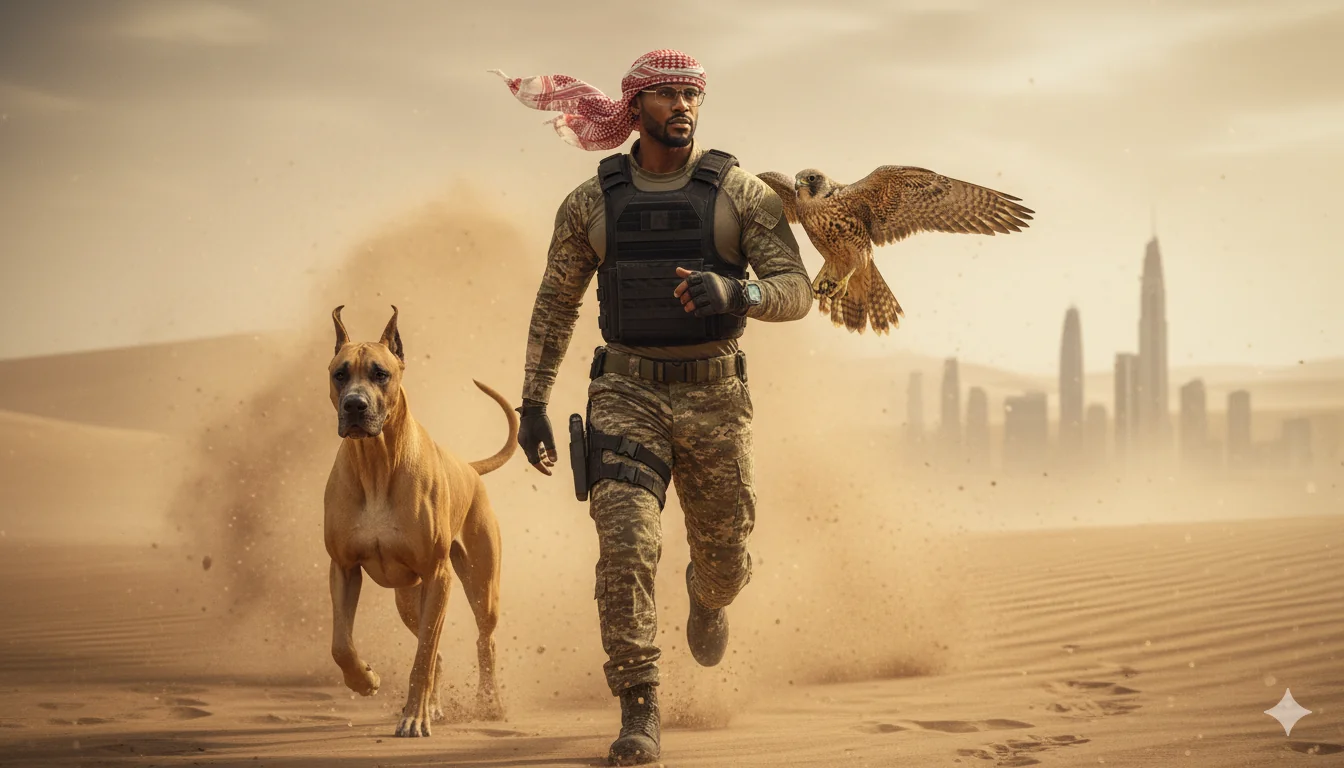
Many men find professional photo shoots awkward. The AI man photo editor works from existing photos taken in comfortable settings, eliminating the need to pose in a studio.

Getting every team member to the same photographer is a logistics nightmare. Each person submits their own photo and the AI man photo editor produces a matching set with uniform style.
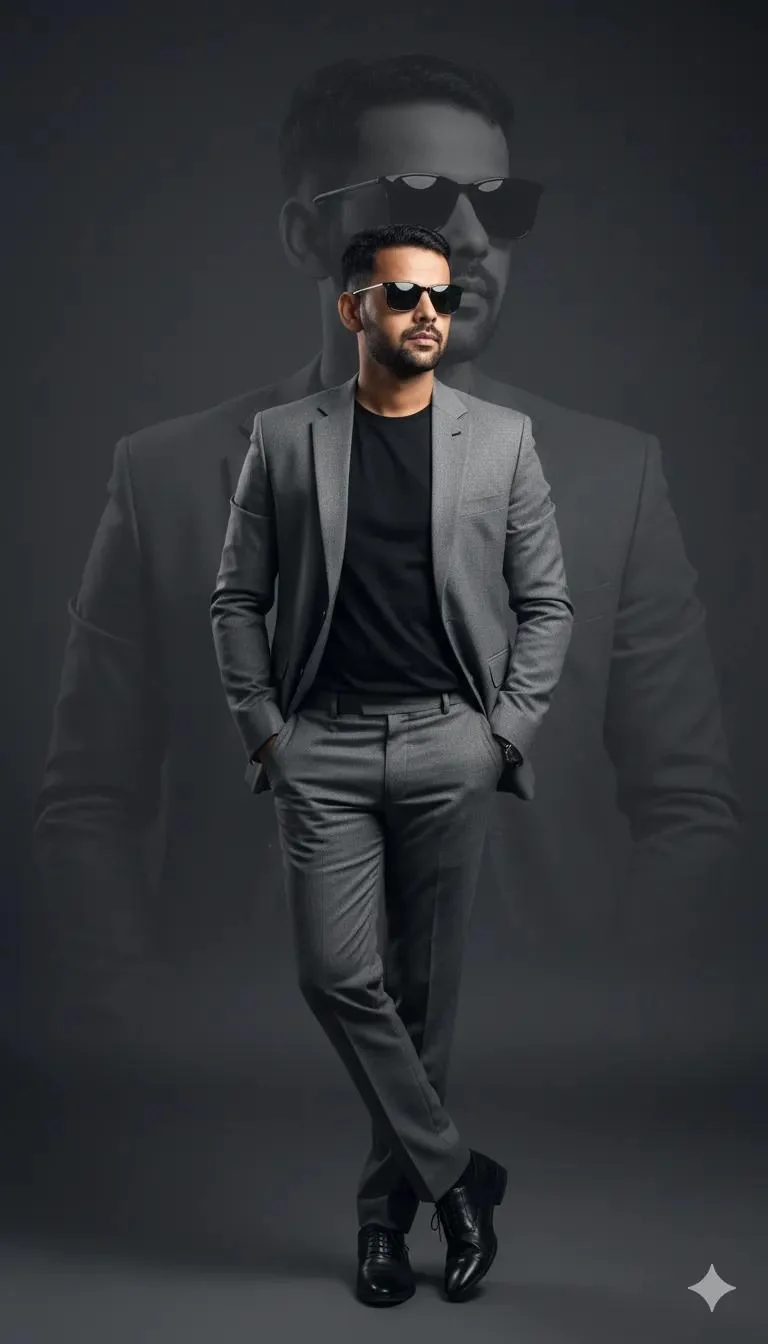
Any recent photo where your face is clearly visible. The AI man photo editor works with selfies, webcam captures, and casual snapshots. Good natural lighting helps but is not required.

Describe what you need: 'corporate headshot with dark suit on gray background', 'creative industry portrait with natural light', or 'confident outdoor business photo'. The AI man photo editor matches your description.

Review the result, adjust if needed, and download in high resolution. Your portrait is ready for LinkedIn, your company website, business cards, or any professional platform.
Yes. Upload any clear face photo and describe the professional look you want. The AI man photo editor adds studio lighting, replaces the background, and applies subtle retouching to produce a corporate-grade headshot from a phone selfie.
No. The editor is calibrated for male portraits where natural appearance matters most. It enhances lighting and sharpens details without smoothing skin to the point of looking artificial. The goal is a better version of your actual appearance.
Corporate formal with suit and tie, business casual for tech and creative industries, outdoor environmental portraits, dramatic black and white, and relaxed lifestyle shots. Describe the context and the editor adapts the lighting, background, and overall mood.
Absolutely. The output meets LinkedIn's recommended quality standards for profile photos. Many users report increased profile views and connection requests after updating their photo with an AI-generated headshot.
Yes. The editor preserves and enhances facial hair naturally. Beards, stubble, and mustaches are rendered with proper texture and lighting rather than being smoothed away.
Yes. The editor handles all ages and enhances portraits appropriately. For mature subjects, it improves lighting and sharpness while respecting natural features like gray hair and character lines that convey experience and authority.
Yes. Process each team member's photo with the same prompt to produce a consistent set. Uniform lighting, matching backgrounds, and similar retouching levels create a professional team page.
Solid colors, gradient backgrounds, office environments, outdoor scenes, studio backdrops, and natural bokeh blur. Specify your preference in the prompt or let the AI choose a professional default.
New users receive free credits to create their first professional portraits. Generate several headshots to test the quality before selecting a plan.
The editor can suggest attire changes through prompt descriptions. Mention 'dark navy suit with white shirt' or 'casual blazer with open collar' and the AI adjusts the styling to match your professional context.
The AI is trained on diverse datasets and produces natural results across all skin tones. Lighting adjustments are calibrated to complement each complexion without washing out or over-saturating.
A clear, front-facing photo with even lighting and your full face visible. Avoid heavy sunglasses, extreme shadows, or very low resolution images. A phone selfie taken near a window in daylight works well.