
01
Professional Lighting from Any Source Photo
Harsh shadows from overhead lights, flat lighting from cloudy days, uneven illumination from windows. The AI Portrait Photo Editor corrects all of these and simulates studio-quality lighting setups.
Upload a selfie or casual photo and get a professional portrait with studio lighting, clean background, and natural skin retouching. AI does the work of a portrait photographer.
Browse professional portraits created with our AI editor. See studio, outdoor, environmental, and beauty portrait styles. Click any image to copy the prompt.
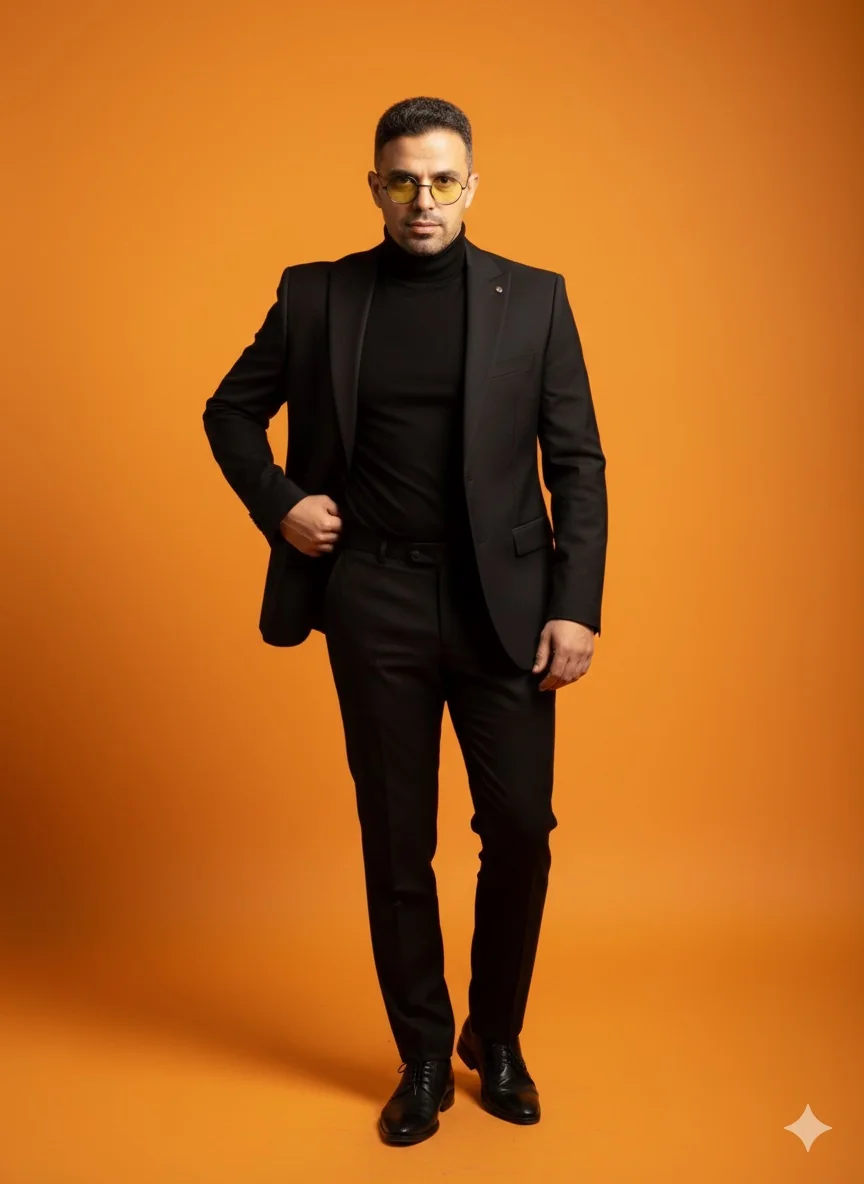
Harsh shadows from overhead lights, flat lighting from cloudy days, uneven illumination from windows. The AI Portrait Photo Editor corrects all of these and simulates studio-quality lighting setups.
The AI Portrait Photo Editor smooths skin without the plastic look. It reduces blemishes and evens skin tone while preserving pores, texture, and the natural character of your face. You still look like you, just on your best day.
Cluttered rooms, busy streets, messy desks. The AI Portrait Photo Editor replaces distracting backgrounds with clean, professional options or blurs them into a natural bokeh.

The AI Portrait Photo Editor creates portraits that meet professional standards for LinkedIn profiles, company websites, resumes, and business cards. No appointment needed.
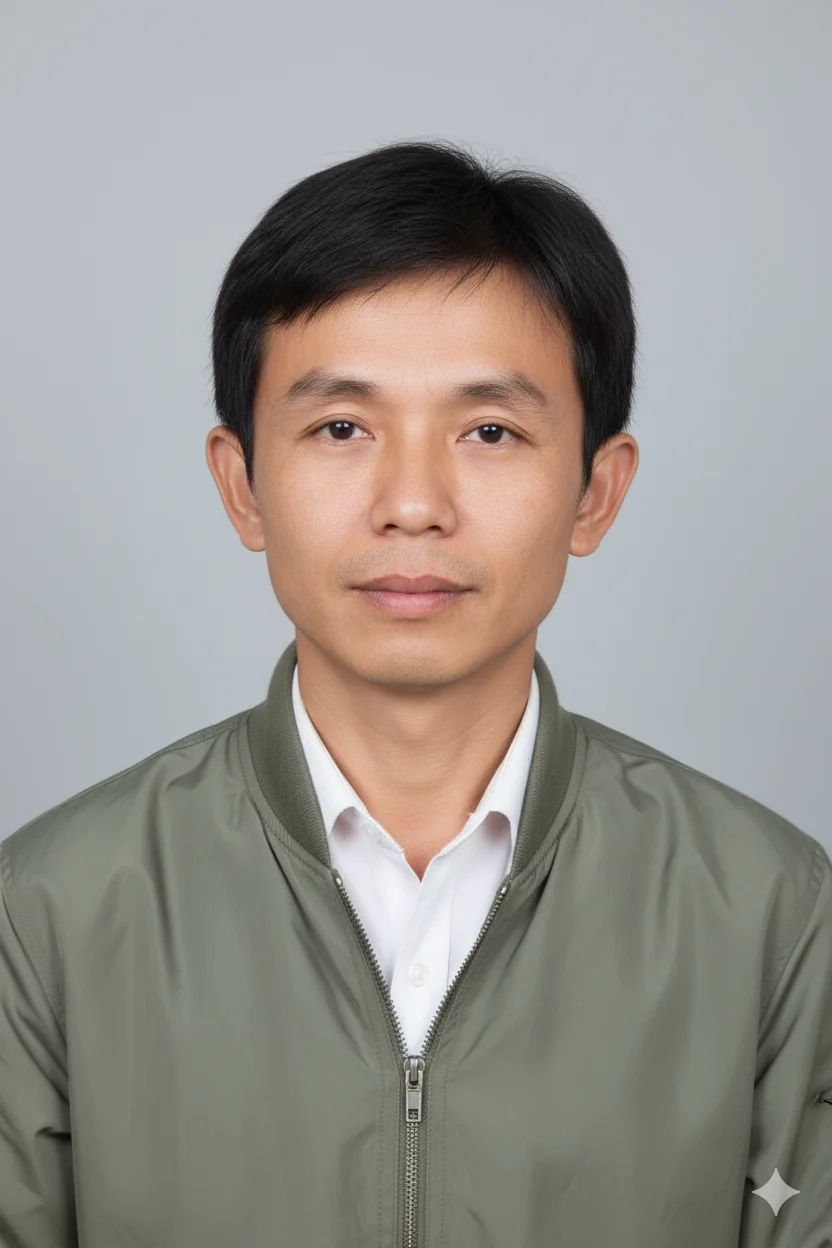
The biggest complaint about AI photo tools is the fake, over-smoothed look. The AI Portrait Photo Editor is specifically tuned to preserve natural facial features while making subtle improvements that enhance without distorting.
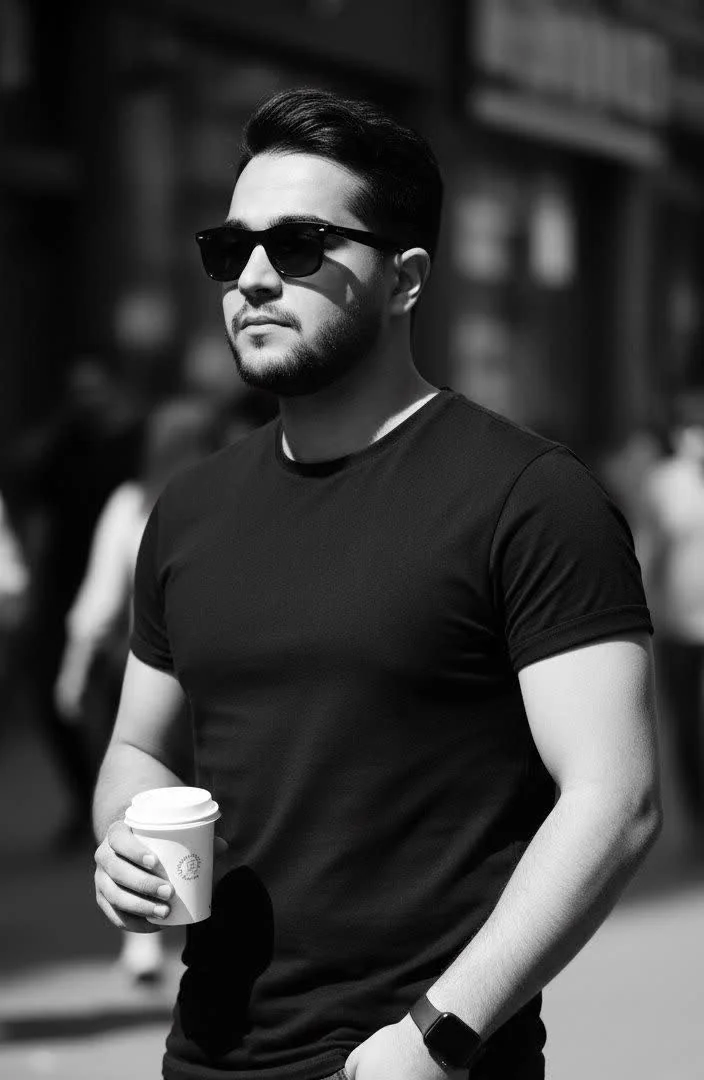
Phone selfies, webcam captures, casual snapshots. The AI Portrait Photo Editor handles poor lighting, low resolution, and unflattering angles. Better input produces better output, but even mediocre photos get a significant upgrade.
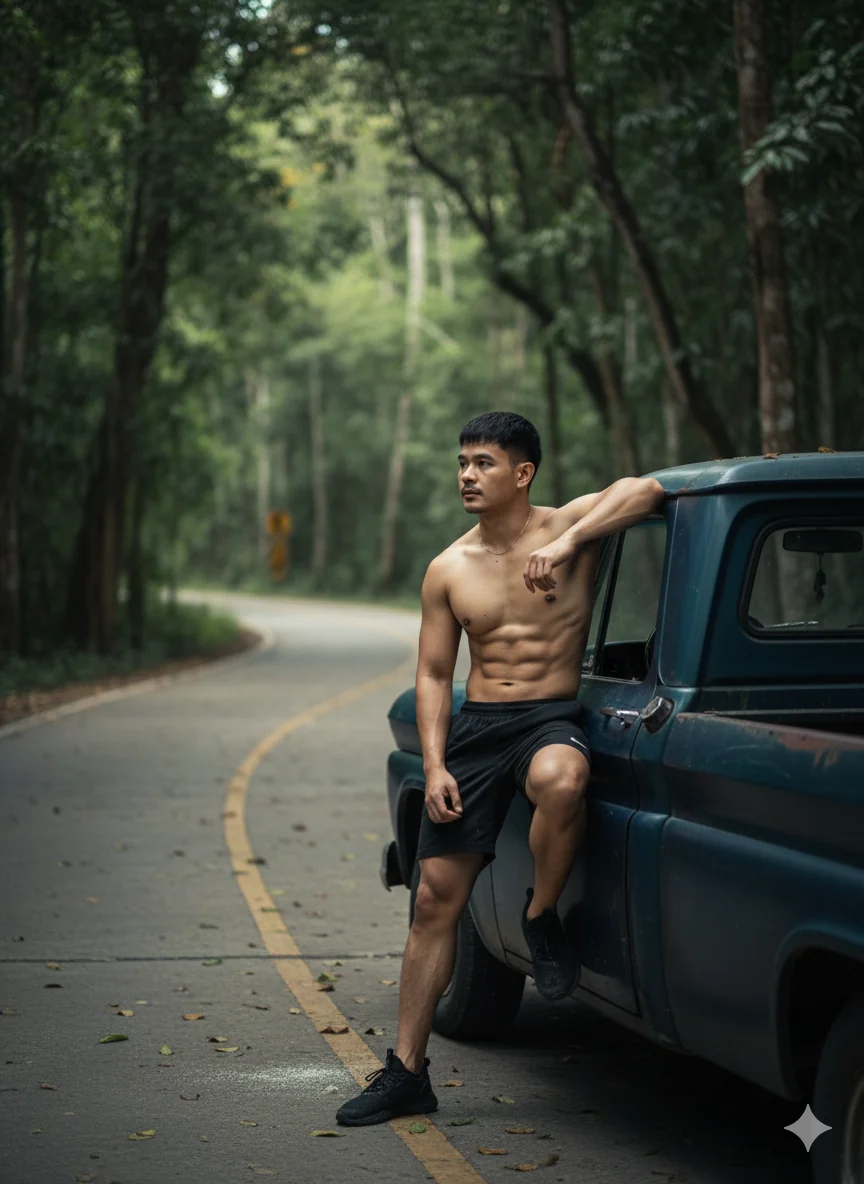
Any photo where your face is clearly visible works. Front-facing with even lighting gives the best results, but the AI Portrait Photo Editor handles side angles and mixed lighting too.
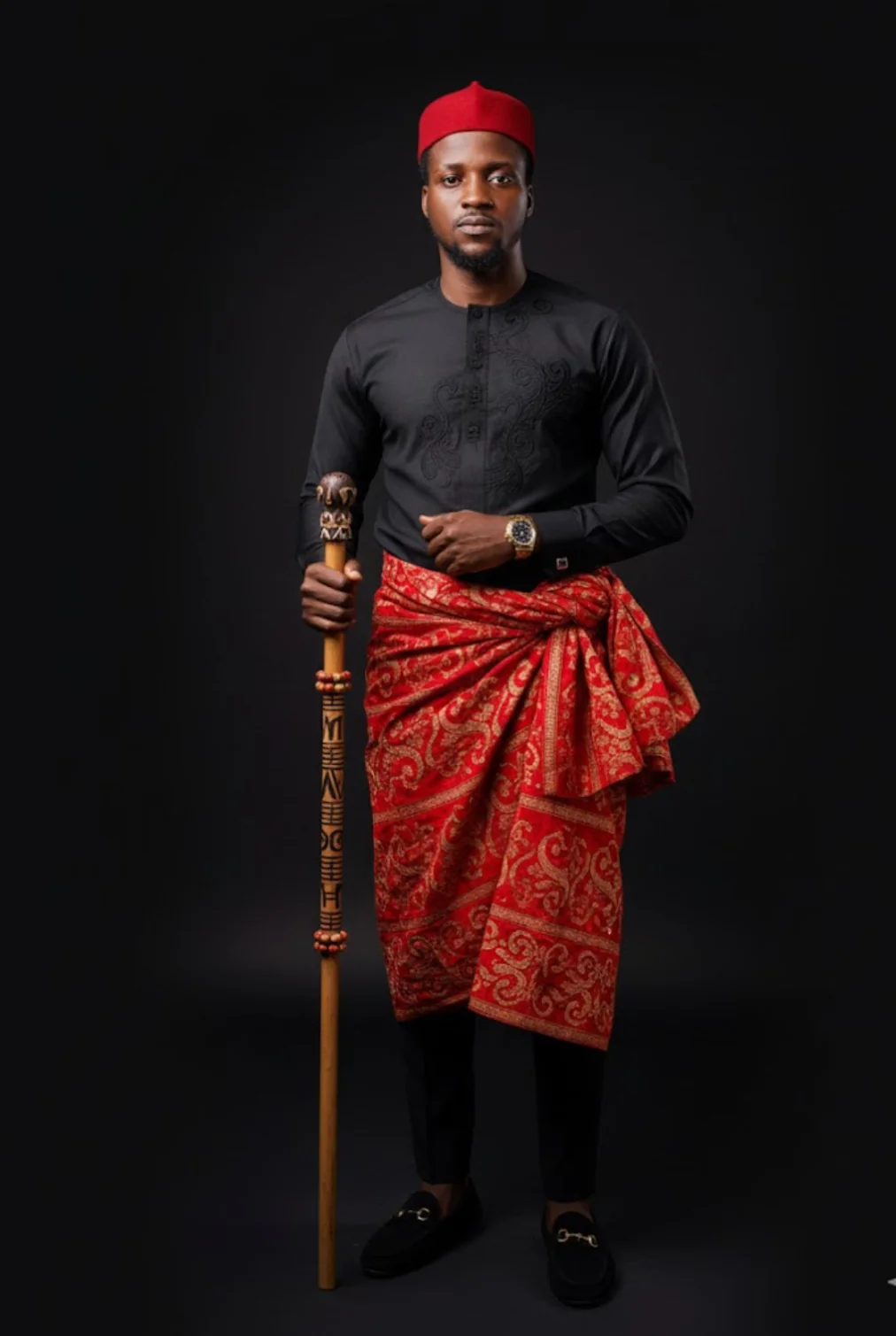
Want studio lighting on a white background? Outdoor portrait with bokeh? Corporate headshot? Creative portrait with dramatic shadows? Tell the AI Portrait Photo Editor what you need.
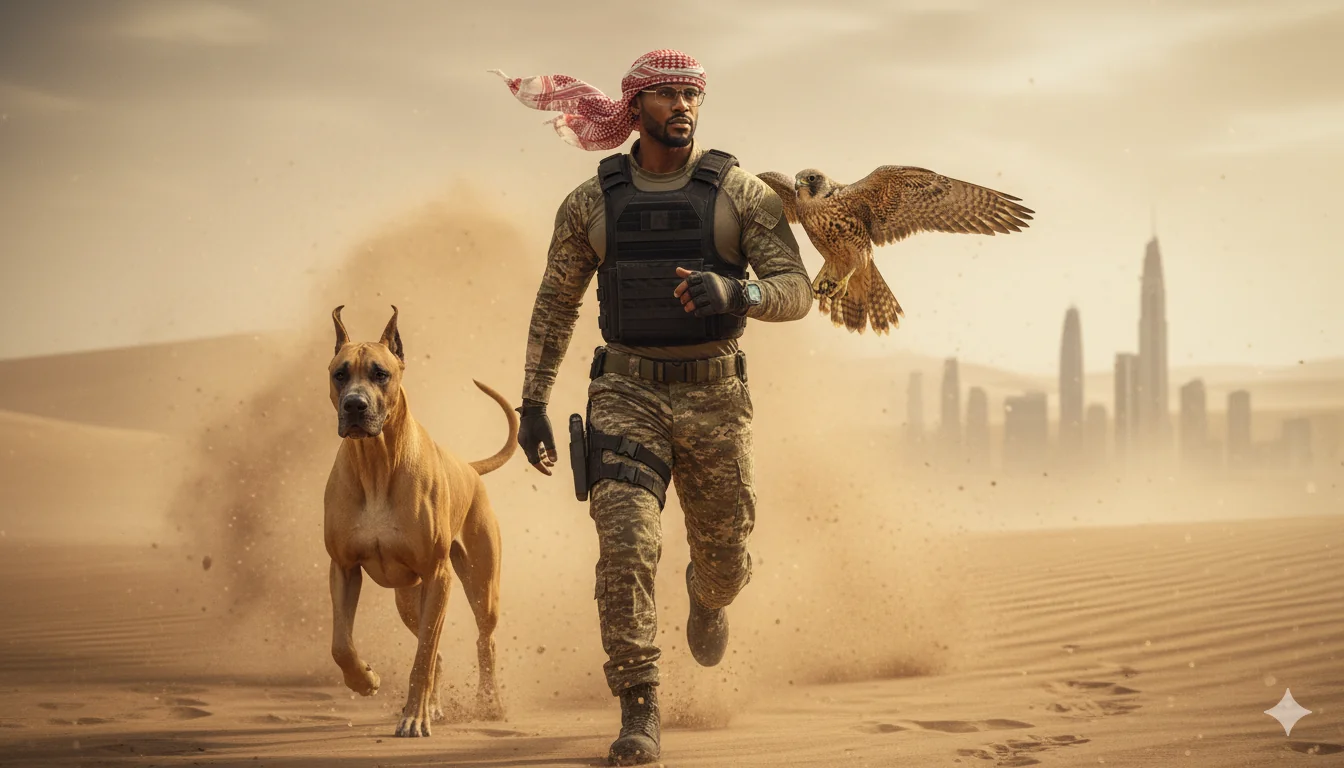
Review the result, refine if needed, and download in high resolution. Your portrait is ready for any professional use.
Yes. The AI analyzes your selfie and applies professional lighting simulation, background replacement, and natural skin retouching. The result looks like a studio portrait. For best results, use a clear, well-lit selfie where your face is fully visible.
No. The editor is designed to enhance, not transform. It improves lighting, smooths minor skin imperfections, and cleans up backgrounds while keeping your actual facial features, proportions, and expression intact. You look like yourself, just professionally photographed.
The editor handles Rembrandt lighting, butterfly lighting, split lighting, rim lighting, broad lighting, and natural window light. You can describe the lighting you want in plain words or use technical terms. The AI adapts to your description.
Yes. Process each team member's photo with the same prompt to get a consistent set of portraits. Same lighting, same background style, same retouching level across the entire team.
The AI is trained on diverse datasets and handles all skin tones accurately. Lighting adjustments are calibrated to look natural on every complexion without washing out or over-saturating.
Solid colors, gradient backgrounds, natural bokeh blur, office environments, outdoor scenes, and studio backdrops. Describe what you want or let the AI choose a professional default.
Natural. The AI Portrait Photo Editor preserves skin texture, pores, and natural variations while reducing blemishes and evening out tone. It avoids the plastic, over-smoothed look that cheaper tools produce.
New users get free credits to create their first professional portraits. Generate several portraits to test the quality before deciding on a plan.
Uploaded photos are processed on secure servers and not stored after editing. We do not use your photos for AI training. All transfers use encrypted connections.
A clear, front-facing photo with even lighting and your full face visible. Avoid heavy sunglasses, extreme shadows, or very low resolution images. Phone selfies in good daylight work well.