
01
Real Film Stock Emulation
Kodak Portra warmth, Fuji Superia greens, Ilford black and white contrast, Polaroid color shifts. The AI vintage photo editor understands how different film stocks render color, contrast, and grain.
Transform modern photos into authentic vintage prints. The AI vintage photo editor replicates real film stock characteristics: grain structure, color shifts, light leaks, and the warm imperfections that make analog photography feel alive.
Browse vintage and retro photos created with our AI vintage photo editor. See 70s film, 80s neon, 90s grunge, Polaroid, and classic analog styles. Click any image to copy the prompt.
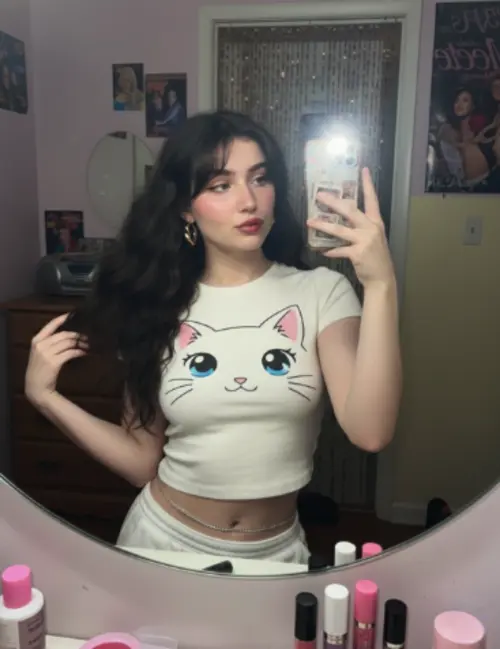
Kodak Portra warmth, Fuji Superia greens, Ilford black and white contrast, Polaroid color shifts. The AI vintage photo editor understands how different film stocks render color, contrast, and grain.
Each era has a distinct visual signature. The AI vintage photo editor captures 70s golden warmth, 80s saturated neon, 90s muted grunge, and early 2000s digital nostalgia with period-accurate detail.
Light leaks, dust specks, scratches, vignetting, and soft focus edges. The AI vintage photo editor adds the beautiful flaws that make vintage photos feel genuine rather than digitally manufactured.

Instagram filters apply flat color overlays. The AI vintage photo editor adjusts grain, highlight rolloff, shadow color, and midtone response independently, creating results that photographers recognize as authentic film emulation.
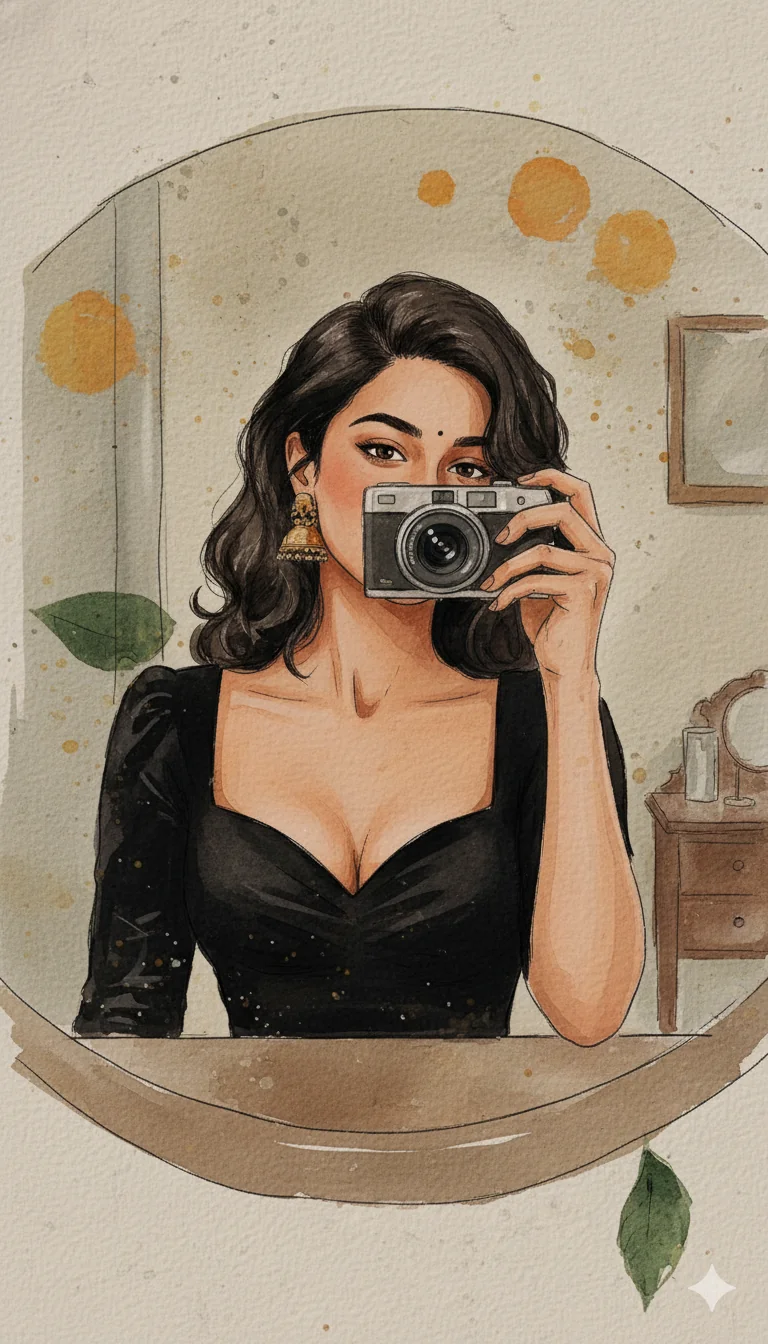
Vintage aesthetics consistently perform well on Instagram, TikTok, and Pinterest. The AI vintage photo editor helps creators produce nostalgic content that resonates with audiences who love retro visual culture.

Give modern family photos, travel snapshots, and everyday moments the warmth and character of analog prints. The AI vintage photo editor turns digital files into images that feel like cherished keepsakes.

Portraits, landscapes, street scenes, or everyday snapshots. The AI vintage photo editor transforms any subject into vintage artwork. Higher resolution inputs preserve more grain detail.

Describe the look: '1970s Kodak warm tones with heavy grain', '80s neon with VHS color bleed', '90s disposable camera flash', 'classic Polaroid with white border', or 'black and white Ilford contrast'.

Review the vintage transformation, adjust the era or intensity if needed, and download in full resolution for social media, printing, or personal archives.
The editor covers multiple decades and film types: 1950s black and white elegance, 1960s Technicolor saturation, 1970s warm Kodak tones, 1980s neon and VHS aesthetic, 1990s grunge and disposable camera look, early 2000s digital nostalgia, Polaroid instant film, and specific film stock emulations like Portra, Superia, and Ilford.
Instagram filters apply a single color overlay uniformly. The AI vintage photo editor adjusts grain structure, highlight rolloff, shadow color cast, midtone saturation, and edge vignetting independently. The result looks like actual film photography rather than a digital filter applied on top.
Yes. Mention film stock names in your prompt: Kodak Portra for warm skin tones, Fuji Superia for green-shifted colors, Kodak Ektar for vivid saturation, Ilford HP5 for classic black and white, or Polaroid 600 for instant film characteristics. The AI interprets these references accurately.
Yes. The grain pattern varies by the vintage style selected. Fine grain for professional film stocks, heavy grain for high-speed film, and the distinctive clustered grain of instant film. The grain responds to image brightness, appearing more visible in midtones and shadows, just like real film.
Yes. Include 'light leaks', 'film scratches', 'dust specks', or 'lens flare' in your prompt and the editor adds these analog artifacts naturally. You control which imperfections appear and how prominent they are.
Yes. Upload a modern digital photo and the editor transforms it to look like it was taken decades ago. The aging effect includes appropriate color fading, paper texture, and the specific visual characteristics of the era you choose.
Excellent. Vintage aesthetics consistently drive engagement on Instagram, TikTok, and Pinterest. The editor produces retro content that feels authentic rather than filtered, which audiences respond to more positively.
The primary focus is applying vintage effects to modern photos. For colorizing old black and white photos, the standard photo enhancement tools may be more appropriate. However, you can describe a colorized vintage look and the editor will interpret it.
New users receive free credits to try the vintage editor. Experiment with different decades and film stocks to find your preferred aesthetic before choosing a plan.
Yes. Use the same prompt for each photo and the AI vintage photo editor maintains a consistent vintage look across your entire series. This is ideal for creating cohesive social media feeds or themed photo collections.
Yes. Landscapes, cityscapes, and travel photography look stunning with vintage treatment. The warm tones and film grain add atmosphere and emotion that complement scenic subjects particularly well.