

01
Enhanced Detail and Sharpness
Seedance 2 AI captures fine textures like fabric weave, water droplets, and hair strands with clarity that earlier models struggled to achieve.
Generate high quality videos from text and images with Seedance 2 AI. ByteDance's latest model brings sharper detail, smoother motion, and better prompt understanding.

Seedance 2 AI captures fine textures like fabric weave, water droplets, and hair strands with clarity that earlier models struggled to achieve.
Movement in Seedance 2 AI follows natural physics. Gravity, momentum, and fluid dynamics look convincing whether you are generating a waterfall or a walking figure.
Seedance 2 AI reads complex multi part prompts and translates them faithfully. Spatial relationships, color palettes, and mood descriptions all come through in the final output.

Seedance 2 AI dramatically reduces the visual noise, morphing faces, and melting objects that make AI video look unnatural. The output is cleaner from the first frame to the last.

From photorealistic scenes to anime and watercolor aesthetics, Seedance 2 AI adapts to your creative direction without needing specialized model variants.

Seedance 2 AI generates polished clips fast enough to fit into daily content schedules. Social media teams and marketers can produce fresh video without waiting hours.
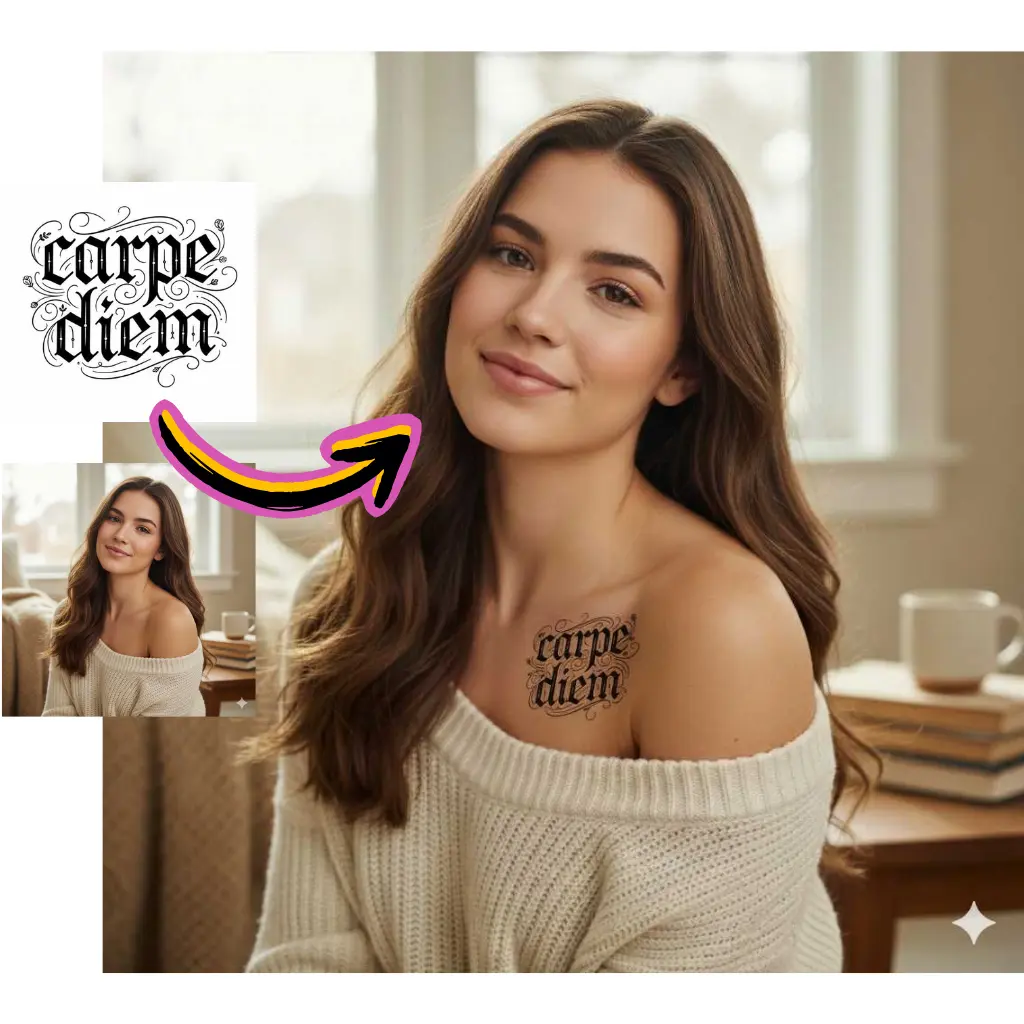
Describe the scene, action, and visual style you want. Seedance 2 AI handles detailed instructions well, so be specific about lighting, camera angle, and mood.
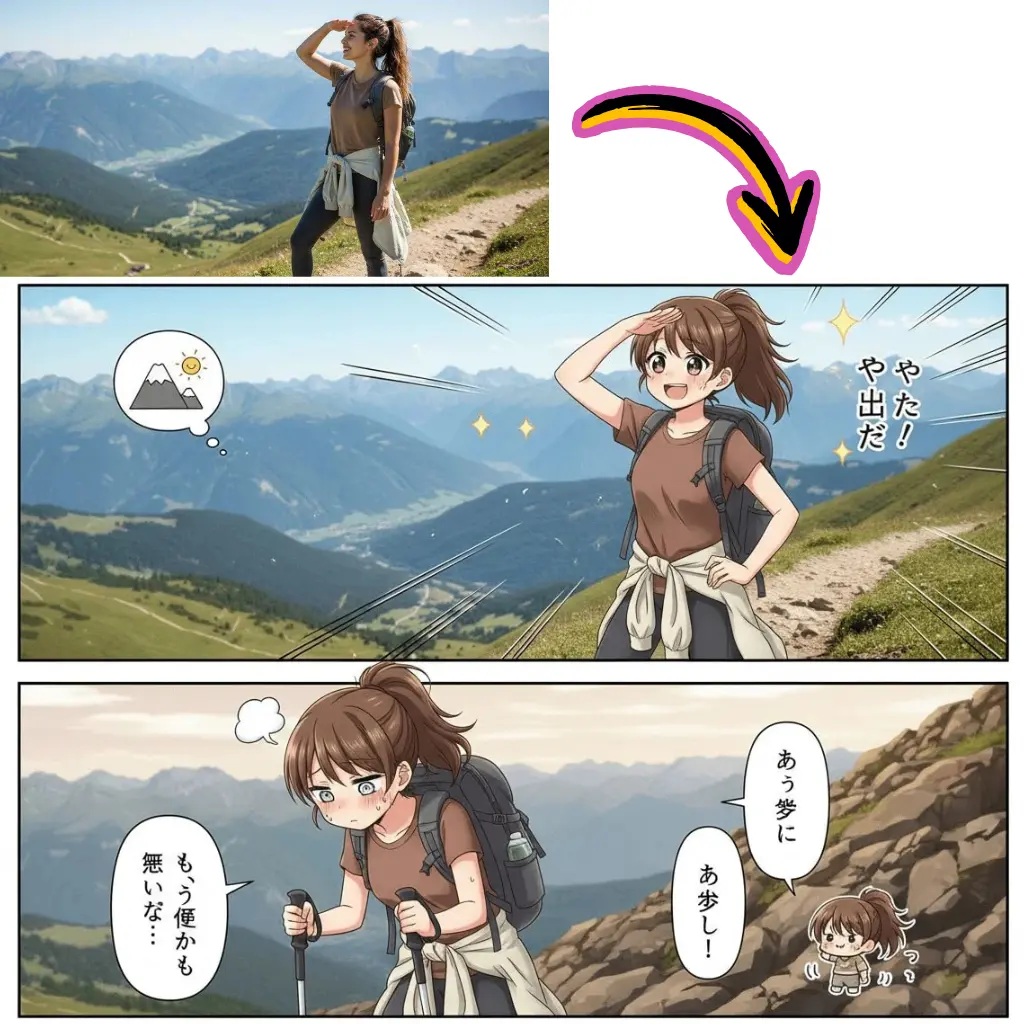
Select Seedance 2 AI in the model dropdown. You can also upload a reference image to guide the starting frame of your video.
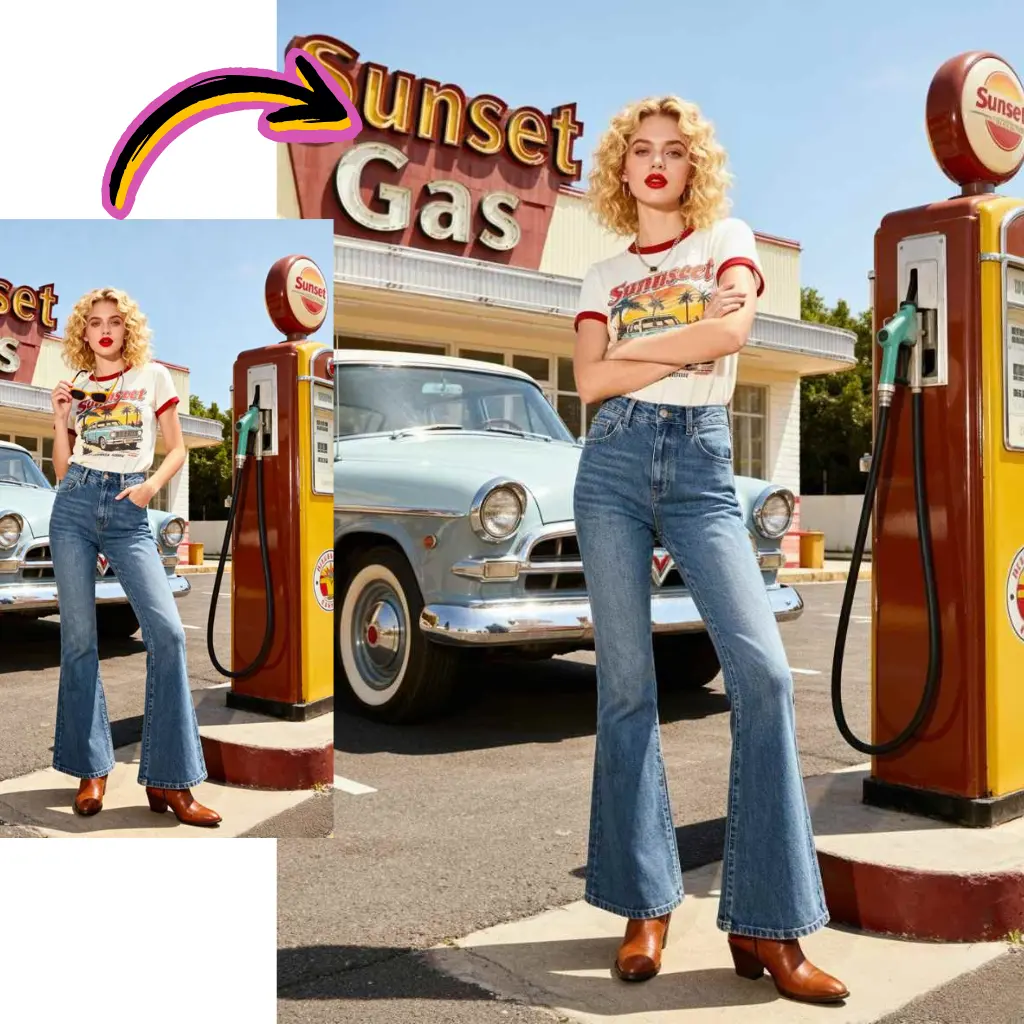
Hit generate and preview the result. Adjust your prompt for any changes, then download the final video file.
Seedance 2 AI is a video generation model developed by ByteDance. It creates high quality video from text prompts and images, with a focus on realistic motion and fine visual detail.
Yes. AI Photo Editor offers free credits for new users to generate videos with Seedance 2 AI. No credit card is required to get started.
Seedance 2 AI improves on the first version with sharper detail, more stable motion, better prompt understanding, and fewer visual artifacts across all scene types.
Seedance 2 AI handles a wide range of content including product demos, nature scenes, character animations, abstract art, and cinematic sequences. It adapts to the style described in your prompt.
Yes. Upload a photo and Seedance 2 AI will animate it into a video clip. The model preserves the composition and visual elements of your source image while adding natural movement.
Seedance 2 AI produces clips of several seconds per generation. You can use the extend video feature on AI Photo Editor to make them longer.
Yes. Seedance 2 AI handles human motion well, including walking, gesturing, and facial expressions. The physics engine produces natural looking body movement with minimal distortion.
Videos created through AI Photo Editor can be used commercially. Review the platform terms of service for full details on usage rights for Seedance 2 AI generated content.