
01
Intelligent Detail Reconstruction
Video Upscale AI does not simply stretch pixels. It analyzes each frame and reconstructs textures, edges, and fine details that were lost in the original low resolution capture.
Improve video quality with Video Upscale AI. Upscale low resolution footage to sharper, cleaner output while preserving natural detail and motion.
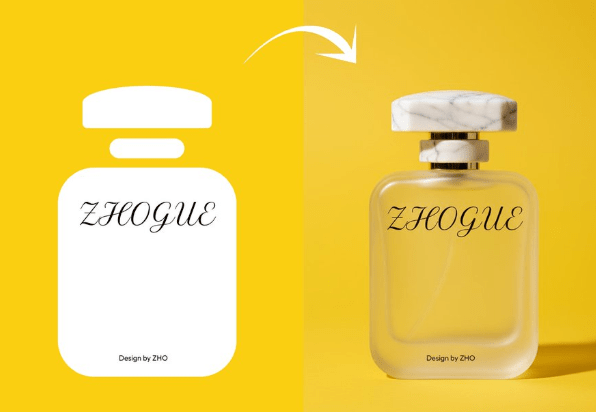
Video Upscale AI does not simply stretch pixels. It analyzes each frame and reconstructs textures, edges, and fine details that were lost in the original low resolution capture.
Every frame receives the same level of enhancement. Video Upscale AI maintains temporal consistency so the upscaled video plays smoothly without flickering or frame to frame variation.
The output from Video Upscale AI looks organic rather than artificially sharpened. Skin, fabric, foliage, and other natural textures retain their authentic appearance after upscaling.
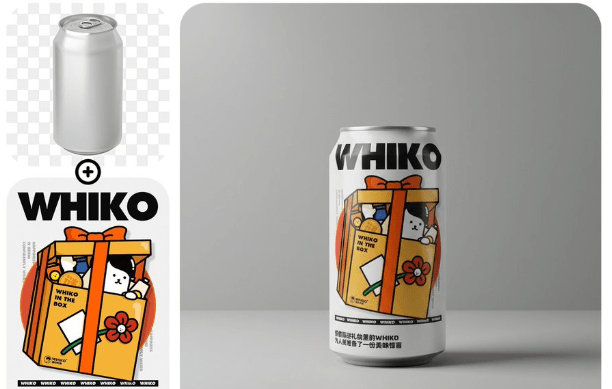
Older videos shot on early cameras or phones gain new clarity with Video Upscale AI. Bring archived content up to modern resolution standards without reshooting.
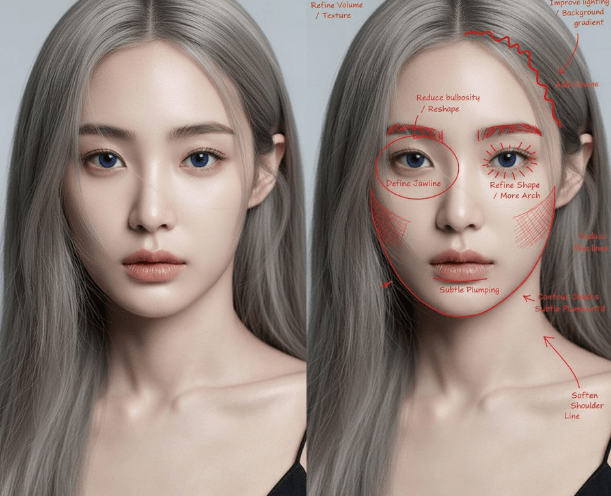
Some AI models output at lower resolutions. Run their clips through Video Upscale AI to get crisp, presentation quality footage suitable for large displays.

Video Upscale AI runs in the cloud through AI Photo Editor. You do not need a powerful local machine or specialized software to enhance your video resolution.

Drop your low resolution video file into AI Photo Editor. Video Upscale AI accepts most common formats and handles the rest automatically.
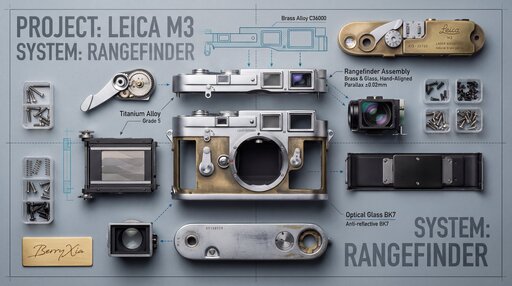
Select Video Upscale AI and pick your target resolution. The tool shows you the expected output quality before you commit to processing.
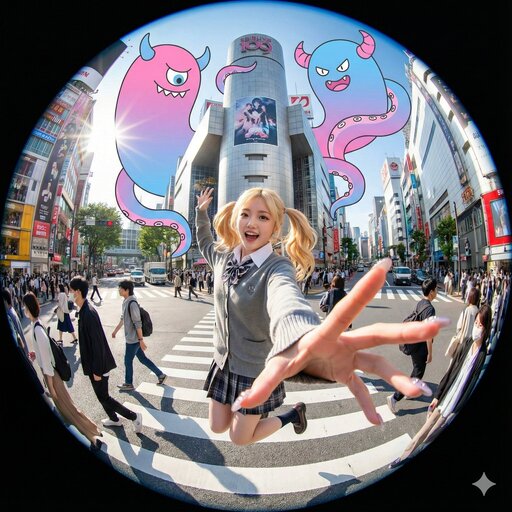
Start the upscale, preview the enhanced result, and download the higher resolution video file ready for use.
Video Upscale AI is a tool that increases the resolution and visual quality of video clips. It uses AI to reconstruct detail and sharpness that low resolution footage lacks.
Yes. AI Photo Editor provides free credits for new users to test Video Upscale AI. Upload a clip and see the quality improvement before subscribing.
No. Video Upscale AI intelligently reconstructs detail in each frame. It adds real visual information rather than simply stretching existing pixels, resulting in genuinely sharper output.
Video Upscale AI can increase resolution significantly depending on the source material. The exact output depends on the original quality and the upscale factor you select.
Video Upscale AI is designed to produce natural looking results. It avoids the over sharpened, plastic appearance that basic upscaling methods often create.
Yes. Many AI video models output at moderate resolutions. Running their clips through Video Upscale AI brings them up to higher quality suitable for professional use.
Processing time depends on the clip length and target resolution. Most short clips are enhanced within minutes through the cloud based processing on AI Photo Editor.
Video Upscale AI improves resolution and clarity on any source material. While it is not a restoration tool for severely damaged video, it significantly improves the visual quality of older low resolution recordings.