


01
Exceptional Prompt Adherence
Flux 2 AI Image Generator translates your words into visuals with high fidelity. Complex multi element prompts come through accurately without losing details.
Turn text into polished visuals with Flux 2 AI Image Generator. Known for exceptional prompt adherence, rich detail, and versatile style output from Black Forest Labs.
Discover what Flux 2 AI Image Generator can create and learn prompt writing techniques that maximize its output quality.
Original Image

Change the clothes to sports
Generated Results








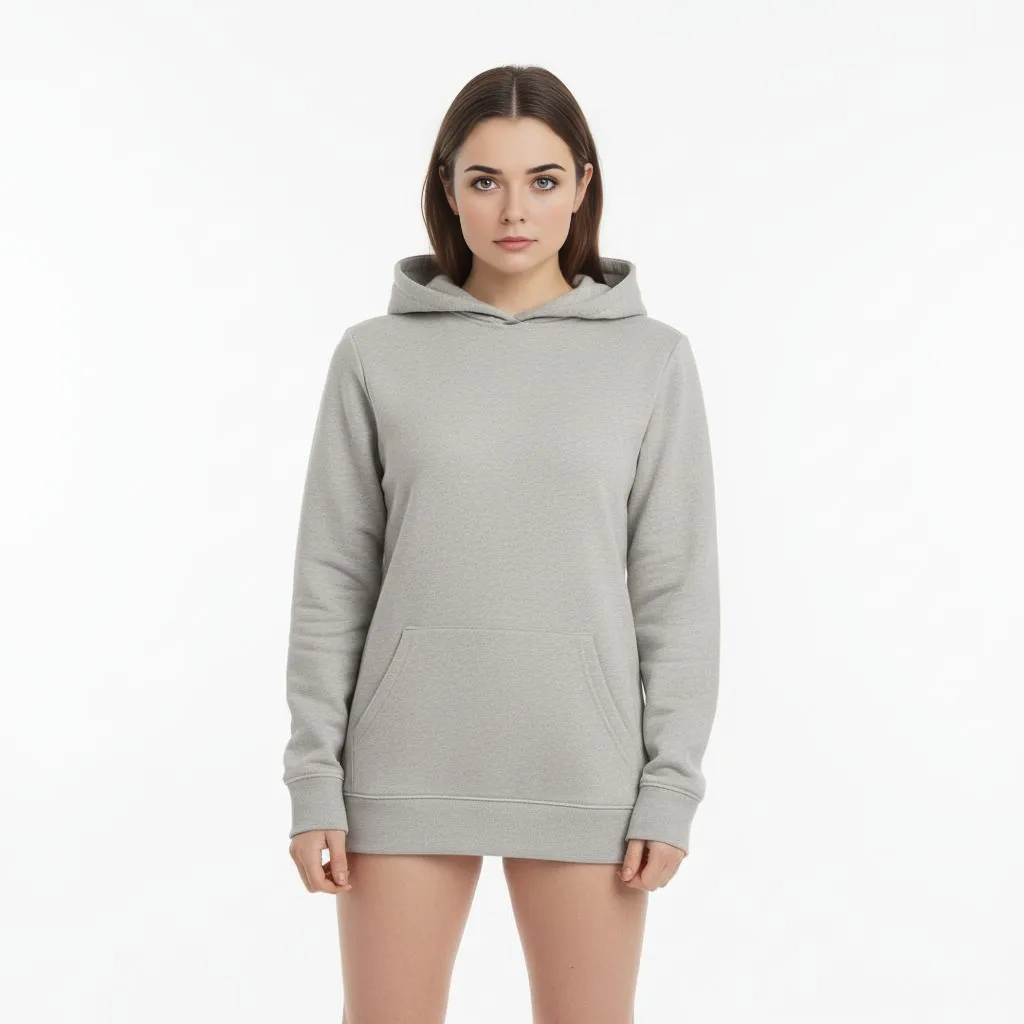
Flux 2 AI Image Generator translates your words into visuals with high fidelity. Complex multi element prompts come through accurately without losing details.
Textures, reflections, and fine patterns are rendered with clarity. Flux 2 AI Image Generator captures the small things that make an image feel complete.
Built on the foundation of the open source Flux ecosystem, Flux 2 AI Image Generator benefits from community driven improvements and extensive testing.

Flux 2 AI Image Generator minimizes the gap between your prompt and the output. Spatial relationships, object counts, and scene composition match your instructions closely.
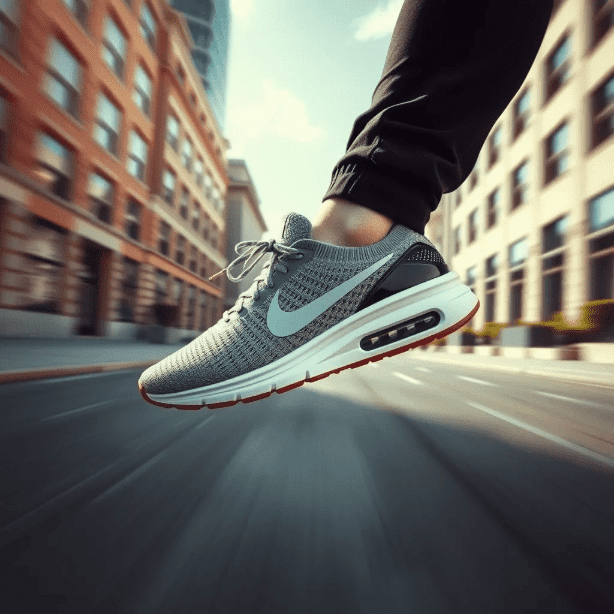
Photorealism, digital painting, vector illustration, concept art, and abstract compositions all fall within the range of Flux 2 AI Image Generator.
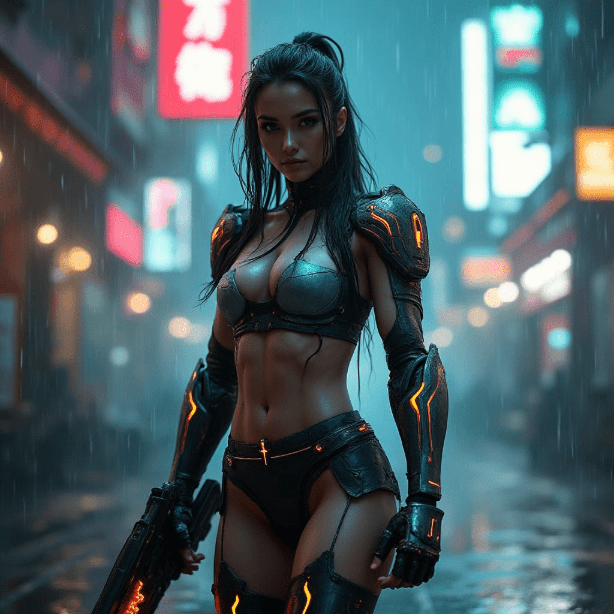
The Flux model family has been tested extensively by the open source community. Flux 2 AI Image Generator builds on that track record with refined output quality.
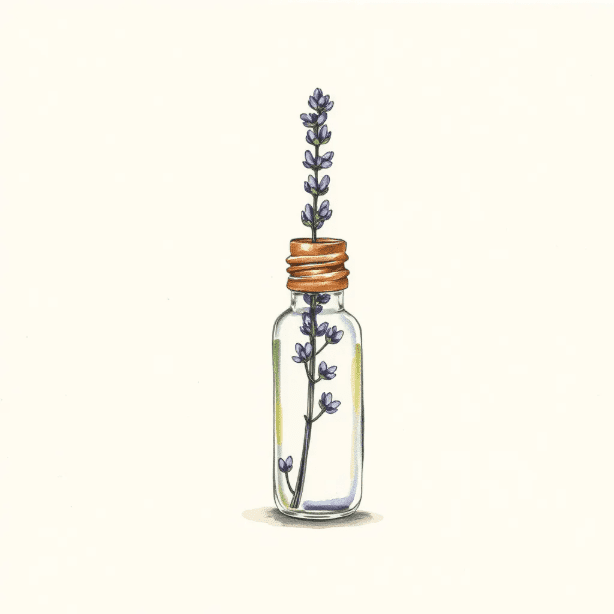
Write a clear description of the image you want. Include subject, setting, style, and mood. Flux 2 AI Image Generator rewards specificity.
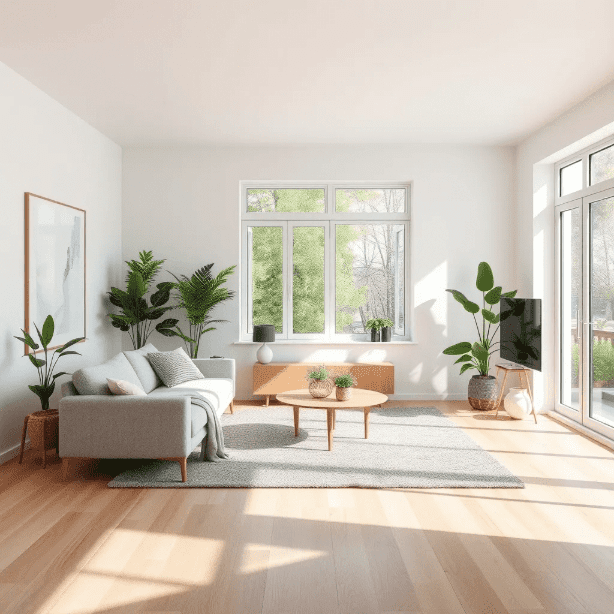
Select Flux 2 AI Image Generator from the available models on AI Photo Editor. The model is ready to use with no configuration needed.
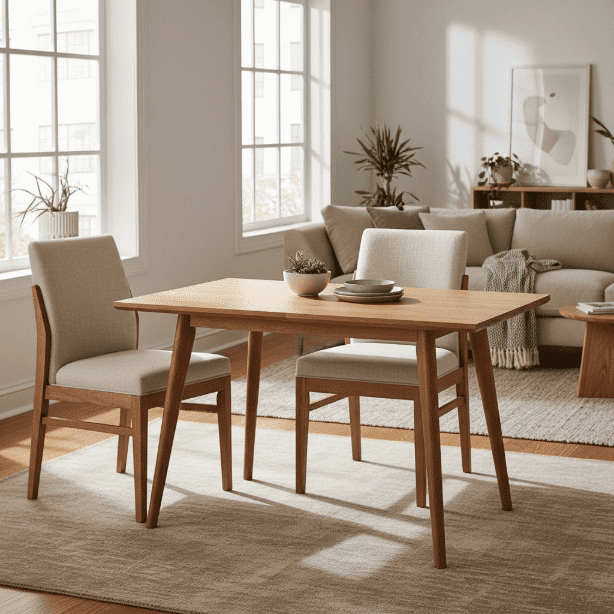
View your result, adjust the prompt to refine details, and download the image when you are satisfied with the output.
Flux 2 AI Image Generator is a text to image model developed by Black Forest Labs. It is known for strong prompt adherence, meaning the images it produces closely match the descriptions you provide, with sharp detail and consistent quality.
Creators favor Flux 2 AI Image Generator because it follows prompts accurately. When you specify five objects in a scene, you get five objects. This reliability saves time and reduces the need for repeated generation attempts.
Yes. New users receive free credits to try Flux 2 AI Image Generator. You can start generating images immediately and explore the model capabilities before deciding on a subscription.
Flux 2 AI Image Generator generally produces higher quality output with better prompt following than standard Stable Diffusion models. It requires less prompt engineering to get good results, though Stable Diffusion offers more customization through its open ecosystem.
Flux 2 AI Image Generator handles photorealism, digital art, oil painting, watercolor, anime, concept art, architectural visualization, and abstract styles. Specify the style in your prompt and the model adapts accordingly.
Flux 2 AI Image Generator can render short text elements like signs and labels with reasonable accuracy. For complex or multilingual text rendering, models like GPT Image 2 may perform better.
Generation typically takes a few seconds on AI Photo Editor. The exact time varies with prompt complexity, but most images are ready within 10 seconds.
Yes. The output quality and prompt accuracy make Flux 2 AI Image Generator a practical tool for marketing visuals, social media content, product concepts, and creative projects that require reliable, high quality image generation.