


01
Style Coherent Generation
Seedream AI Image Generator produces images with a unified visual style throughout the entire composition. Colors, lighting, and textures work together naturally without the patchwork feel common in other models.
Transform images with Seedream AI. Advanced editing with free background removal, smart enhancement, and text-to-image generation.
Discover what Seedream AI Image Generator can create and find prompt ideas to fuel your next visual project.
Original Image

Change the clothes to sports
Generated Results








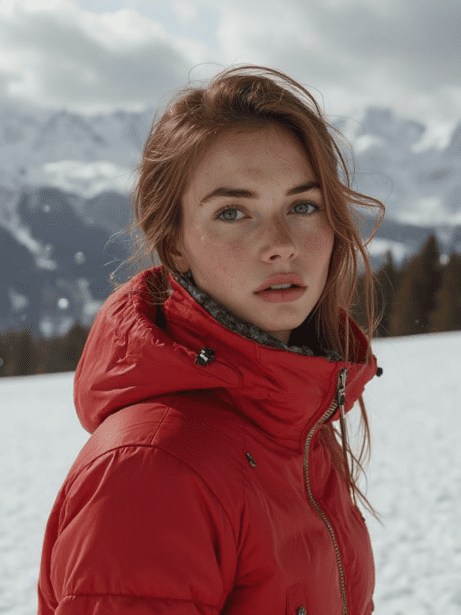
Seedream AI Image Generator produces images with a unified visual style throughout the entire composition. Colors, lighting, and textures work together naturally without the patchwork feel common in other models.
Describe a specific scene and Seedream AI Image Generator delivers what you asked for. It handles spatial relationships, object counts, and attribute assignments with above average accuracy.
From photorealistic portraits to stylized illustrations, Seedream AI Image Generator adapts to a wide spectrum of visual styles based on your prompt direction.
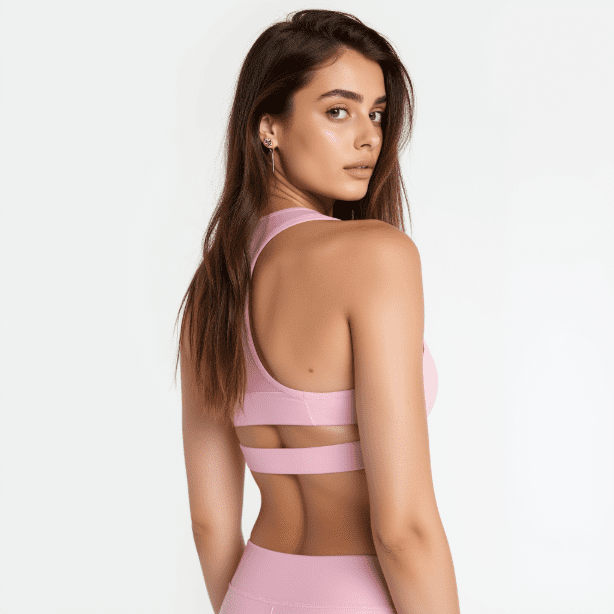
Seedream AI Image Generator handles prompts with multiple subjects, backgrounds, and lighting conditions without losing coherence. Every element in the scene feels like it belongs together.
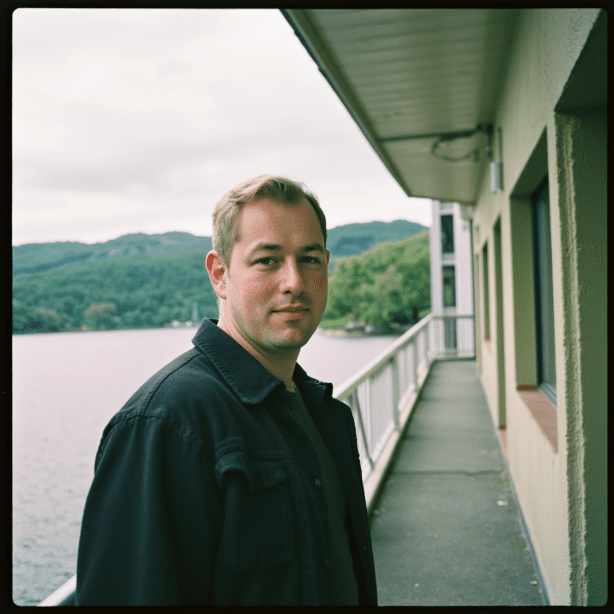
Generate variations quickly and refine your direction with each attempt. Seedream AI Image Generator keeps processing times short so you can explore more ideas in less time.
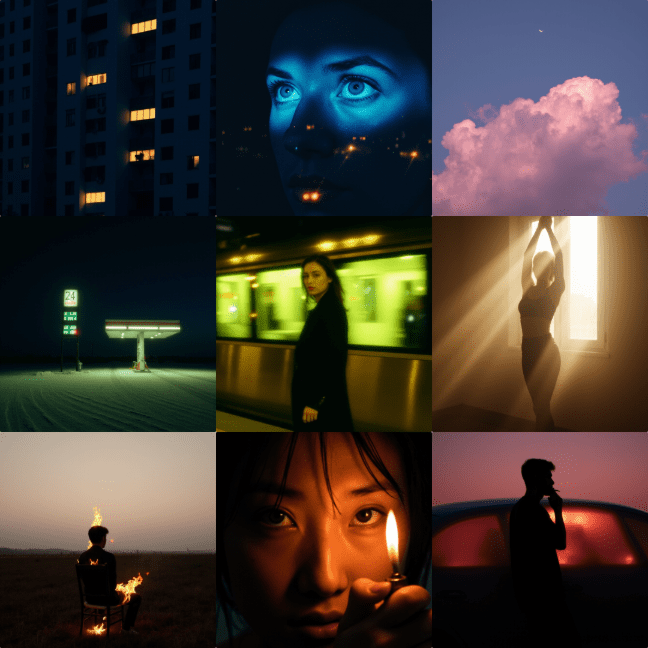
Whether you need images for social media, presentations, or print materials, Seedream AI Image Generator produces clean output that works across different formats and sizes.
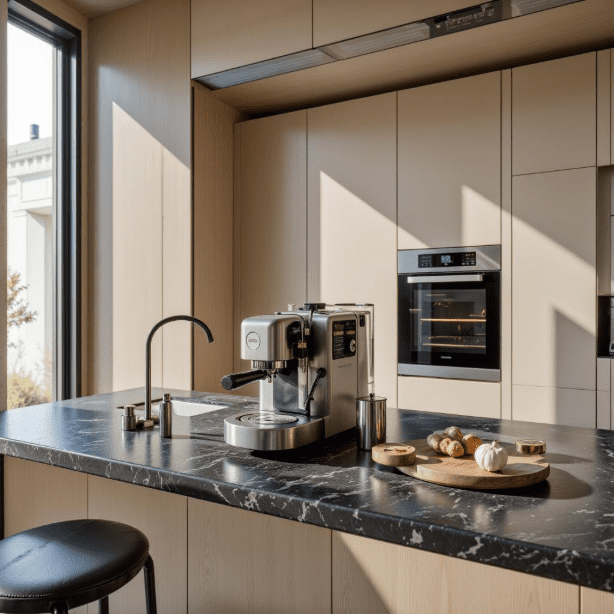
Write a clear description of the image you want. Include details about the subject, setting, mood, and artistic style. Seedream AI Image Generator responds well to specific visual direction.
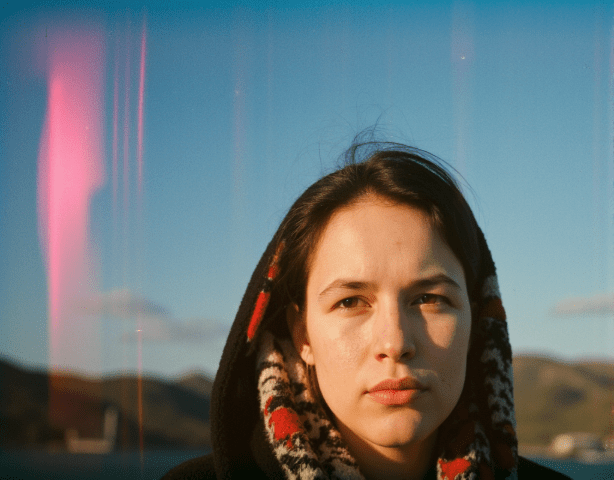
Choose Seedream AI Image Generator from the available models on AI Photo Editor. It sits alongside other generation models for easy access.
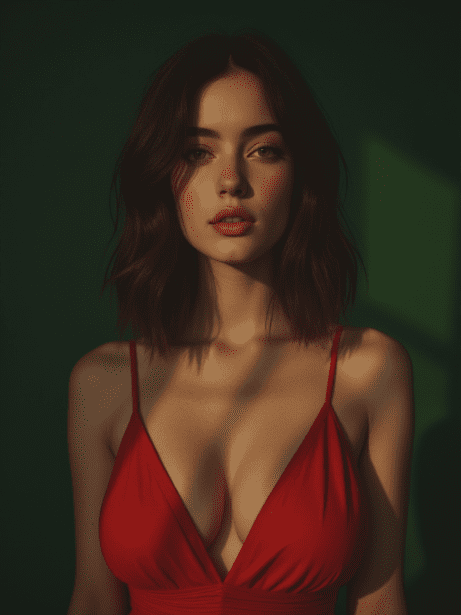
Hit generate, review the result, and adjust your prompt for the next round if needed. Download the final image when you are satisfied with the output.
Seedream AI Image Generator is ByteDance's original text to image model. It generates high quality visuals from text descriptions with strong style coherence and reliable prompt accuracy.
Seedream AI Image Generator is the first generation model that established ByteDance's approach to image generation. Seedream 5 builds on this with improved photorealism and finer detail. Both models remain available on AI Photo Editor.
Yes. New users on AI Photo Editor receive free credits to test Seedream AI Image Generator. You can generate images immediately without signing up or providing payment information.
Seedream AI Image Generator handles photorealism, digital illustration, anime, watercolor, oil painting, concept art, and many other visual styles. Specify the style in your prompt and the model adapts accordingly.
Seedream AI Image Generator is primarily a generation model focused on creating new images from text. For editing existing photos, consider pairing it with other editing models available on AI Photo Editor.
Most generations complete within a few seconds on AI Photo Editor. Highly detailed scenes with complex compositions may take slightly longer but the wait is minimal.
The model produces natural looking faces with good proportions and realistic skin tones. For the best results with portraits, include details about lighting and expression in your prompt.
ByteDance trained the model to maintain consistent visual language across all elements in a scene. This means lighting, color palette, and texture quality stay unified rather than looking like separate pieces stitched together.