


01
Industry Leading Text Accuracy
Ideogram AI renders text inside images with 90 to 95 percent accuracy. Letters stay crisp, spacing looks natural, and words remain legible even at smaller sizes.
Create images with readable, accurate text using Ideogram AI. Version 3.0 delivers near perfect text rendering for logos, posters, packaging, and advertising visuals.
Browse real examples of text rendered inside images by Ideogram AI and discover prompt techniques for logos, posters, and packaging designs.
Original Image

Change the clothes to sports
Generated Results








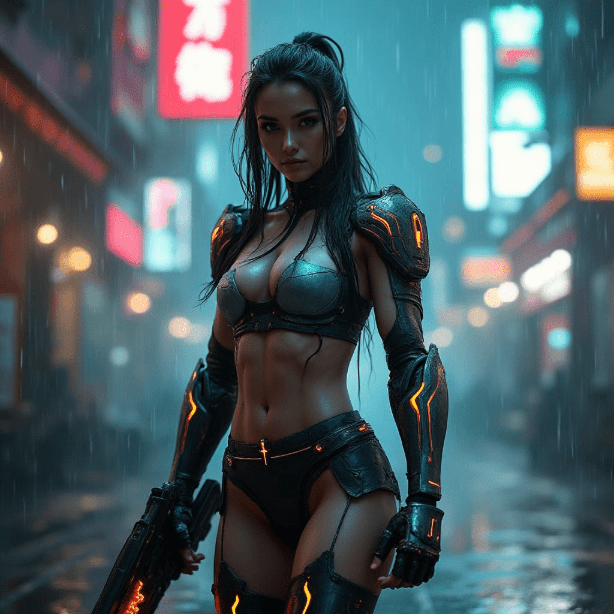
Ideogram AI renders text inside images with 90 to 95 percent accuracy. Letters stay crisp, spacing looks natural, and words remain legible even at smaller sizes.
Logos, event posters, product packaging, social media ads, and business cards all benefit from the text rendering strength of Ideogram AI.
The latest release of Ideogram AI brings significantly improved photorealism alongside its text capabilities, producing images that look polished and professional.

Design logo concepts with actual brand names rendered clearly. Ideogram AI handles typography within visual compositions better than any competing model.

Create ad mockups, social media graphics, and promotional banners where the text is part of the design. No more adding text in post production.

Visualize product packaging with actual product names, ingredient lists, and taglines rendered directly in the image by Ideogram AI.
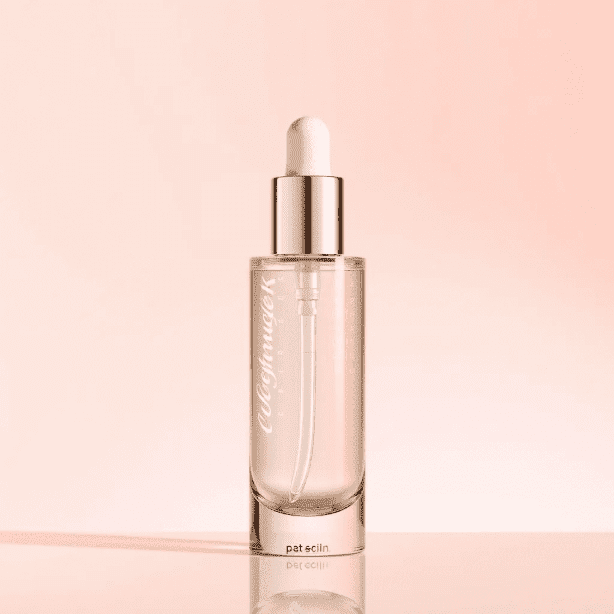
Include the exact words you want rendered in quotes within your prompt. Ideogram AI reads quoted text as literal content to display in the image.
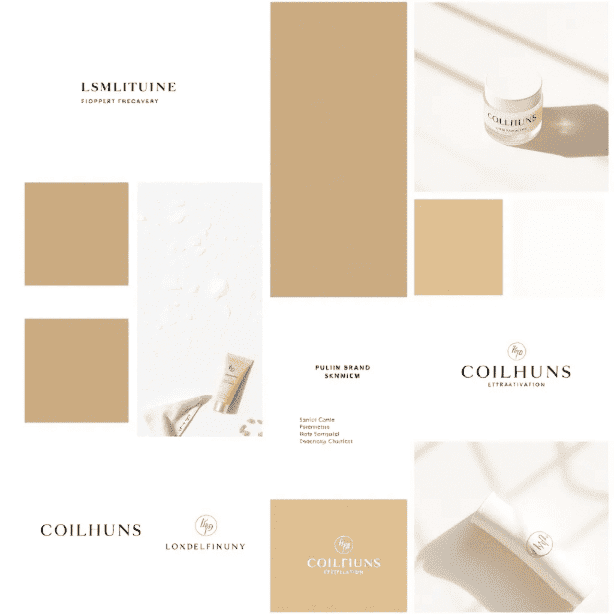
Pick Ideogram AI from the model selector. Version 3.0 is available on AI Photo Editor with all its text rendering improvements.
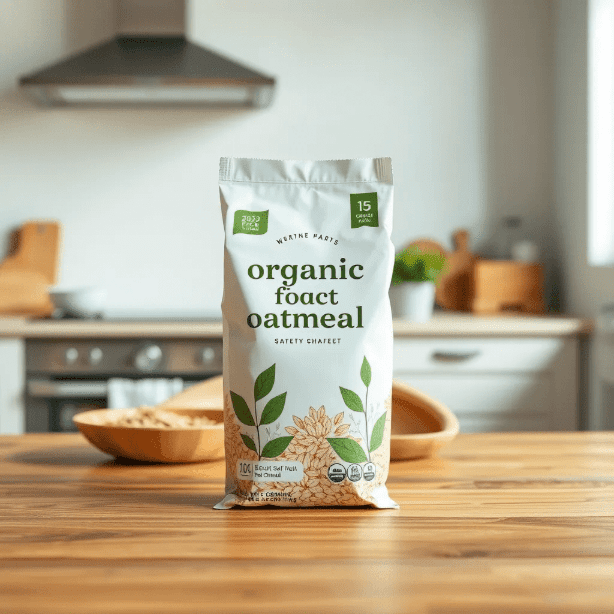
Check that the rendered text matches your input. If a letter is off, regenerate or adjust the prompt. Download the final image when the text looks right.
Ideogram AI is best known for rendering readable text inside generated images. While most AI image generators struggle with text, Ideogram AI achieves 90 to 95 percent accuracy on letters, words, and typography.
Ideogram AI renders text with approximately 90 to 95 percent accuracy. Short phrases, brand names, and headlines are almost always correct. Longer paragraphs may occasionally have minor errors.
Yes. Logo design is one of the strongest use cases for Ideogram AI. Include your brand name in quotes within the prompt, describe the visual style, and the model generates logo concepts with the text rendered clearly.
New users receive free credits to test Ideogram AI. You can generate images with text immediately and see the quality before choosing a subscription plan.
AI Photo Editor offers Ideogram AI version 3.0, the latest release with improved photorealism and the highest text rendering accuracy the model has achieved.
Absolutely. While text rendering is its standout feature, Ideogram AI version 3.0 also produces high quality images without any text. The photorealism improvements make it competitive for general image generation.
Ideogram AI excels at logos, poster designs, social media graphics, product packaging, business cards, event invitations, and any visual where text is a core design element.
Ideogram AI leads the field in text rendering accuracy. While models like GPT Image 2 and Imagen have improved their text capabilities, Ideogram AI remains the most reliable choice when text accuracy is the top priority.