


01
Conversational Photo Editing
Nano Banana AI Image Editor understands natural language instructions. Tell it to swap a background, adjust lighting, or remove an object and it handles the technical work automatically.
Transform photos with Nano Banana AI. Advanced editing with free background removal, smart enhancement, and text-to-image generation.
See what other creators have done with Nano Banana AI Image Editor and pick up techniques to improve your own photo edits.
Original Image

Change the clothes to sports
Generated Results








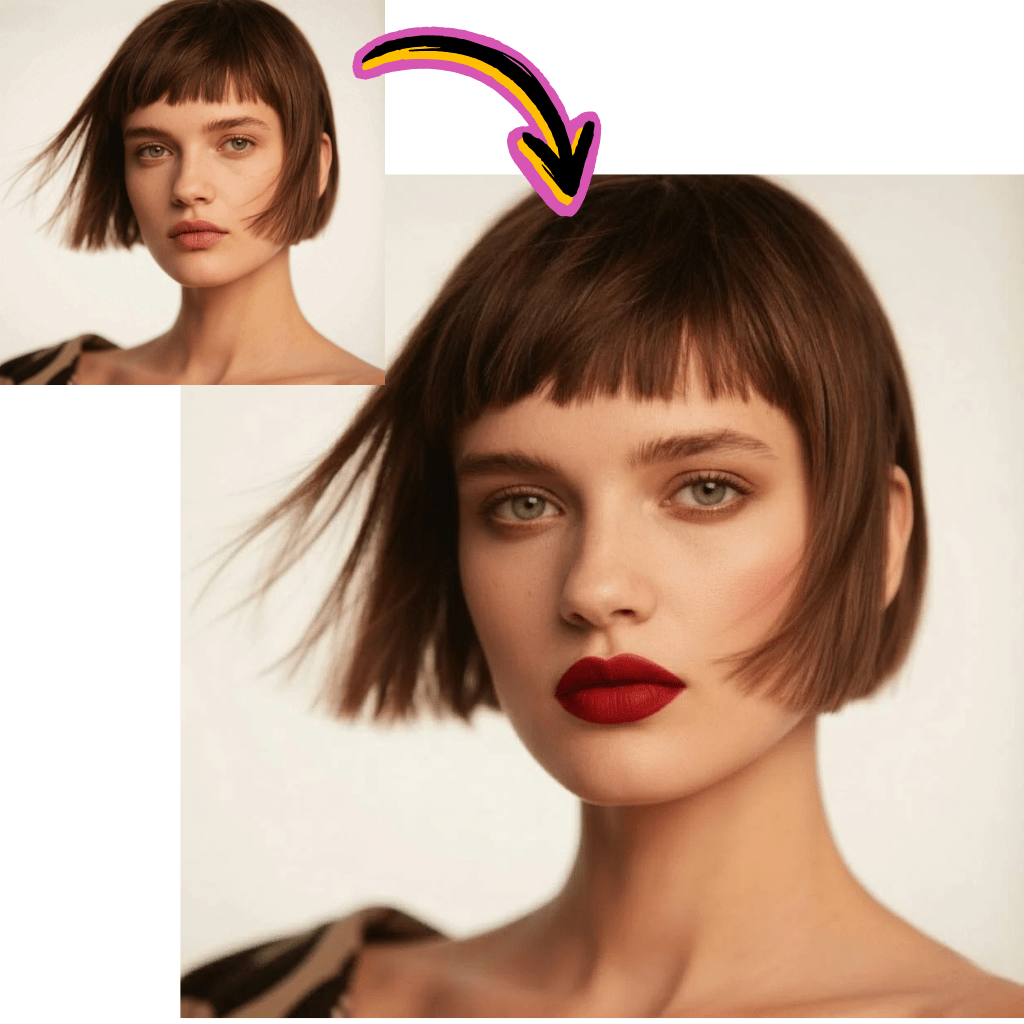
Nano Banana AI Image Editor understands natural language instructions. Tell it to swap a background, adjust lighting, or remove an object and it handles the technical work automatically.
Isolate subjects from any background in one click. Nano Banana AI Image Editor detects edges accurately, even around hair, transparent objects, and complex textures.
Apply intelligent color correction, sharpening, and noise reduction instantly. The model analyzes each image individually to apply the right adjustments.
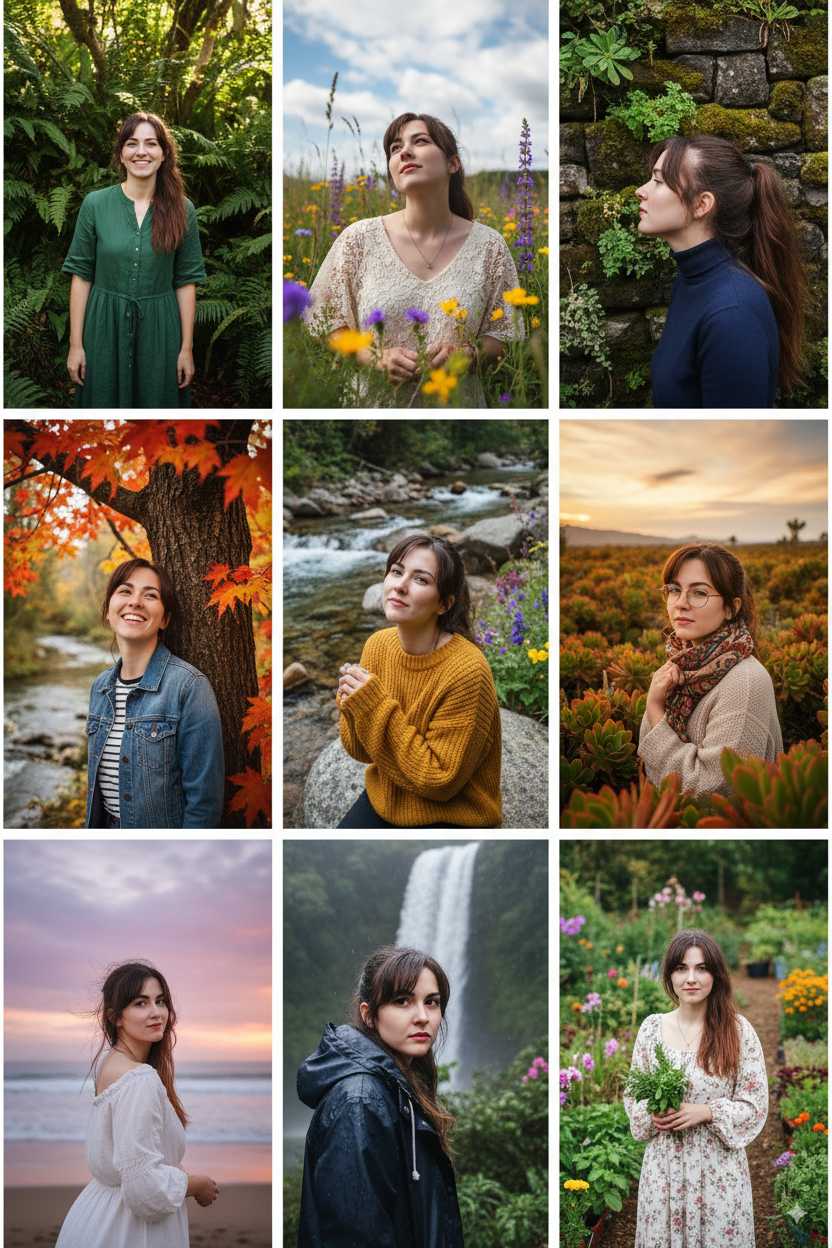
Nano Banana AI Image Editor removes the learning curve of traditional photo editors. Anyone who can describe what they want in words can produce professional looking results.
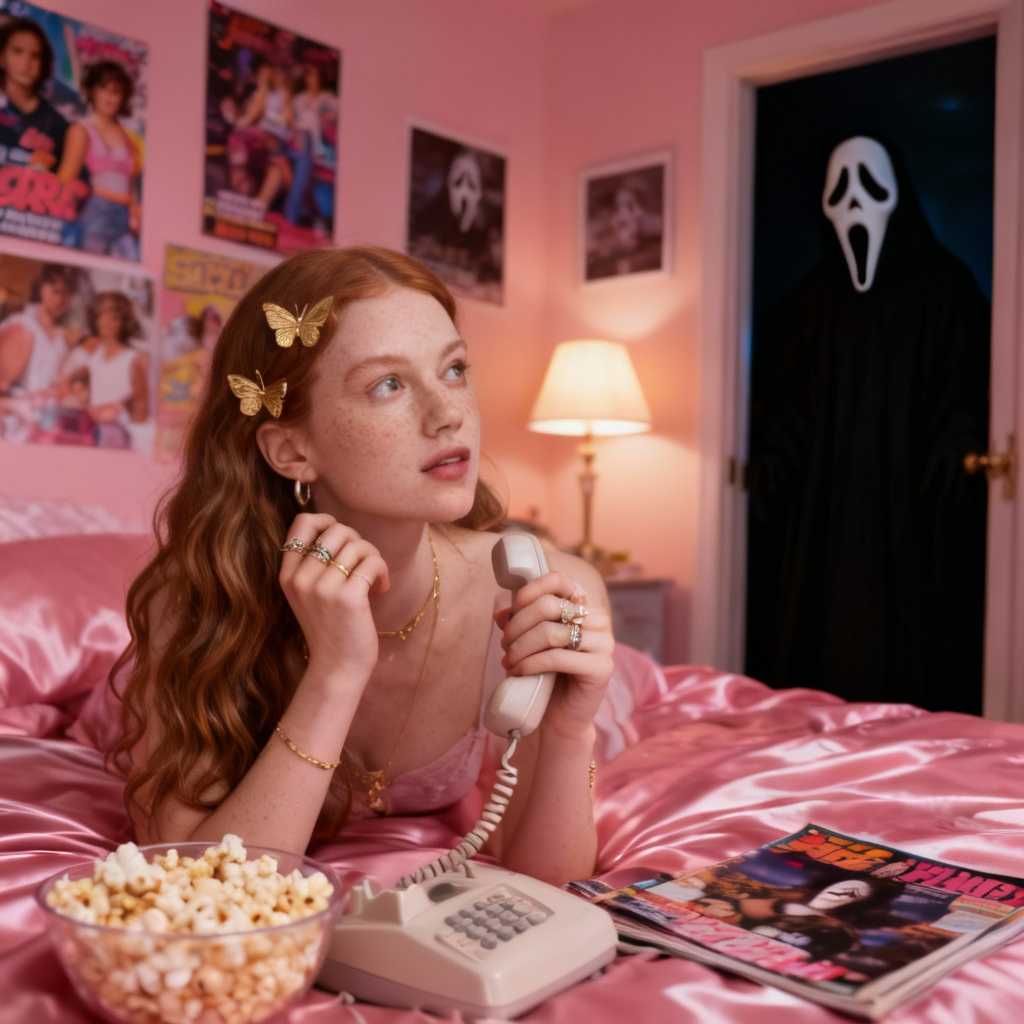
Process multiple images with similar edits quickly. Nano Banana AI Image Editor applies consistent changes across a set of photos, saving hours on repetitive tasks.
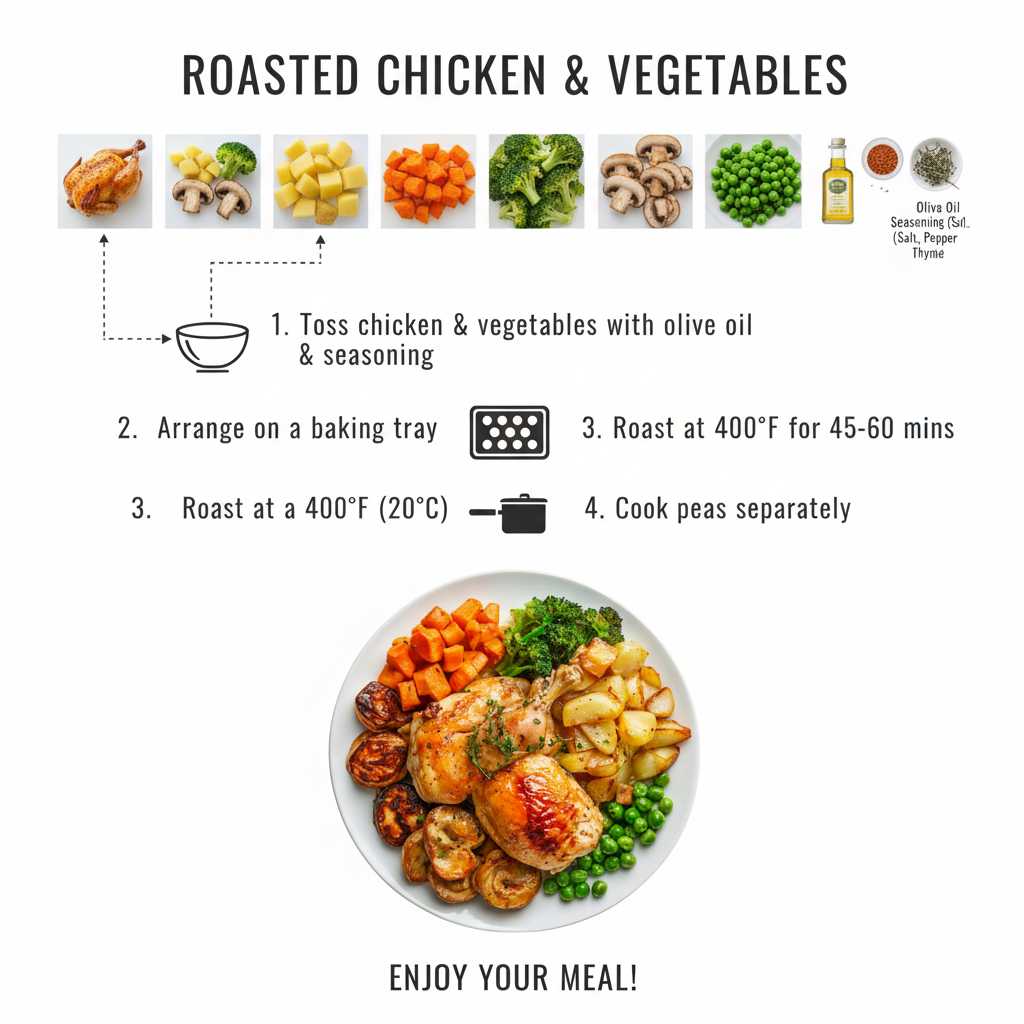
When you ask for a specific change, Nano Banana AI Image Editor modifies only that element. Faces, textures, and untouched areas stay exactly as they were.
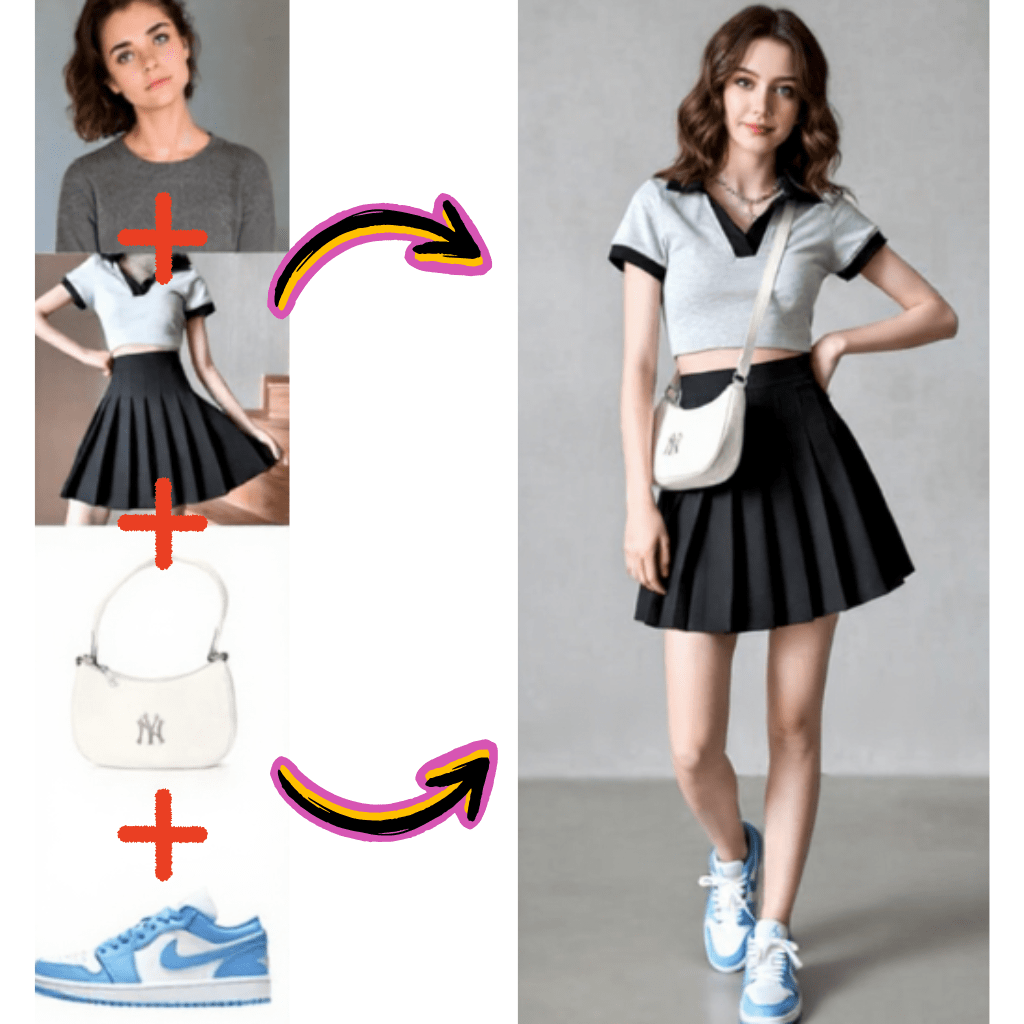
Drag your image into AI Photo Editor or click to browse your files. Nano Banana AI Image Editor works with JPG, PNG, and WebP formats.
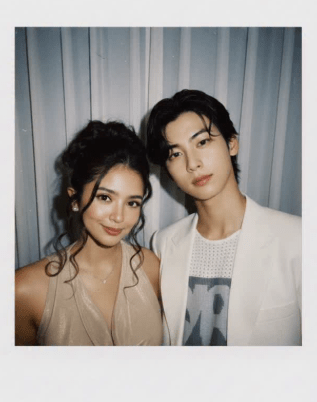
Type a natural language instruction like remove the background or make the lighting warmer. Nano Banana AI Image Editor interprets your request and applies the change.
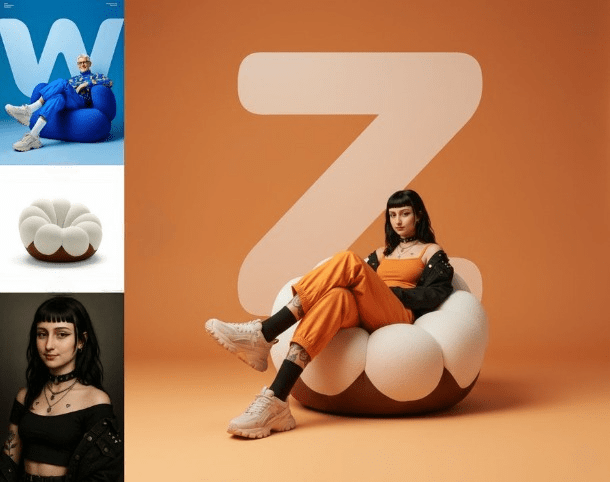
Preview the edited image, make additional adjustments if needed, and save the final version to your device.
Nano Banana AI Image Editor is Google's original AI powered photo editing model built on the Gemini architecture. It allows you to edit images using text prompts, making professional photo editing accessible to anyone.
Nano Banana AI Image Editor is the first generation model that established the conversational editing approach. Nano Banana 2 builds on this foundation with improved quality and speed. Both remain available on AI Photo Editor.
Yes. AI Photo Editor provides free credits so you can try Nano Banana AI Image Editor right away. No account creation is required to start editing your first image.
Nano Banana AI Image Editor handles background removal, object deletion, style changes, color adjustments, face retouching, and full scene modifications. You describe the change and the model executes it.
Yes. Since it runs entirely in the browser on AI Photo Editor, Nano Banana AI Image Editor works on phones, tablets, and desktop computers without any app installation.
The model handles straightforward edits with high accuracy. For complex multi step changes, breaking your request into individual instructions tends to produce the best results.
Yes. Beyond editing existing photos, Nano Banana AI Image Editor can create entirely new images from text descriptions. Describe a scene and the model generates it from scratch.
The model is designed to modify only the elements you specify. Unmentioned areas of your image remain untouched, preserving the original composition and details.