


01
Faster Than Premium Models
GPT Image 1.5 Generator returns results quickly, making it a strong choice when you need to iterate on ideas or test multiple prompt variations.
Get polished images fast with GPT Image 1.5 Generator. Ideal for rapid prototyping, photo edits, and creative exploration with balanced speed and quality.
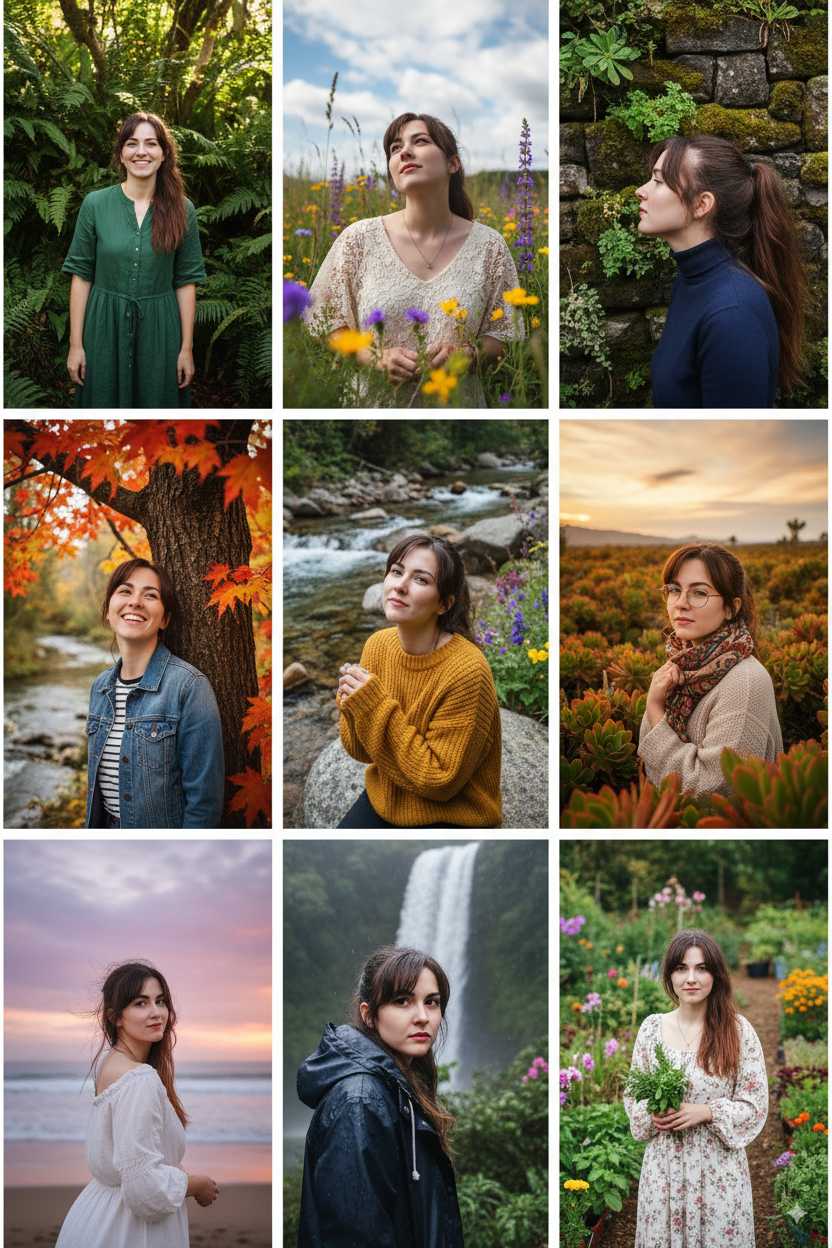
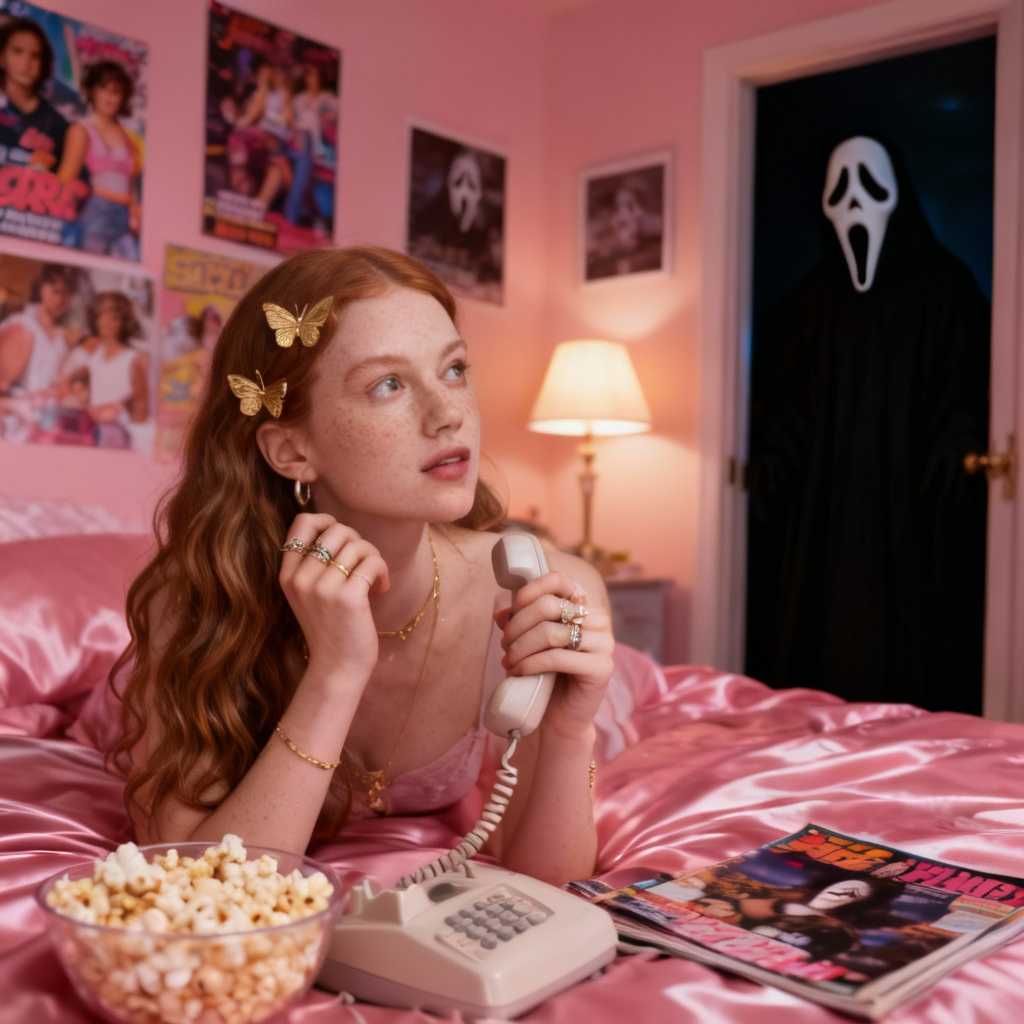
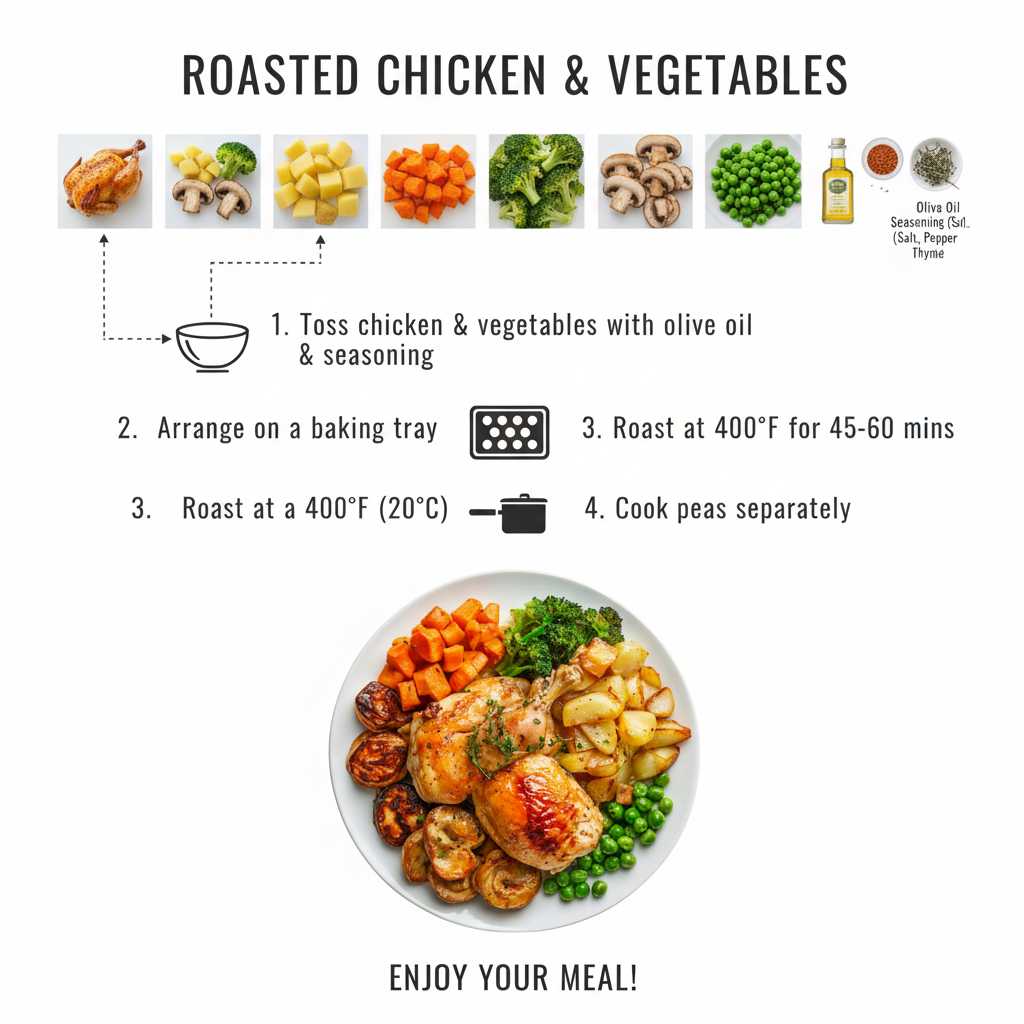
See what others have created with GPT Image 1.5 Generator and pick up prompt techniques for your own projects.
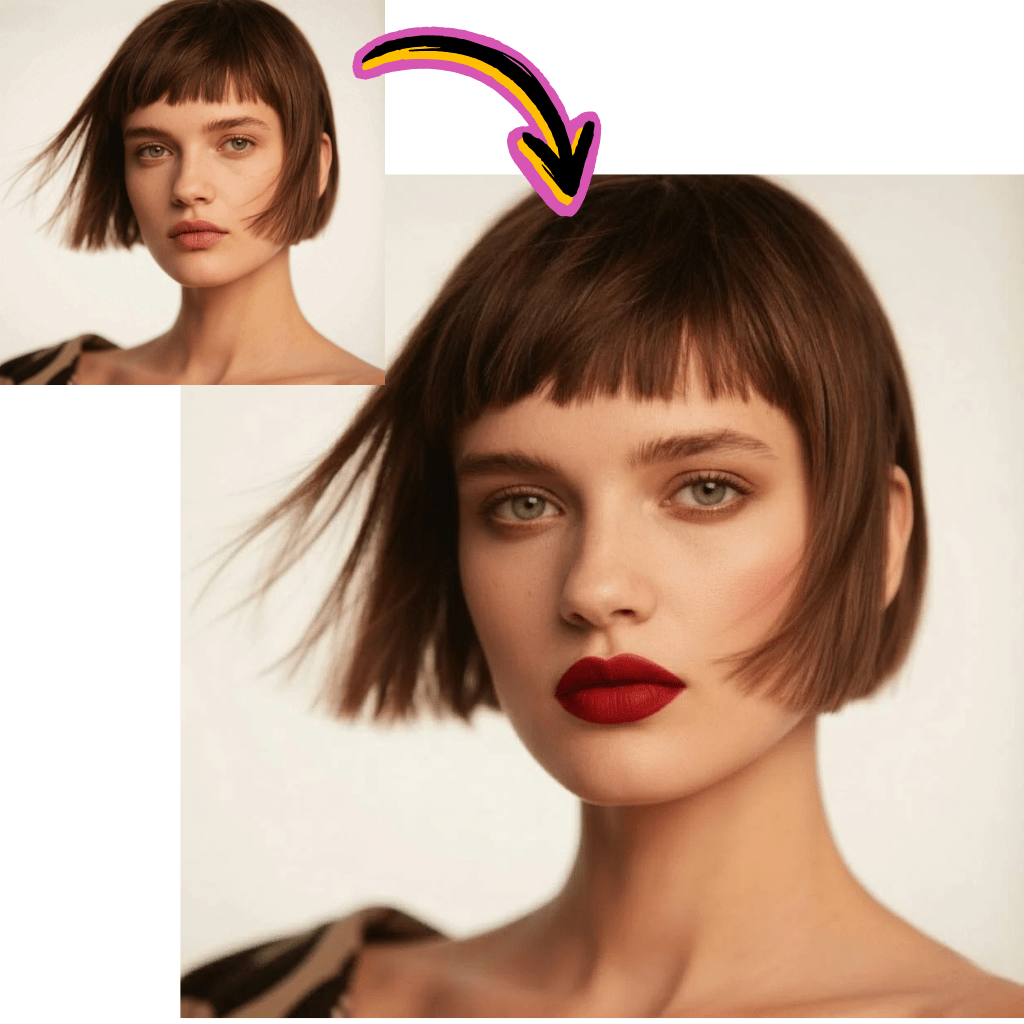
Original Image

Change the clothes to sports
Generated Results








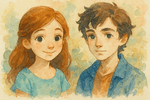
GPT Image 1.5 Generator returns results quickly, making it a strong choice when you need to iterate on ideas or test multiple prompt variations.
Upload a photo and describe your changes. GPT Image 1.5 Generator handles background swaps, color adjustments, and object modifications with consistent results.
The model reads your instructions carefully and produces images that match your description without unexpected additions or missing elements.
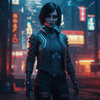
Test ideas quickly with GPT Image 1.5 Generator. The shorter generation time means you can explore more directions in less time.
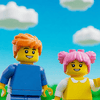
GPT Image 1.5 Generator excels at targeted edits. Change a background, remove an object, or adjust the mood of a photo with natural looking results.
As a mid tier model, GPT Image 1.5 Generator uses fewer credits per generation, letting you produce more images within your budget.
Write a clear prompt covering the subject, setting, and visual style. GPT Image 1.5 Generator responds well to specific details.
Select GPT Image 1.5 from the model list on AI Photo Editor. It is labeled clearly alongside other available models.
Check the output, tweak your prompt, and regenerate until the image matches your vision. The fast speed makes iteration painless.
GPT Image 1.5 Generator is OpenAI's mid tier image model. It sits between the basic and premium tiers, offering a practical balance of generation speed, image quality, and editing capability for everyday creative tasks.
GPT Image 1.5 Generator typically returns results faster than GPT Image 2 because it uses a lighter processing pipeline. This makes it better suited for quick iterations and draft exploration.
Yes. Upload any photo and describe the edit you want. GPT Image 1.5 Generator can change backgrounds, remove objects, adjust colors, and restyle images while keeping the original composition intact.
AI Photo Editor provides free credits for new users to try GPT Image 1.5 Generator. You can start generating and editing images right away without a subscription.
Choose GPT Image 1.5 Generator when speed matters more than maximum detail. It is ideal for brainstorming, social media content, quick mockups, and any workflow where you need results fast.
GPT Image 1.5 Generator produces clean, well composed images with good color accuracy and detail. While it does not match the 2K output of GPT Image 2, the quality is more than sufficient for most digital use cases.
GPT Image 1.5 Generator can render text inside images, though with less precision than GPT Image 2. For simple labels and short phrases, it works well. For complex multilingual text, consider upgrading to GPT Image 2.
Images created with GPT Image 1.5 Generator on AI Photo Editor can generally be used for personal and commercial purposes. Check the platform terms for specific licensing details.