


01
Next Level Photorealism
Seedream 5 AI Image Generator produces images with lifelike skin tones, natural light behavior, and material textures that rival professional photography.
Create photorealistic and stylized images with Seedream 5 AI Image Generator. ByteDance's newest model brings improved detail, natural lighting, and precise style control.
See what Seedream 5 AI Image Generator can produce and learn prompt strategies that unlock its full creative potential.
Original Image

Change the clothes to sports
Generated Results








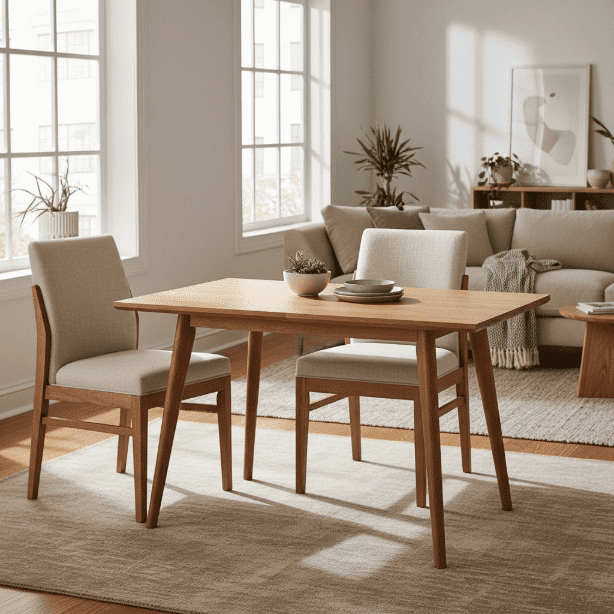
Seedream 5 AI Image Generator produces images with lifelike skin tones, natural light behavior, and material textures that rival professional photography.
Direct the artistic direction with precision. Specify film grain, color grading, lens effects, or painting techniques and watch the model follow through.
The model understands spatial relationships better than its predecessors, placing subjects and backgrounds in visually balanced arrangements.
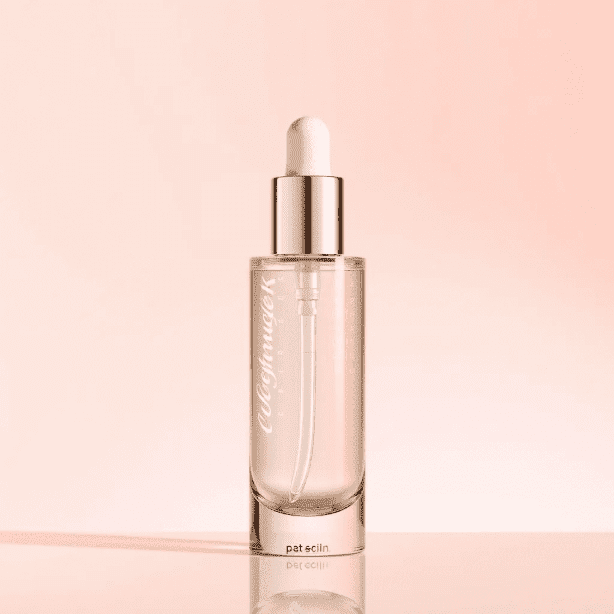
Seedream 5 AI Image Generator handles human faces, hands, and body proportions with noticeably fewer artifacts than many competing models.
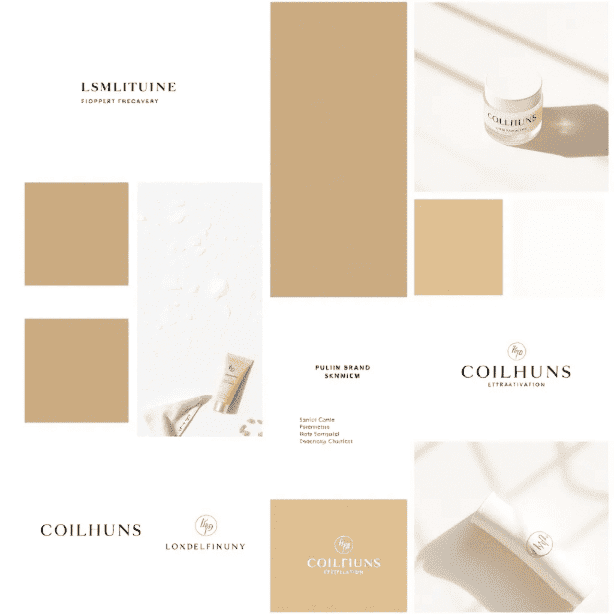
Create movie quality scenes with dramatic lighting, depth of field, and atmospheric effects. The model understands cinematic language naturally.
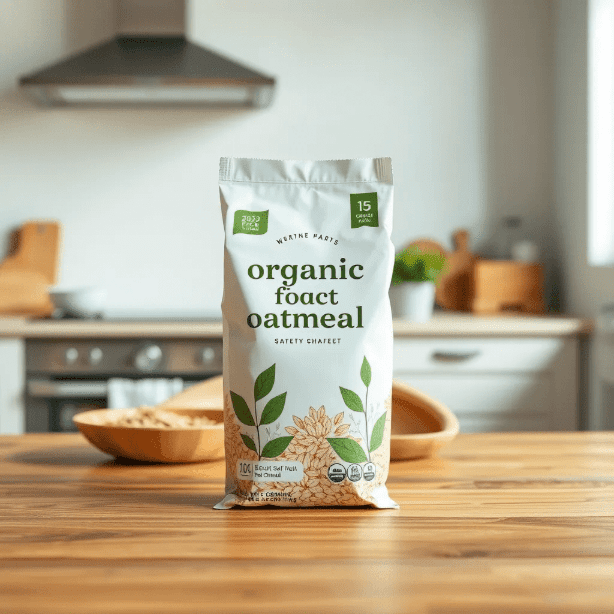
Switch between watercolor, oil painting, digital art, anime, and photorealism within the same tool. Seedream 5 AI Image Generator adapts fluidly.
Include the subject, environment, lighting conditions, and artistic style. Seedream 5 AI Image Generator responds especially well to cinematic and photographic terminology.

Navigate to the model selector and choose Seedream 5 AI Image Generator. It appears alongside other available models on AI Photo Editor.

Evaluate the generated image, adjust your prompt for better results, and download the final version in high resolution.
Seedream 5 AI Image Generator is ByteDance's latest image generation model. It specializes in photorealistic output with advanced style control, producing images with natural lighting, accurate human features, and rich environmental detail.
Seedream 5 AI Image Generator produces some of the most photorealistic AI images available today. Skin textures, fabric details, and natural lighting are rendered with a quality that approaches professional studio photography.
Yes. You can specify film styles, color palettes, lens effects, painting techniques, and artistic movements in your prompt. The model interprets style directions with high fidelity.
New users receive free credits to try Seedream 5 AI Image Generator. This lets you test the model quality and decide if it fits your workflow before committing to a paid plan.
Seedream 5 AI Image Generator improves significantly on previous versions with better photorealism, more accurate prompt following, reduced artifacts on human features, and broader style versatility.
The model excels at portraits, fashion photography, landscape scenes, food photography, architectural visualization, and concept art. It is particularly strong with human subjects and natural environments.
Yes. While its strength is photorealism, Seedream 5 AI Image Generator also produces clean anime, manga, digital illustration, and painterly styles when directed through the prompt.
Generation typically completes within a few seconds on AI Photo Editor. Complex scenes with many elements may take slightly longer, but the wait is minimal for most prompts.