


01
Aurora Rendering Engine
Grok Imagine AI runs on Aurora, xAI's proprietary rendering system. It produces photorealistic output with accurate lighting, material textures, and natural skin tones.
Generate photorealistic renders and creative visuals with Grok Imagine AI. Powered by xAI's Aurora engine, it supports multiple styles and conversational image editing.
Explore what Grok Imagine AI can produce across different styles and find prompts that bring out the best of the Aurora engine.
Original Image

Change the clothes to sports
Generated Results








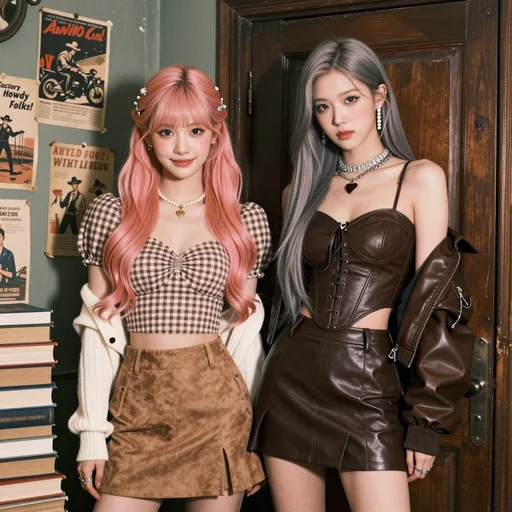
Grok Imagine AI runs on Aurora, xAI's proprietary rendering system. It produces photorealistic output with accurate lighting, material textures, and natural skin tones.
Refine your images through dialogue. Tell Grok Imagine AI what to change and it adjusts the existing image instead of generating from scratch, preserving the elements you already like.
From photorealism to illustration, Grok Imagine AI adapts to your creative direction. Switch between styles within the same conversation without losing context.
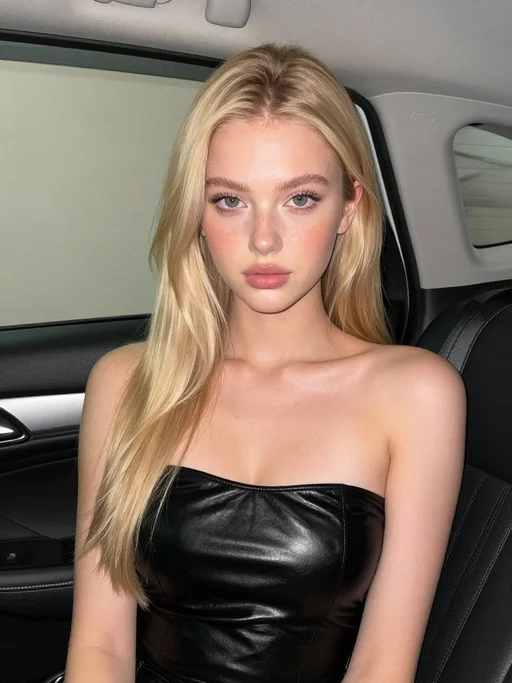
The Aurora engine behind Grok Imagine AI prioritizes realism. Portraits, product shots, and environmental scenes come out looking natural without heavy prompt engineering.
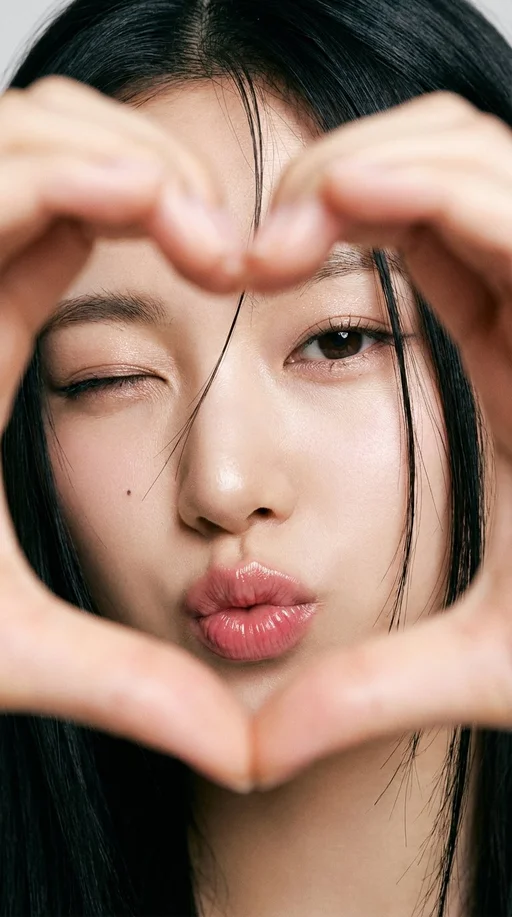
Most generators force you to regenerate entirely when something is off. Grok Imagine AI lets you describe specific changes and applies them to the current image.
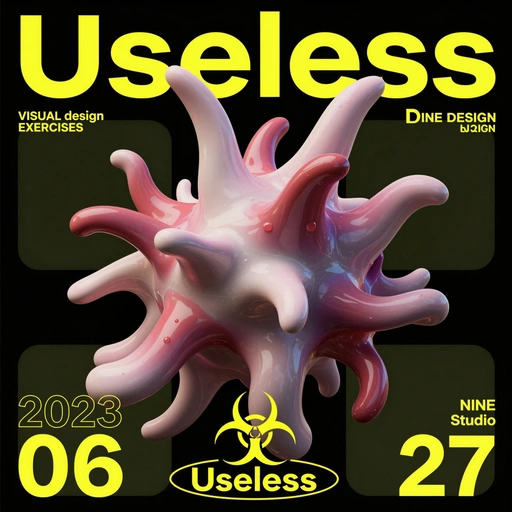
Beyond still images, Grok Imagine AI can produce 6 to 15 second video clips from your prompts, adding motion to your creative projects.
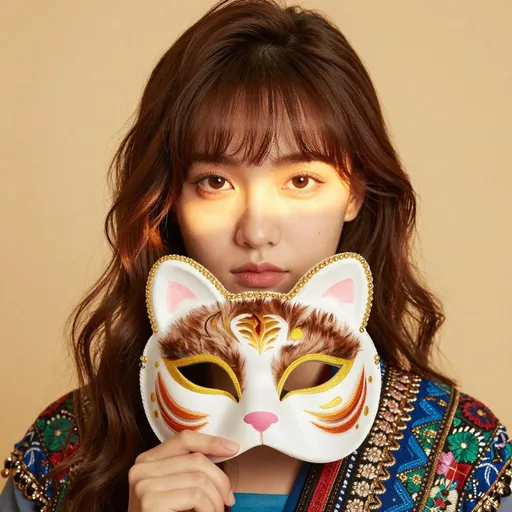
Write a prompt describing the image you want. Grok Imagine AI understands natural language well, so write as if you are explaining the scene to a photographer.
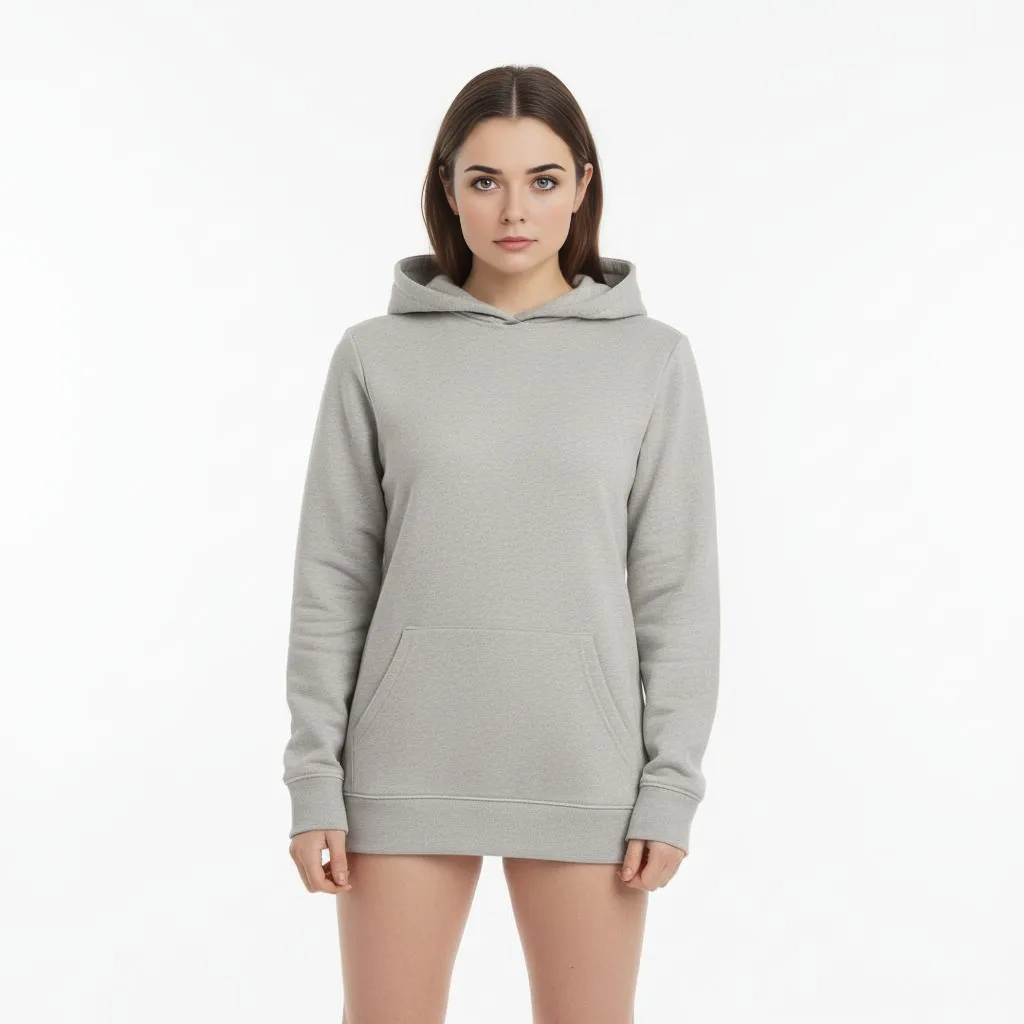
Select Grok Imagine AI from the model list on AI Photo Editor. The Aurora engine loads automatically with no setup needed.

Review the result and describe any changes you want. Grok Imagine AI adjusts the image based on your feedback, letting you fine tune without regenerating.
Grok Imagine AI is xAI's image and video generation tool powered by the Aurora rendering engine. You describe what you want in natural language, and the model creates photorealistic or stylized visuals based on your prompt.
Yes. Grok Imagine AI can generate short video clips ranging from 6 to 15 seconds. These clips are created from text or image prompts and include smooth motion and scene transitions.
After generating an image, you can describe changes in plain language. Grok Imagine AI modifies the existing image based on your instructions rather than creating a completely new one, preserving the parts you want to keep.
New users get free credits to try Grok Imagine AI. You can generate images and short videos immediately, then choose a plan that fits your usage when you need more.
Grok Imagine AI handles photorealism, digital illustration, concept art, anime, oil painting, and graphic design styles. The Aurora engine adapts to the style direction you include in your prompt.
The Aurora engine produces highly photorealistic output. Skin textures, lighting conditions, material surfaces, and environmental details are rendered with a quality that approaches professional photography.
The combination of photorealistic rendering, conversational editing, and video clip generation sets Grok Imagine AI apart. Most generators require you to start over for changes, while Grok lets you refine iteratively.
Yes. The output quality and style range make Grok Imagine AI suitable for marketing materials, social media content, product visualization, and other professional creative work.