


01
Clothing That Looks Real on Models
The AI fashion photo editor renders fabric textures, natural draping, and realistic fit. Garments look worn, not pasted on. Cotton, silk, denim, and leather each receive appropriate visual treatment.
Generate professional fashion photography without a studio or crew. The AI fashion photo editor creates model shots, outfit showcases, and brand visuals from your descriptions or reference photos.
Browse fashion photography created with our AI fashion photo editor. See runway looks, street style, lookbook shots, and brand campaign visuals. Click any image to copy the prompt.
Original Image

Change the clothes to sports
Generated Results







The AI fashion photo editor renders fabric textures, natural draping, and realistic fit. Garments look worn, not pasted on. Cotton, silk, denim, and leather each receive appropriate visual treatment.
Maintain the same lighting, color palette, and mood across your entire catalog. The AI fashion photo editor keeps your brand aesthetic uniform whether you process ten photos or a thousand.
Show your clothing on different body types, ethnicities, and age groups without booking multiple models. The AI fashion photo editor generates diverse representation from a single product description.
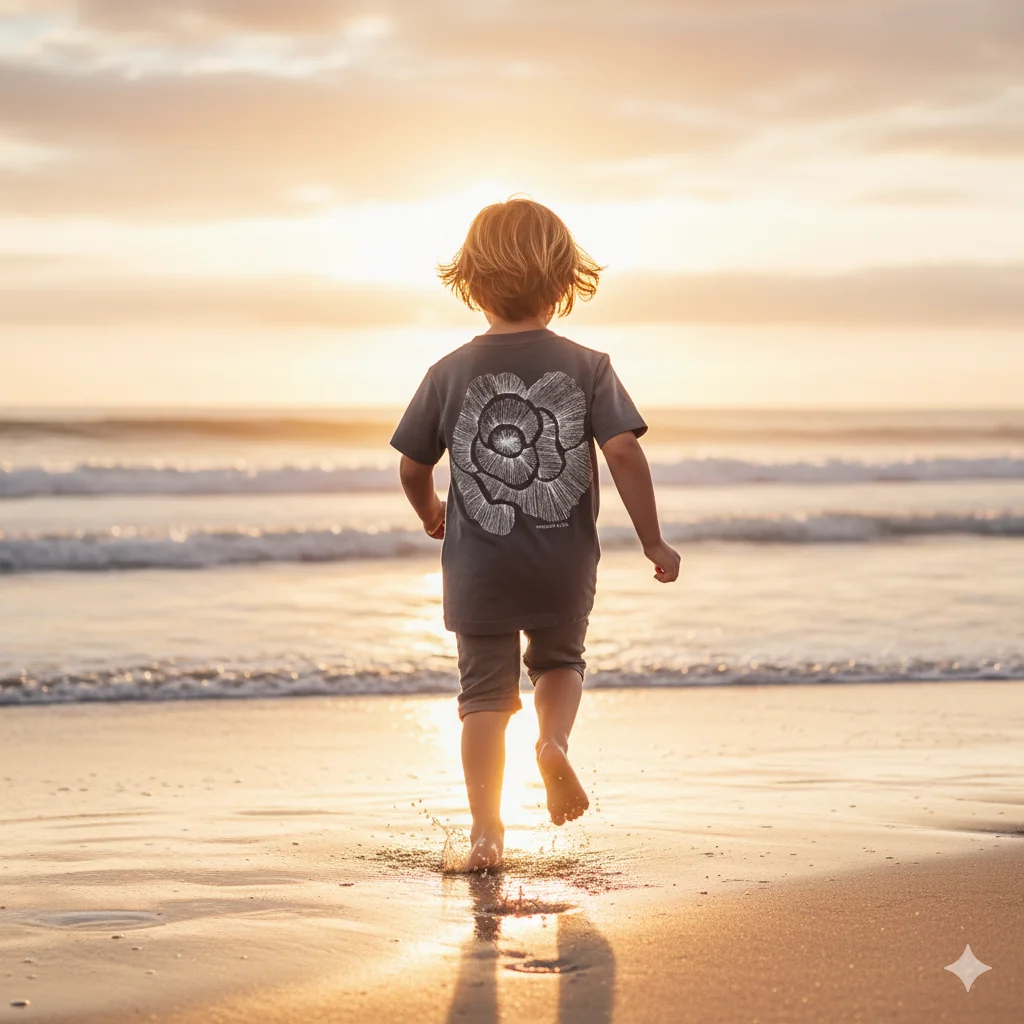
Upload a flat-lay or mannequin shot and the AI fashion photo editor generates realistic on-model photography. Small brands and independent sellers get professional product visuals without production overhead.

New arrivals need fresh visuals immediately. The AI fashion photo editor produces campaign-ready images the same day products arrive, keeping your store and social feeds current.

Visualize how a design concept looks on a model before manufacturing. The AI fashion photo editor helps designers and buyers make decisions based on realistic previews rather than flat sketches.
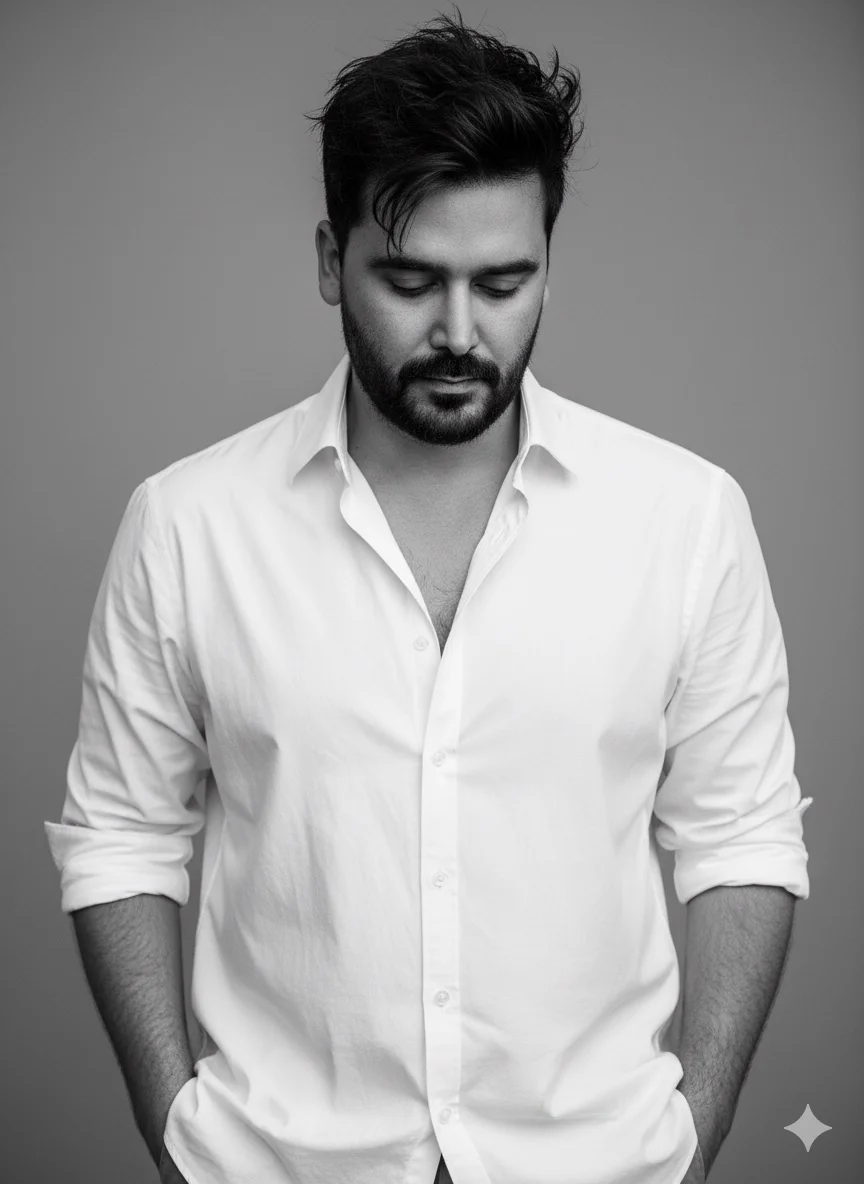
Upload a garment photo, a reference image, or simply describe the fashion look you want. The AI fashion photo editor works with both visual and text inputs.
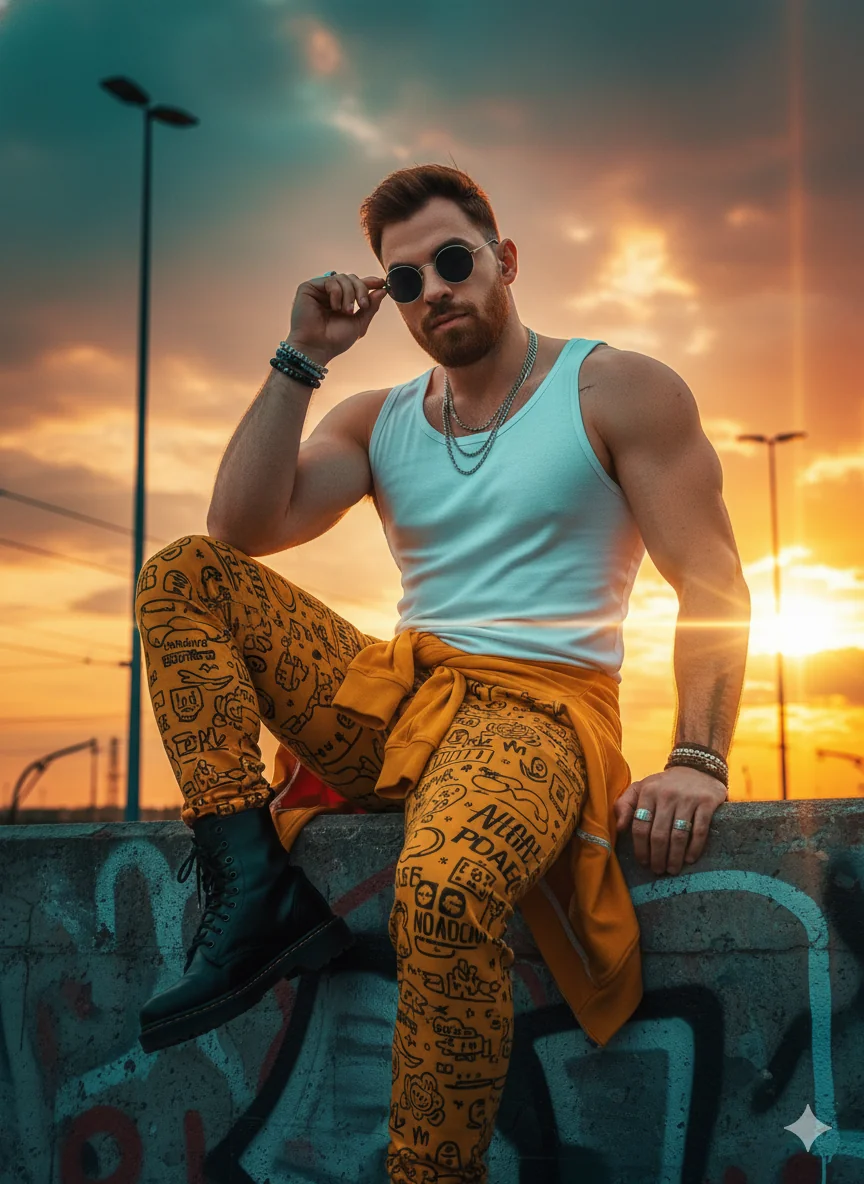
Specify the style: 'street style with urban backdrop', 'clean e-commerce white background', 'editorial with dramatic studio lighting', or 'lifestyle outdoor campaign'. Add details about model appearance and pose.
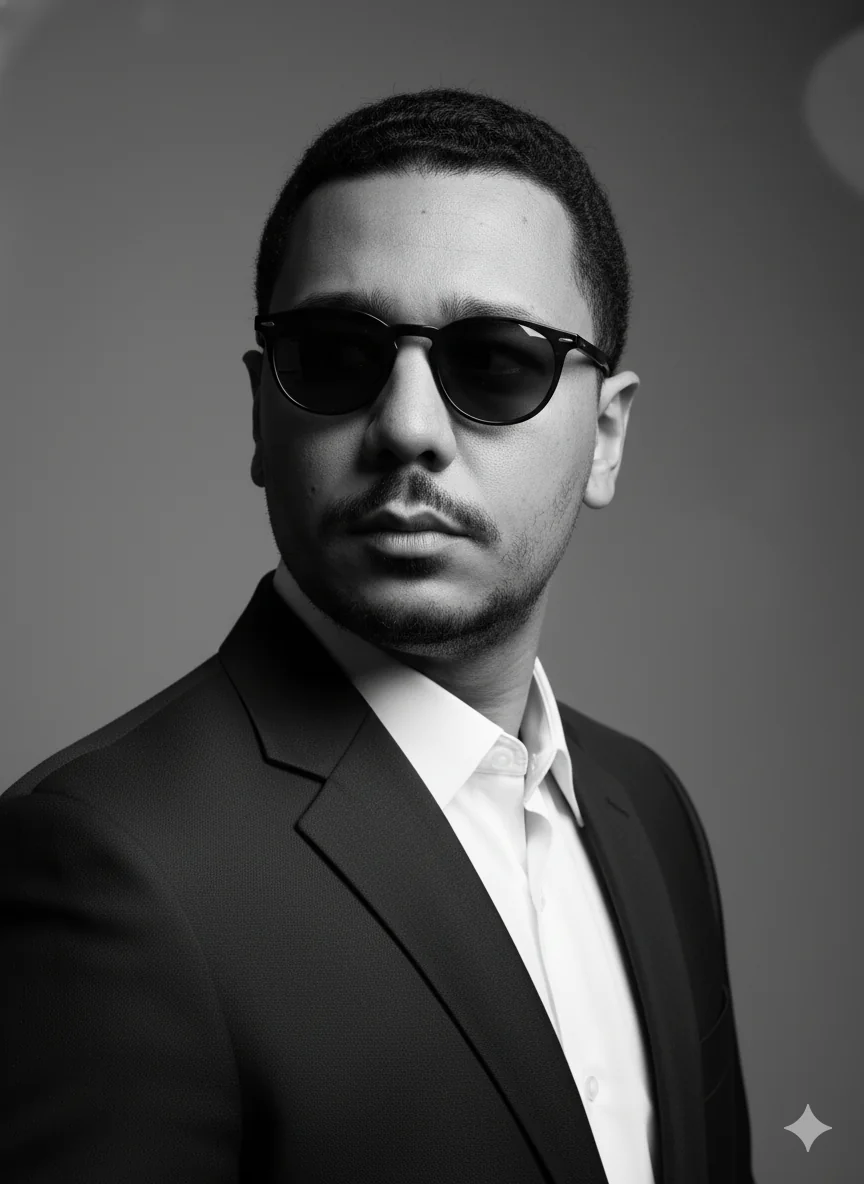
Review the fashion photos, refine your prompt for adjustments, and download high-resolution files for your online store, social media, or print catalog.
Yes. Describe the model characteristics and outfit, and the editor generates realistic on-model photography. Fabric drape, fit, and body proportions are rendered naturally. This works for dresses, jackets, casual wear, and accessories.
Many online sellers use it for product pages on Shopify, Amazon, and Etsy. The output quality meets the visual standards of major e-commerce platforms. For best results, start with a clear product photo and describe the model and setting you want.
Yes. Use the same prompt template across your product line and the editor produces photos with uniform lighting, color grading, and composition. This creates a cohesive visual identity across your entire catalog.
The editor renders cotton, silk, denim, leather, wool, and synthetic fabrics with appropriate texture and drape. Sheer materials show transparency, heavy fabrics show structure, and knits show stretch. Describe the material in your prompt for best accuracy.
Yes. Process multiple outfits with consistent styling prompts to create a complete lookbook. The editor maintains visual continuity across shots, making the collection feel curated and intentional.
Traditional fashion shoots cost thousands per day for photographer, model, stylist, and studio. The AI fashion photo editor produces comparable results for digital use at a fraction of the cost. High-end print campaigns may still benefit from traditional production for maximum control.
Yes. Specify model characteristics in your prompt: body type, ethnicity, age range, and styling preferences. The editor generates diverse representation without booking multiple models, helping brands show their clothing on a range of people.
New users receive free credits to test the fashion editor. Create several fashion photos to evaluate the quality and see how it fits your brand workflow before choosing a plan.
Yes. Describe an urban setting, natural movement, and casual styling for authentic street style results. The editor handles city backdrops, natural lighting, and the candid feel that defines street fashion photography.
Clear product photos on neutral backgrounds produce the most accurate results. Flat-lay shots, mannequin photos, and hanger shots all work. You can also start from scratch with a text description of the complete look you want to create.